-D2 -66
11-1
PATTERNS IN MEMORY
5_B NB01
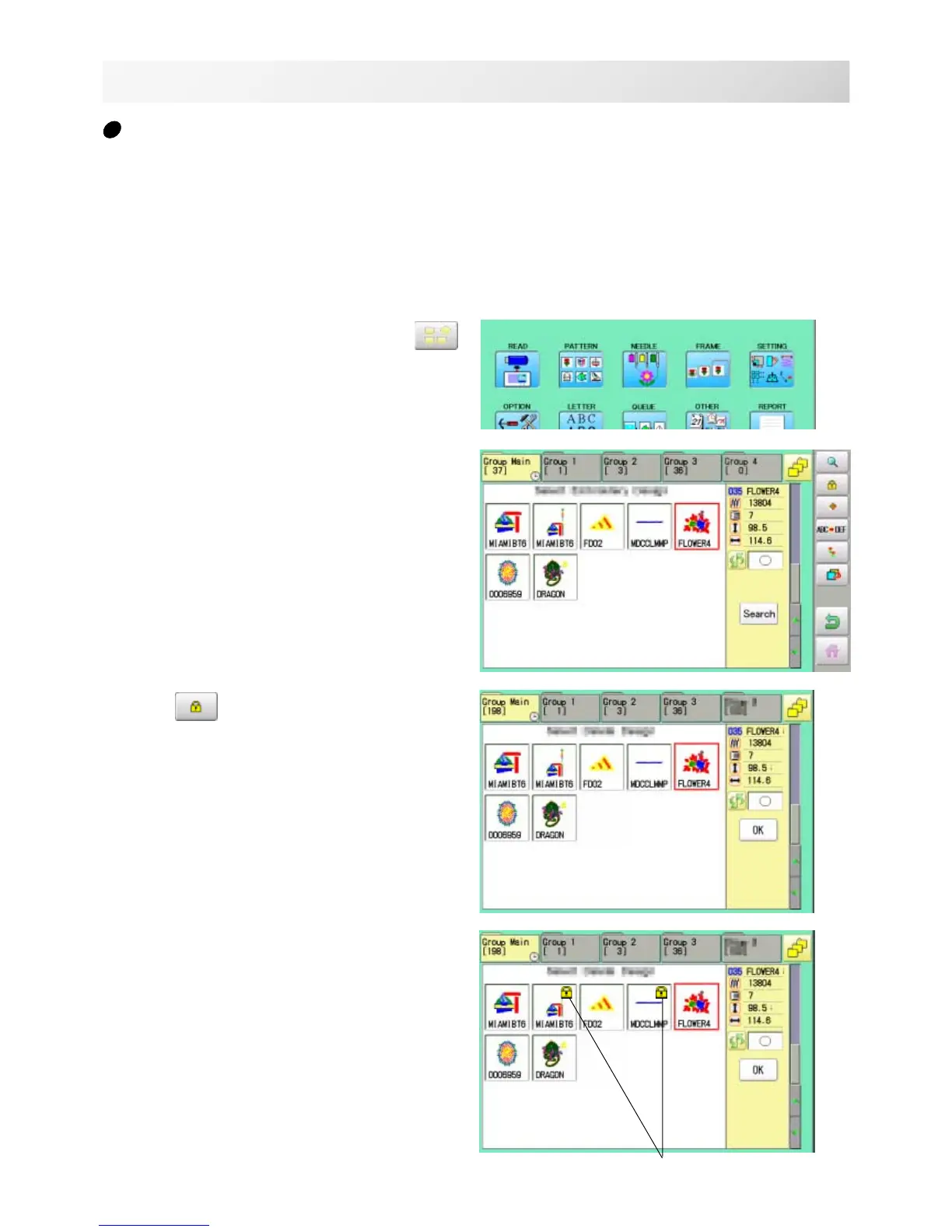
1. When the machine is stopped, press .
2. Select "PATTERN".
3. Press from right submenu.
4. Select desired pattern.
Mark will appear right of the pattern.
Make will be cleared by press it again.
Multiple pattern data can be selected.
Locking pattern data
Locking pattern data stored in the machine memory will prevent deletion and changes in set-
tings.
Mark



 To Next Page