-D2 -71
11-5
PATTERNS IN MEMORY
11_5 NB01
Renaming patterns
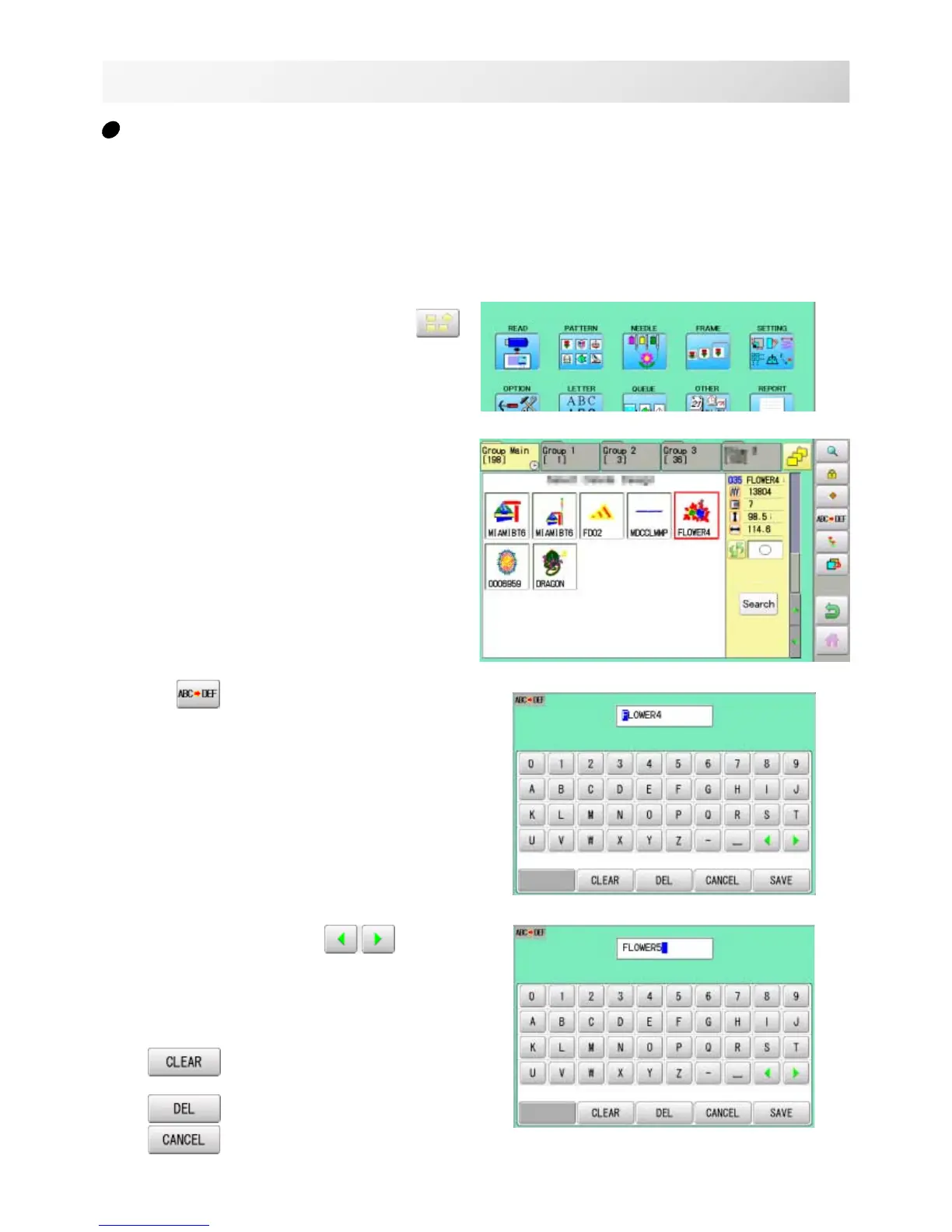
Rename pattern in memory.
1. When the machine is stopped, press .
2. Select "PATTERN".
3. Select desired pattern.
4. Press
from right submenu.
5. Choose the column with
.
Then select each digit in the existing name.
Select word.
The maximum number of characters in a design
name is eight letters or numbers.
All the letters and/or numbers are
deleted.
Selected letter or number is deleted.
Renaming is cancelled.



 To Next Page