-SA -34
11-A
PATTERNS IN MEMORY
11_A NB01
Sort
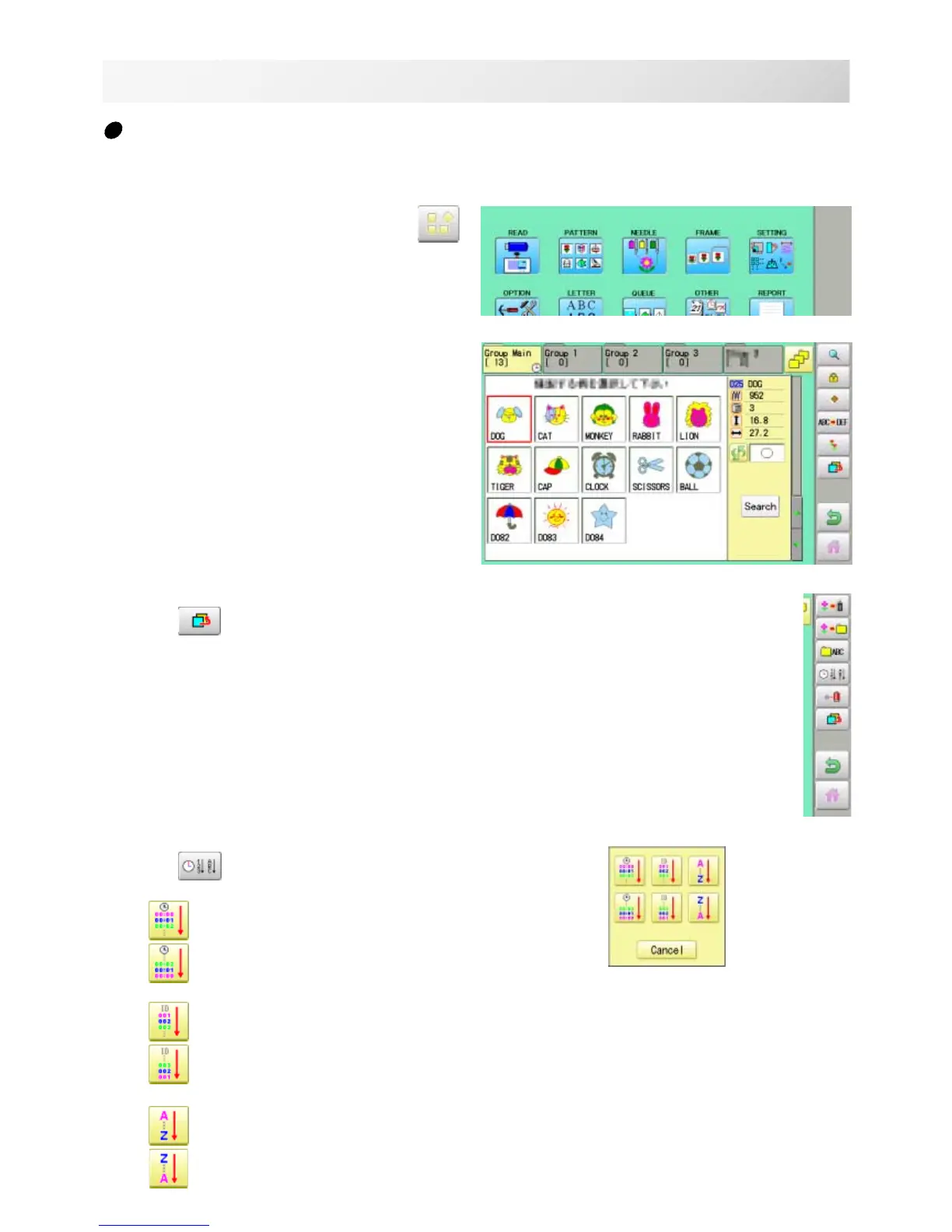
Ordinate the pattern data in the displayed folder.
1. When the machine is stopped, press .
2. Select "PATTERN".
3. Press from right submenu.
4. Press
from right submenu.
To sort in ascending order of loading
To sort in descending order of loading
To sort in ascending order of pattern number
To sort in descending order of pattern number
To sort in ascending order of name of pattern
To sort in descending order of name of pattern



 To Next Page