-SJ -28
MESSAGES
5-3
5_3 O512
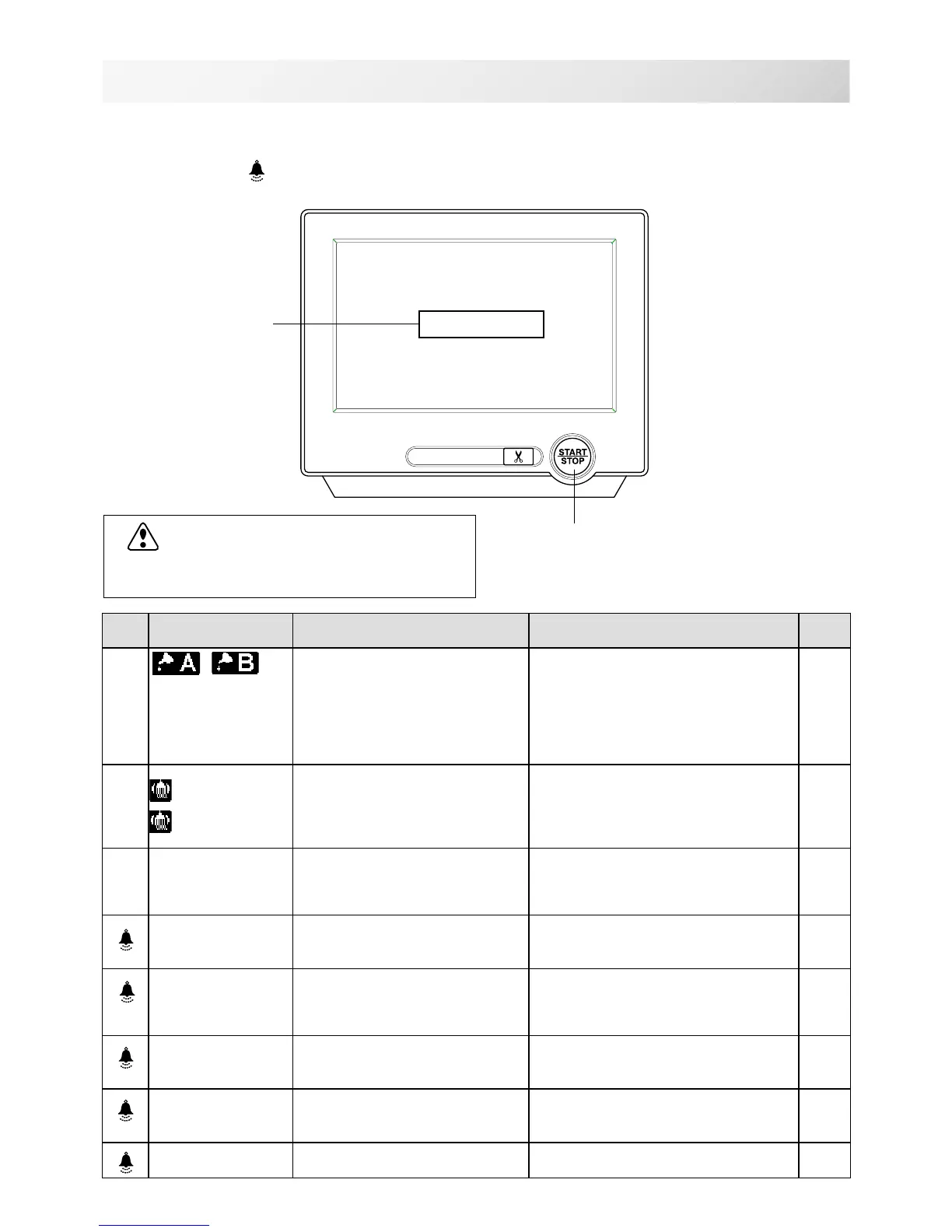
Below is a list of possible messages that may appear while operating the machine, along with
an brief explanation and suggested actions to take as a result.
The message with
mark will be appeared with beep sound.
Press the screen (any location is okay), then message will disappear.
Start/Stop button
Message
>>Stop Switch
CAUTION: To prevent accidents.
The embroidery frame may move. Please
keep hands clear for your safety.
MESSAGE EXPLANATION OPERATION PAGE
Place to oil
Designated letter on the display
is due to be lubricated.
Push [Done] and lubricate indicated
location with instruction in
the reference page.
Push [Leter], if you can not lubricate
right away.
The message will be disappeared
temporary, but it will come up later.
23-1
Cleaning of
rotary fook
Cleaning of
thread cut
knife
Clean the rotary hook and the
thread cutting knife.
Clean with instruction in the
reference page.
23-2
>>Stop Switch
The machine is stopped
because the stop button was
pressed while embroidering the
design.
Press the start/stop button to resume
sewing.
>>End
The machine is stopped
because it has finished the
design.
If you wish to sew design again,
please newly hooped item on
machine & press start/stop button.
>>Change Stop
Machine stopped, because you
used "Stop at color change
point" function.
When you press the start/stop button,
the machine will select the next color
and resume embroidering
automatically.
>>Color ?
Machine stopped because the
next color has not been
selected.
Please select next needle number by
needle selection button then press
the start/stop button.
>>Thread Break
Machine stopped, because
upper or bobbin thread broken.
Please thread upper thread or check
bobbin thread then press start/stop
button to resume sewing.
>>Frame out
The "Frame out" function has
been executed.
Press the start/stop button if OK.
14-D



 To Next Page