-SA -66
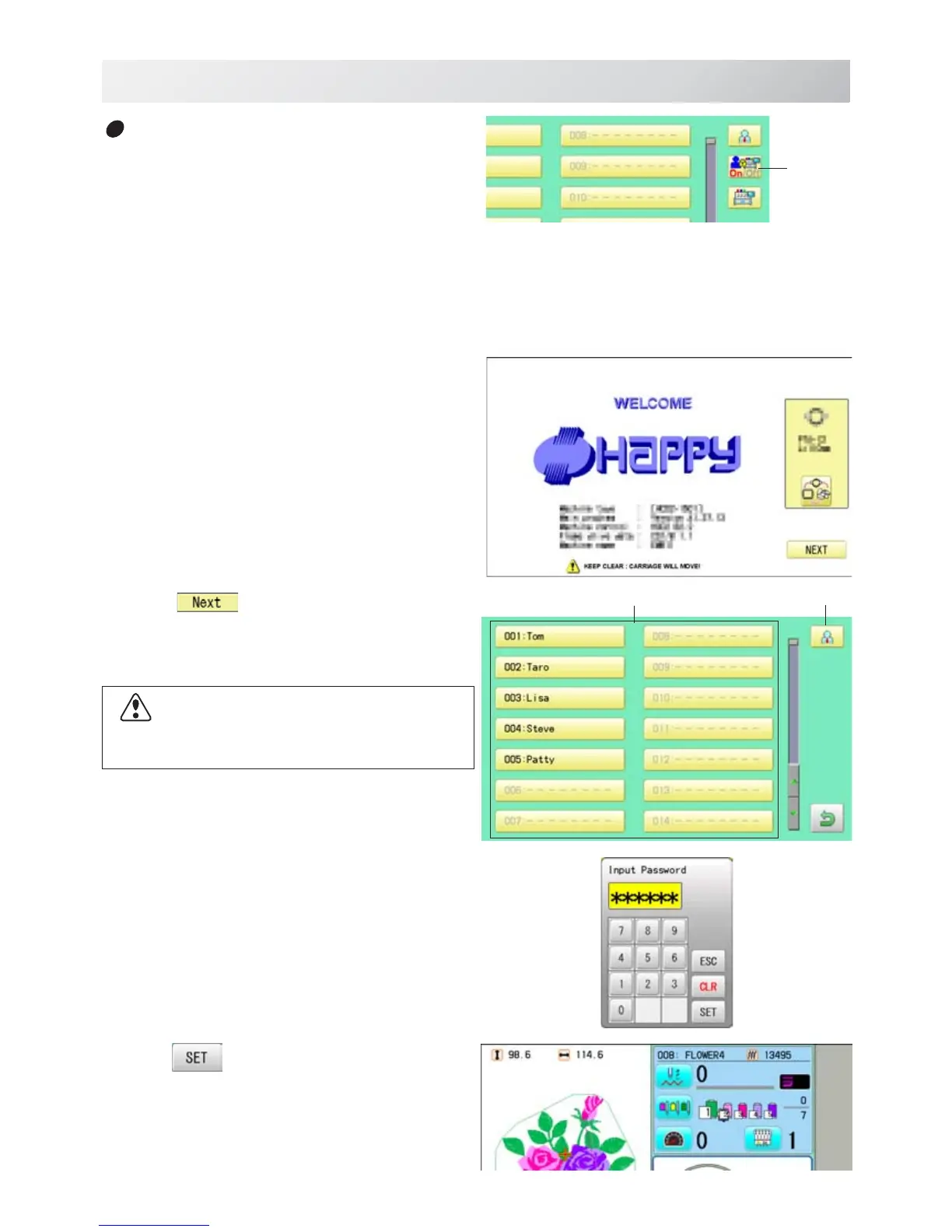
1. Turn on the power switch.
2. Press
.
After the carriage and frame move slightly, the
embroidery frame will return to the previous
position automatically.
3. Select user or administrator
If password has not been set, the screen will be
changed as step 5.
4. Enter the password.
5. Press
.
Machine becomes ready for operation.
USER MANAGEMENT
21_9 O901
22-9
User
Selection of user (Login) at power ON
The user selection menu will be displayed,
when User management function has been
activated beforehand.
Administrator
User
manage-
ment
CAUTION: To prevent accidents.
The embroidery frame and carriage will move.
Please keep hands clear for your safety.



 To Next Page