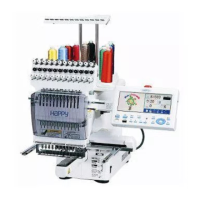
-SA -60
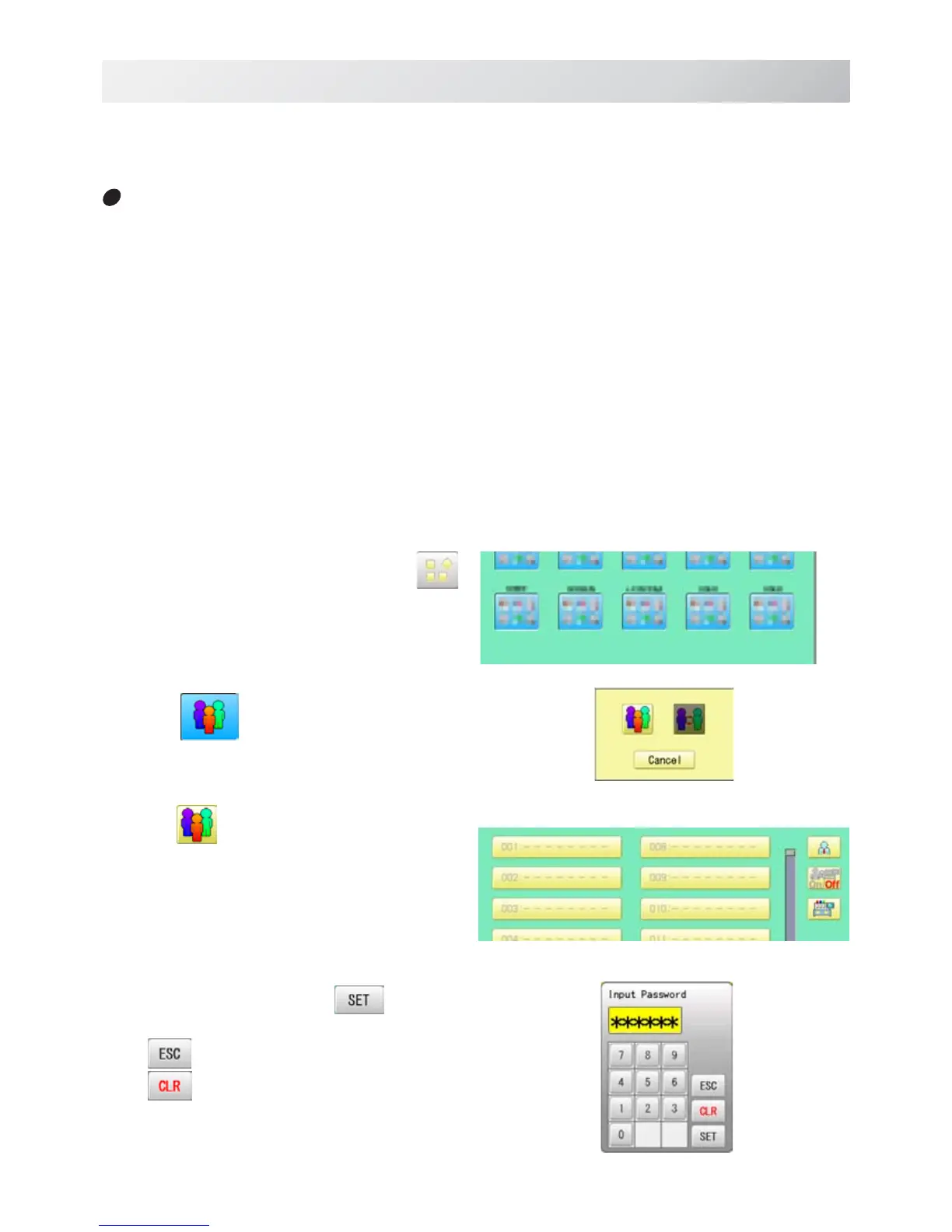
1. When the machine is stopped, press .
2. Select " USER".
3. Press .
When administratorÅfs password is set,
enter password and press .
Cancelled.
Numbers are deleted.
USER MANAGEMENT
21_3 O901
22-3
When machine operators have been registered as user, you can manage the right to operate
the embroidery machine and you can collect the production data of each user.
Registration of administrator
Registration and change of administratorÅfs name and password.
Only registered administrator has the right to access the user management function.
The display when password is not set.
The display when password is set.


 To Next Page