-SA -64
22-2a
i-CUSTOM
21_2 P401
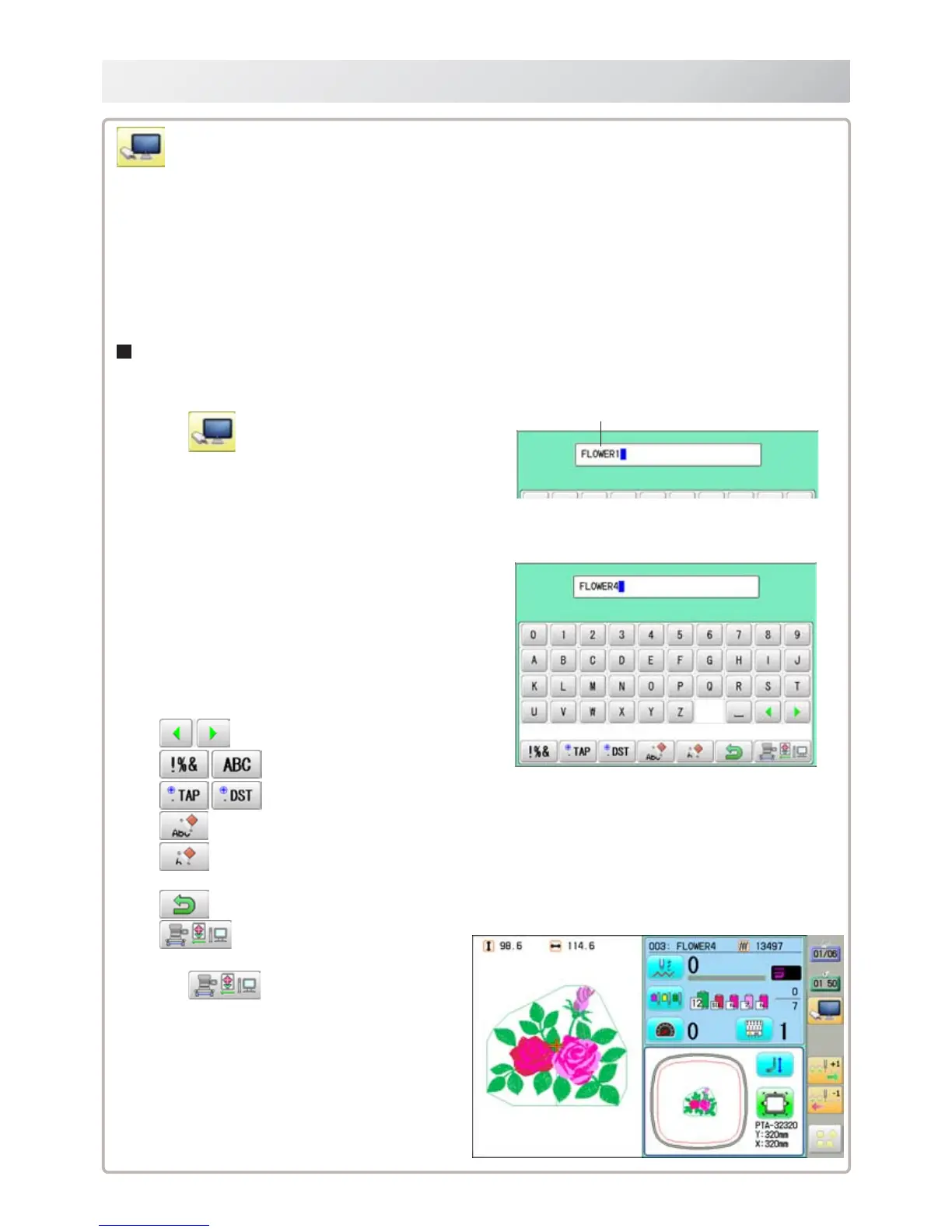
1. Press .
2. Enter the pattern name.
The maximum number of characters in a
design name is 24 letters or numbers.
For correct retrieval, all characters need to
match exactly.
Normally, extension name is not required
when the pattern name is displayed correctly.
The cursor moves left and right.
The screen is switched.
Enter the extension.
All the letters are deleted.
The letter is deleted before the cursor
position.
The screen returns to drive mode.
Read retrieved pattern from PC.
3. Press .
Read retrieved pattern from PC, then return to
Drive mode..
Currently selected pattern name is displayed.
LAN connection
This indicates the machine connects with LAN.
The retrieval function will not work when same pattern name is saved in selected folder and
sub-folder.
Design folder settings on the "Happy Link LAN" is required before reading pattern data.
Please refer to "Happy Link LAN" System INSTRUCTION MANUAL regarding the settings
method.
The pattern data can be read through the designated folder and sub-folders.
The retrieval function will not work when same pattern name is saved in selected folder
and sub-folder.



 To Next Page