-DA -128
13-H
FRAME CONFIRMATION
20_J O901
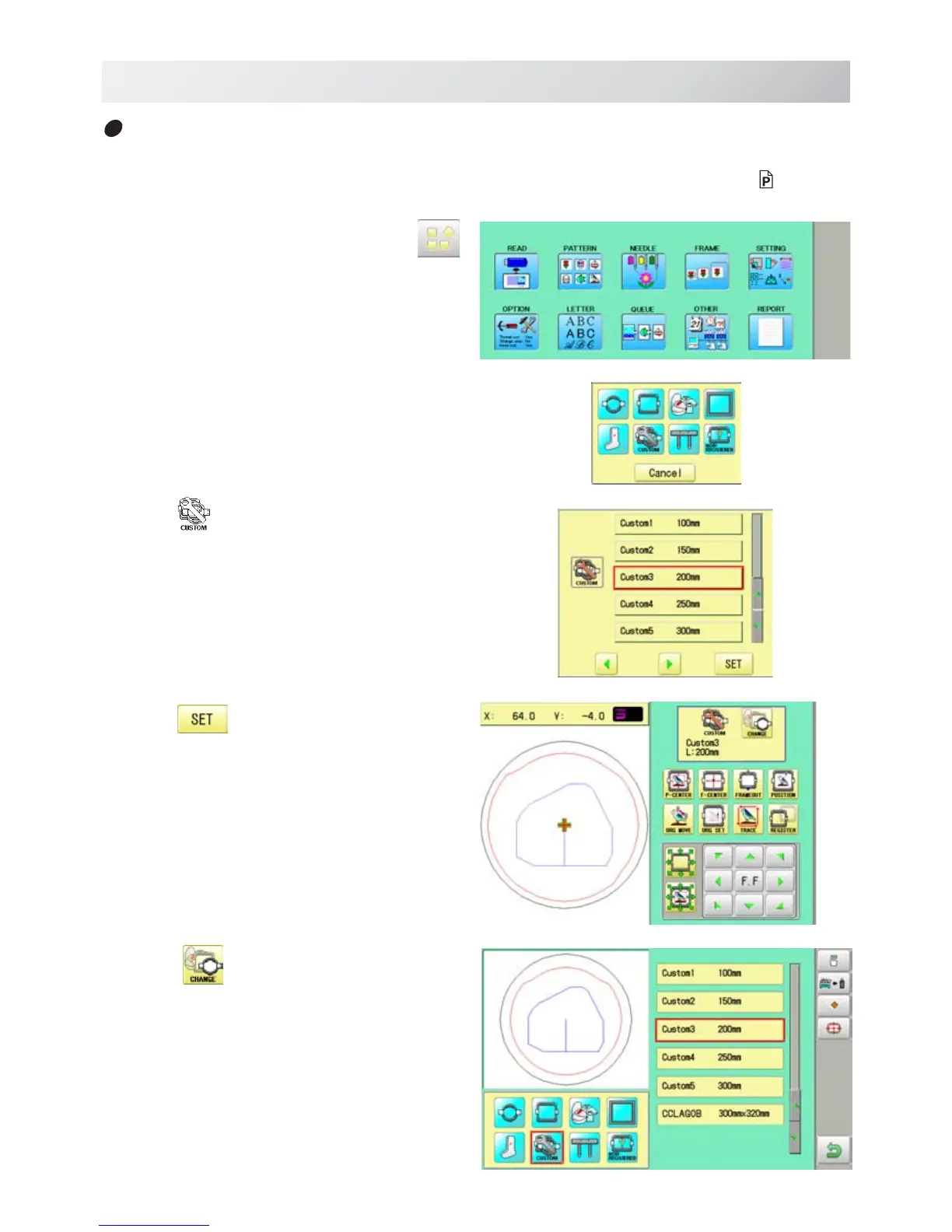
How to change center point of frame (1 ~ 5, 6 ~ 20)
You can change memorized frame center point.
When you set your frame and use machine function of "Frame move" and "Center" (
3-9c ), If
your frame is not center, please practice following steps for center setting again.
1. When the machine is stopped, press
.
2. Select "FRAME".
3. Select
"User-defined frames".
4. Press
.
You can choose any frame options.
5. Press t .



 To Next Page