-DA -129
13-I
FRAME CONFIRMATION
20_K O901
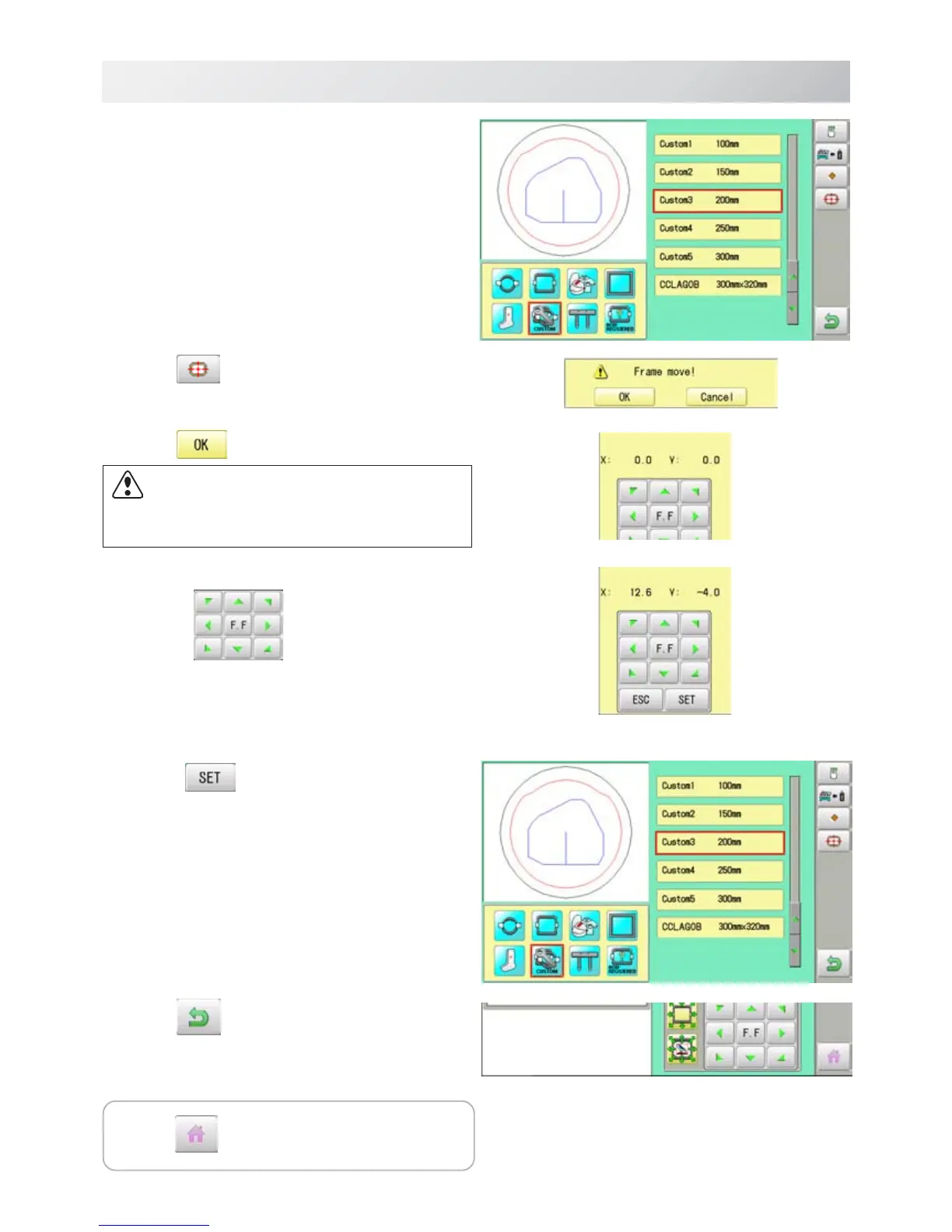
6. Select desired User-defined frames.
7. Press .
8. Press
.
9. Move embroidery frame to frame center
point by
.
10.Press
.
Memorized frame center point coordinate to the
machine.
11.Press .
Press to return to Drive mode.
CAUTION: To prevent accidents.
The frame moves quickly.
Keep hands away from the frame.



 To Next Page