-SA -63
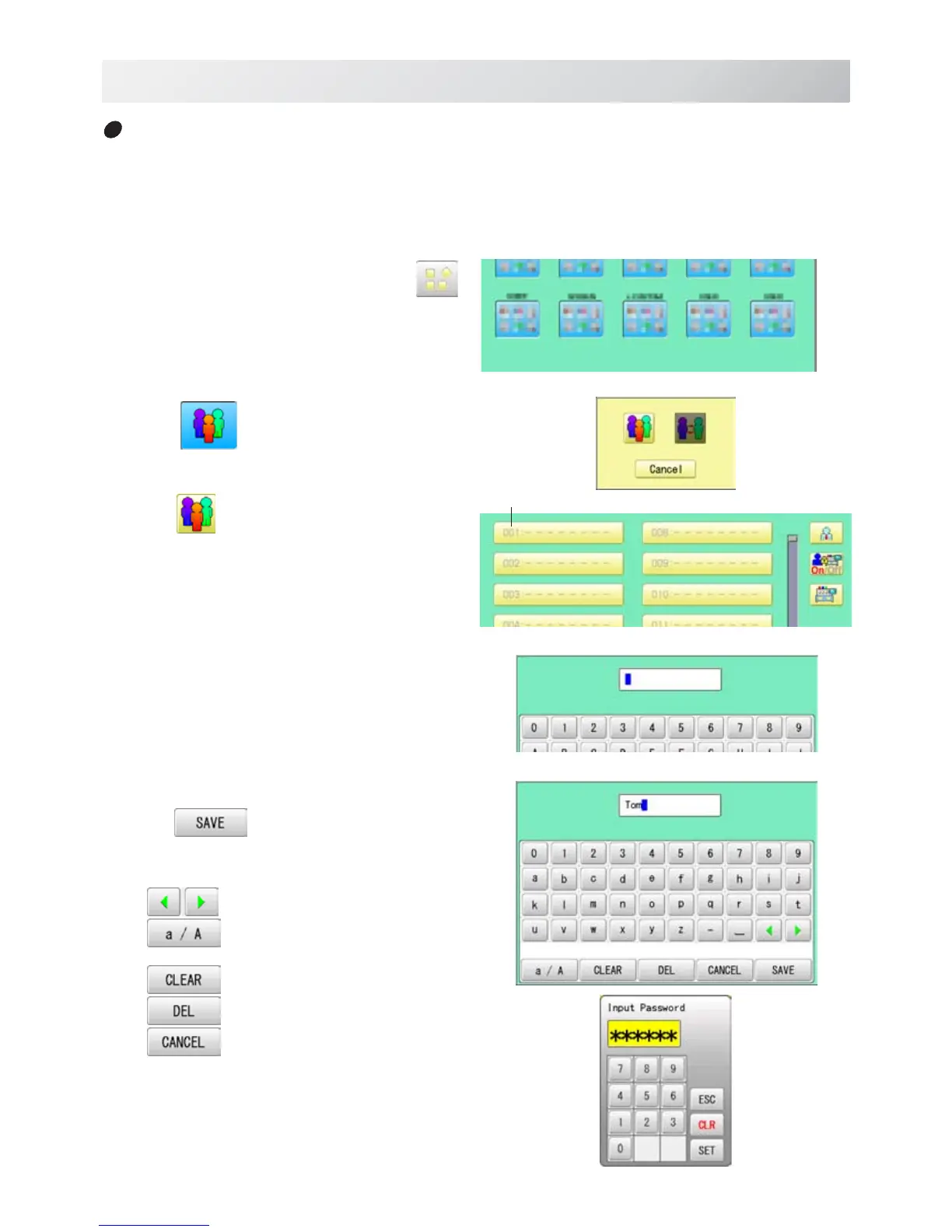
1. When the machine is stopped, press .
2. Select
" USER".
3. Press
.
4. Select desired ID number.
5. Enter user name from key board then,
press .
The maximum number of characters is 16 letters.
Cursor are moved.
Uppercase and lowercase letter are
switched.
All the letters are deleted.
Selected number is deleted.
Cancelled.
USER MANAGEMENT
21_6 O901
22-6
Registration of user
Registration and change of user name and password.
The maximum 250 user can be registered.
User ID



 To Next Page