-D2 -87
14-7
PATTERN SETTINGS
12_7 NB01
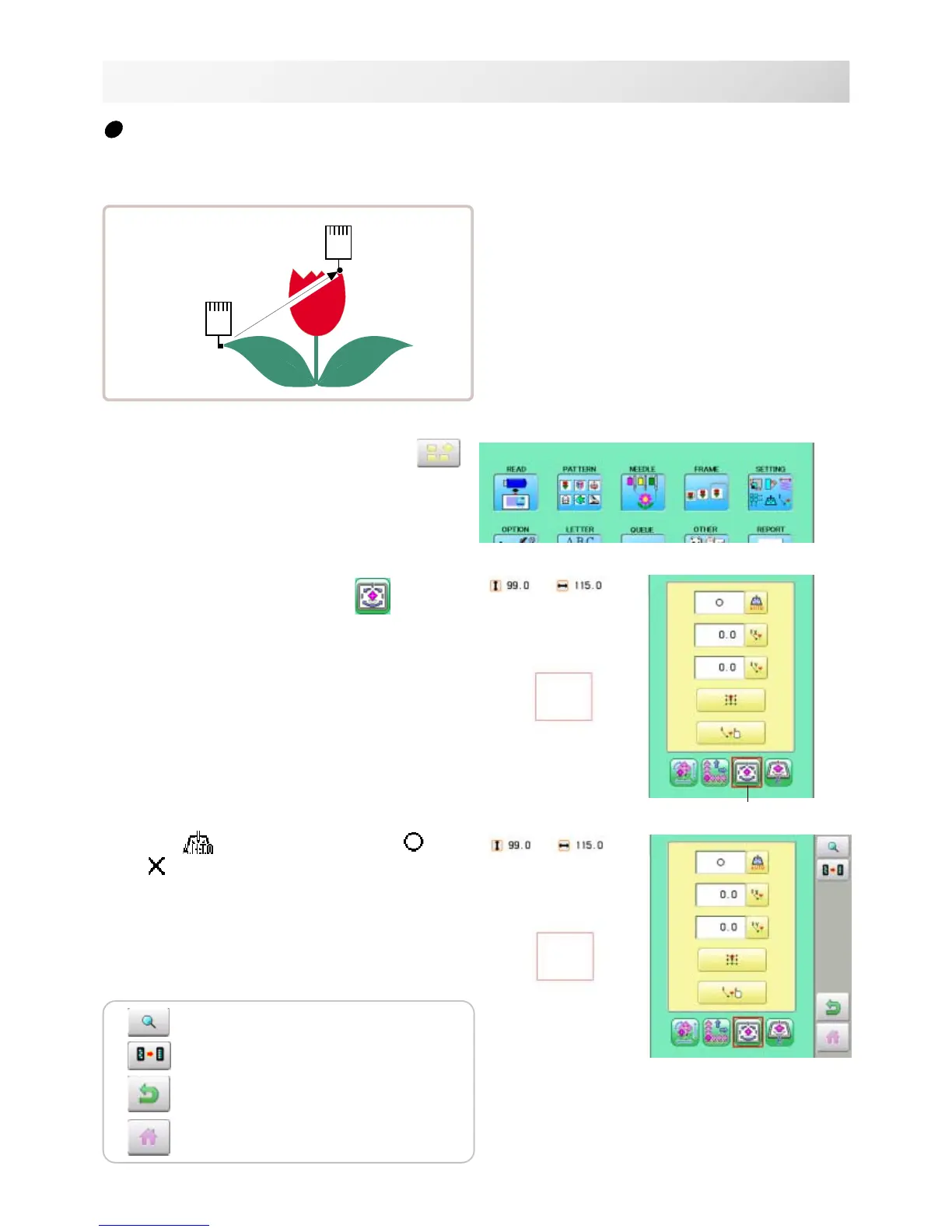
Auto origin
When a pattern has different start and end points, the frame returns to the start point.
Setting example
1. When the machine is stopped, press .
2. Select "SETTING" and select (Offset).
3. Press (Auto origin) and select (ON)
or (OFF).
The setting is fixed.
● : Start point of pattern
■ : End point of pattern
Offset
The pattern data may be shown.
Setting is returned to the default.
To return to Menu mode.
to return to Drive mode.



 To Next Page