-D2 -40
5-A
PREPARATION OF PATTERN DATA
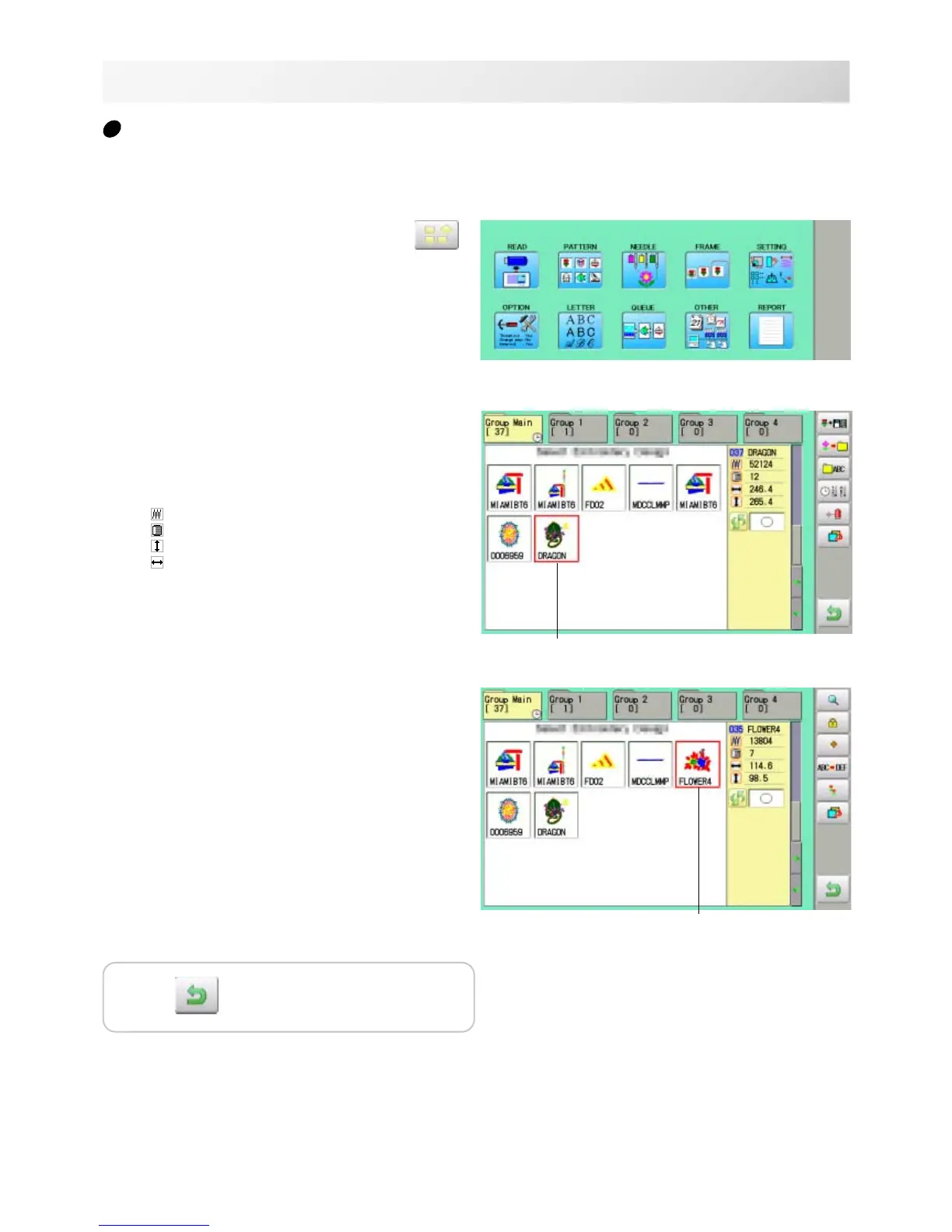
1. When the machine is stopped, press .
2. Select "PATTERN".
The display indicates the current pattern.
The right side of display shows the number, name
and details for the current pattern.
Number of stitches
Number of Color change number
Height
Width
3. Select pattern data.
This pattern will be selected.
5_A M620
How to select patterns from memory
To select an embroidery design previously stored into the machine memory.
Selected pattern data
Selected pattern data
Press to return to Menu mode.



 To Next Page