-SJ -53
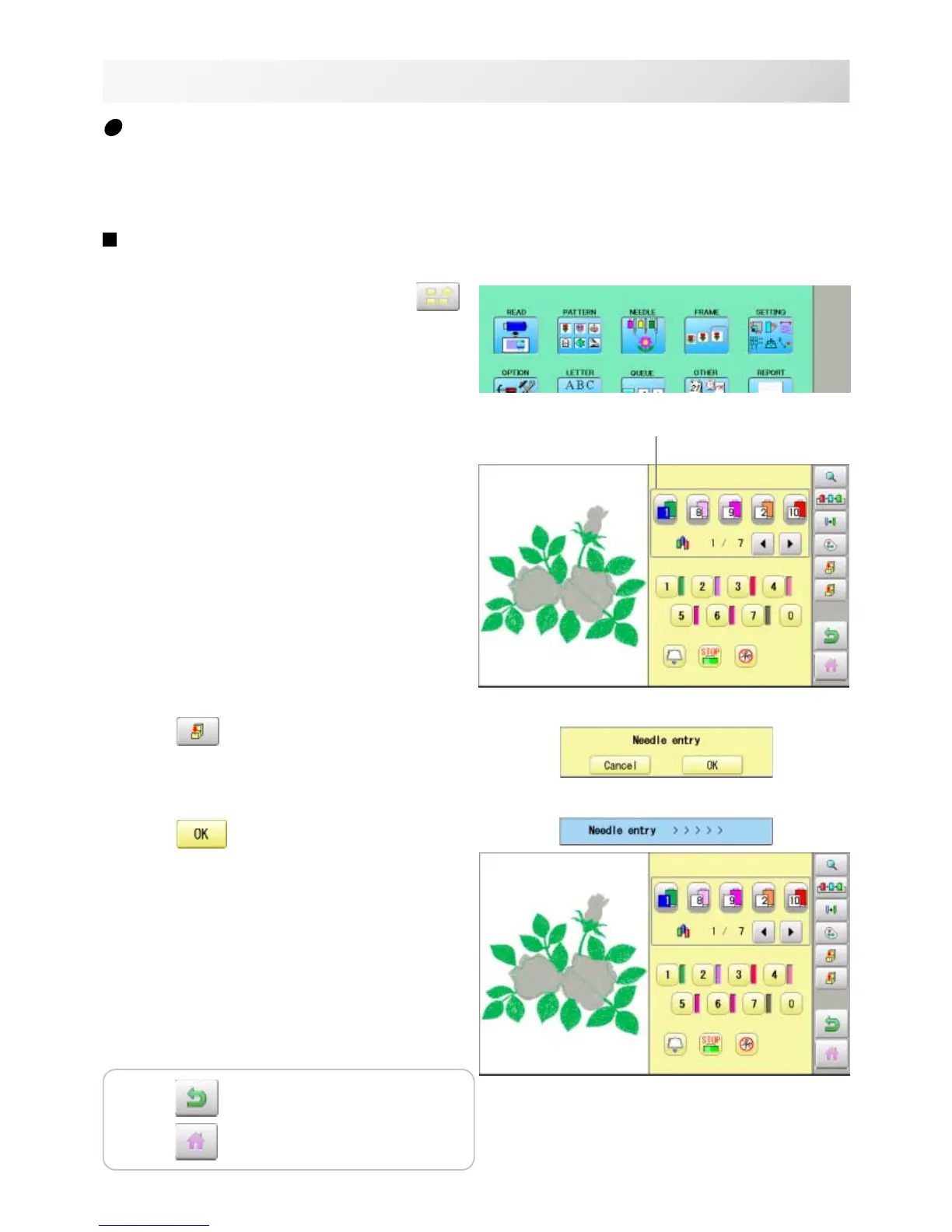
1. When the machine is stopped, press .
2. Select "NEEDLE".
3. Press from right submenu.
4. Press .
The color change data will be saved into
memory.
12-6
NEEDLE BAR SELECTION
12_6 NB01
Color change data registration
You can import and apply color change data from saved patterns (Including color change stops)
to the current pattern. This function lets you apply the same color change data from other pat-
terns.
The color change data is limited to one and the color change numbers are limited to 250.
Color change number
Press to return to Menu mode.
Press
to return to Drive mode.



 To Next Page