-D2 -68
11-2
PATTERNS IN MEMORY
11_2 NB01
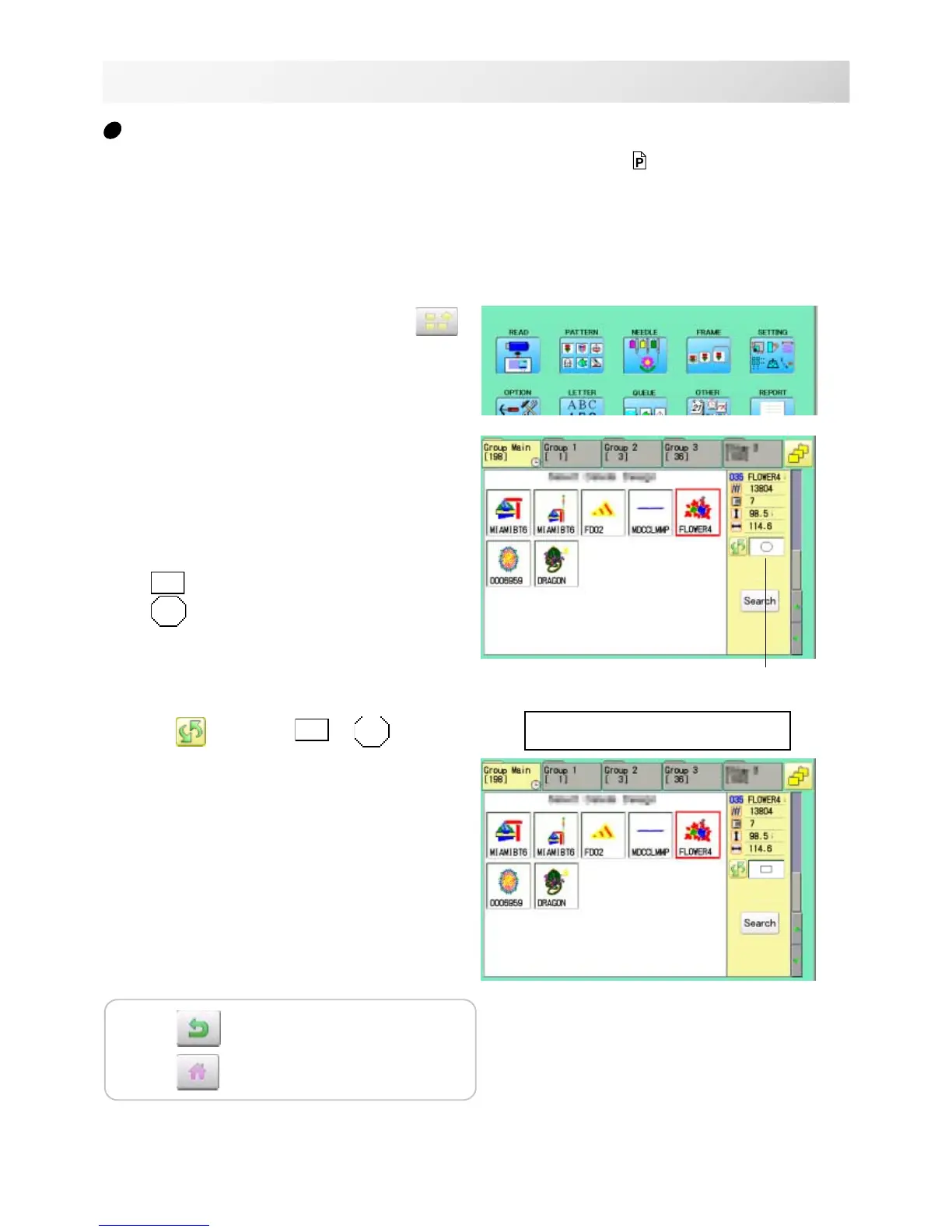
Trace type
Changing the trace type of the pattern data in the machine memory. 10-4
1. When the machine is stopped, press
.
2. Select "PATTERN".
3. Select desired pattern.
Maximum embroidery area of pattern
Outline of pattern
4. Press and select or .
Trace type is changed.
--- Calculating ---
Press to return to Menu mode.
Press to return to Drive mode.
Trace type



 To Next Page