-SA -33
4-9
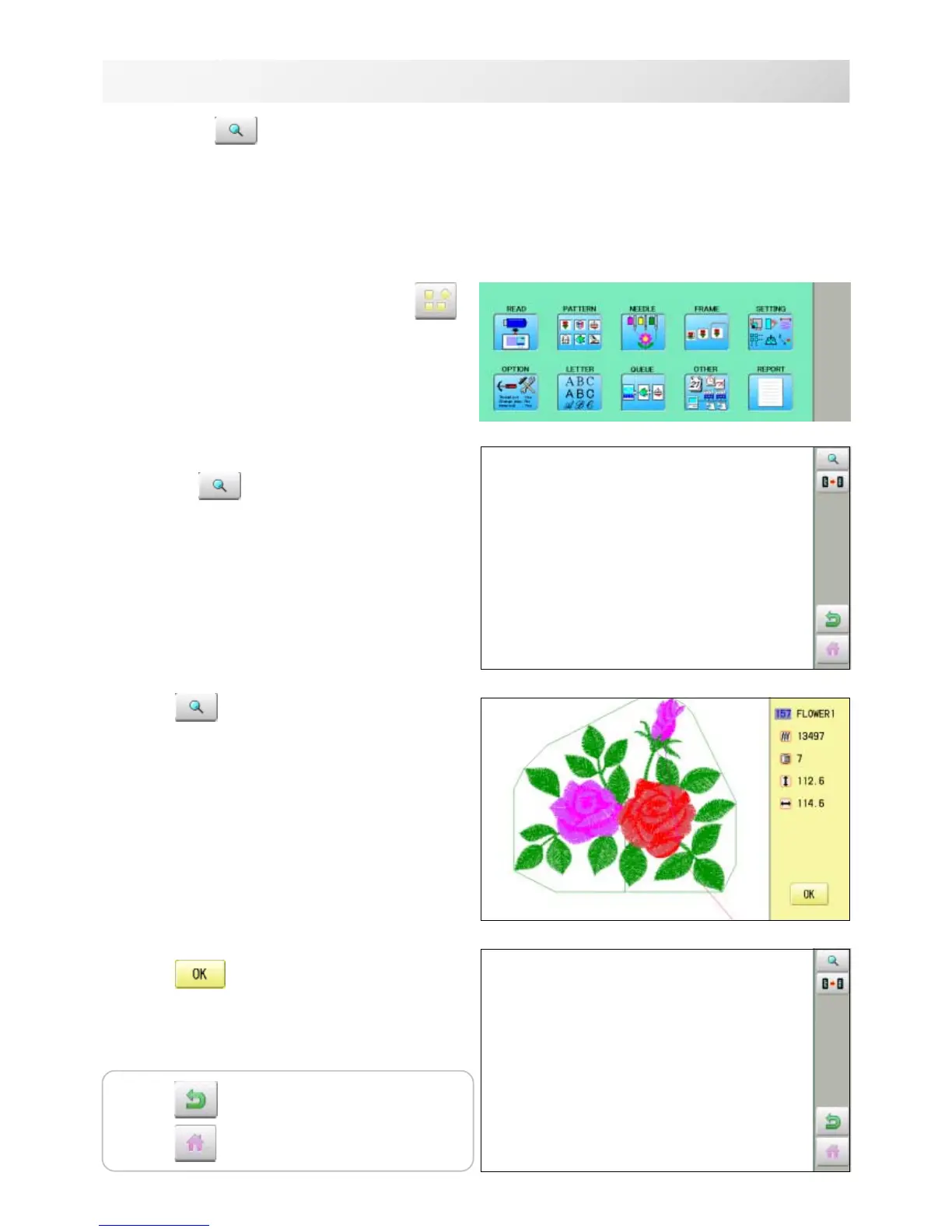
DISPLAYING THE PATTERN IN SETTING MODE
1. When the machine is stopped, press .
2. Select desired menu.
Icon of will be shown in sub-menu.
3. Press .
Illustration of the pattern selected will be dis-
played.
Right side of display shows the detail information
of the current pattern data.
4. Press .
The display returns to the view of Step 2.
10_1 NB01
When there is shows on the right side menu, the pattern data may be shown on the
screen.
Press to return to Menu mode.
Press
to return to Drive mode.



 To Next Page