-D2 -86
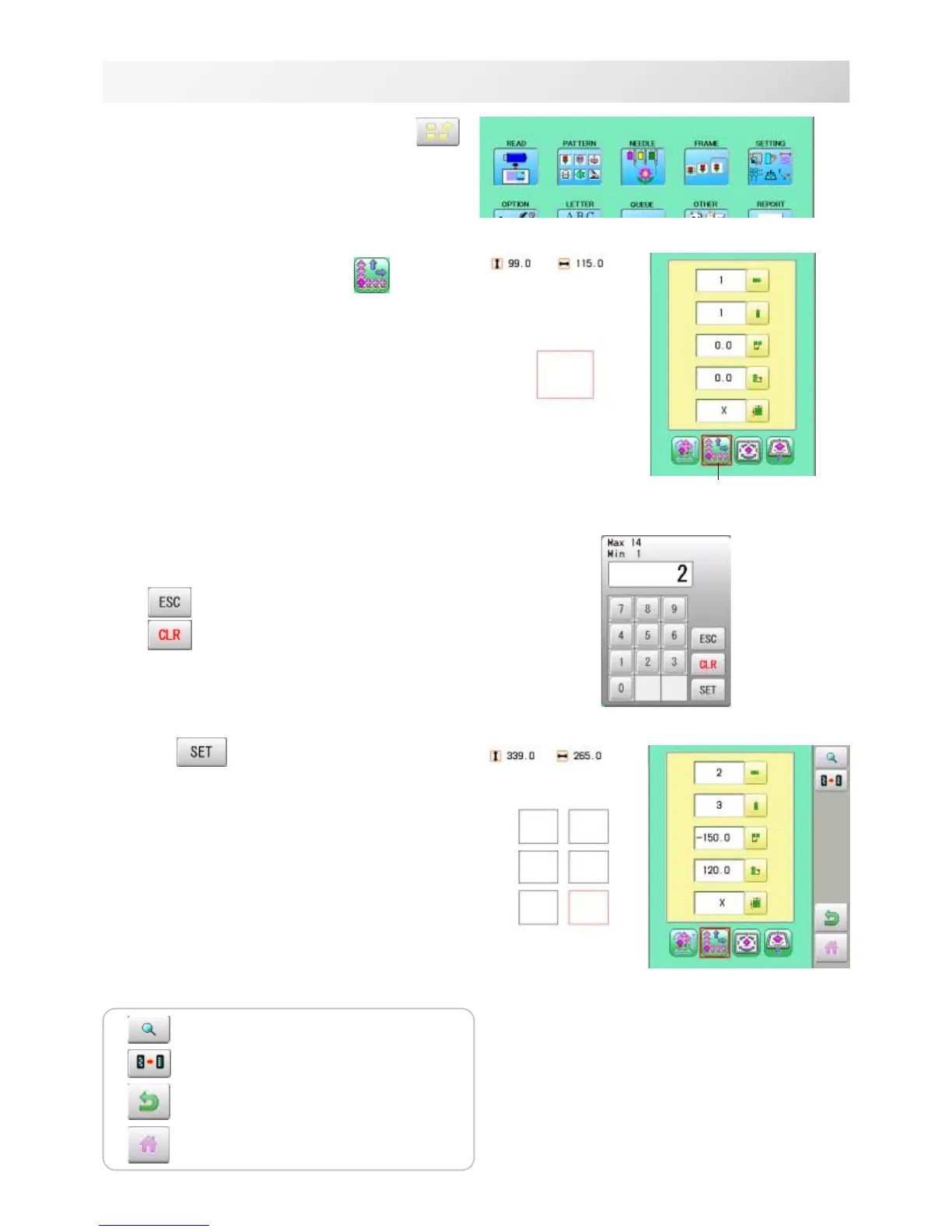
1. When the machine is stopped, press .
2. Select "SETTING" and select (Repeat).
3. Select each setting item and select the
number.
Changing is cancelled.
Numbers are deleted.
4. Press .
The setting is fixed.
5. Set necessary item by performing
procedure no. 3 to no.4.
Set all the necessary items.
14-6
PATTERN SETTINGS
12_6 NB01
Repeat
The pattern data may be shown.
Setting is returned to the default.
To return to Menu mode.
to return to Drive mode.



 To Next Page