-D2 -77
11-9b
PATTERNS IN MEMORY
11_9 NB01
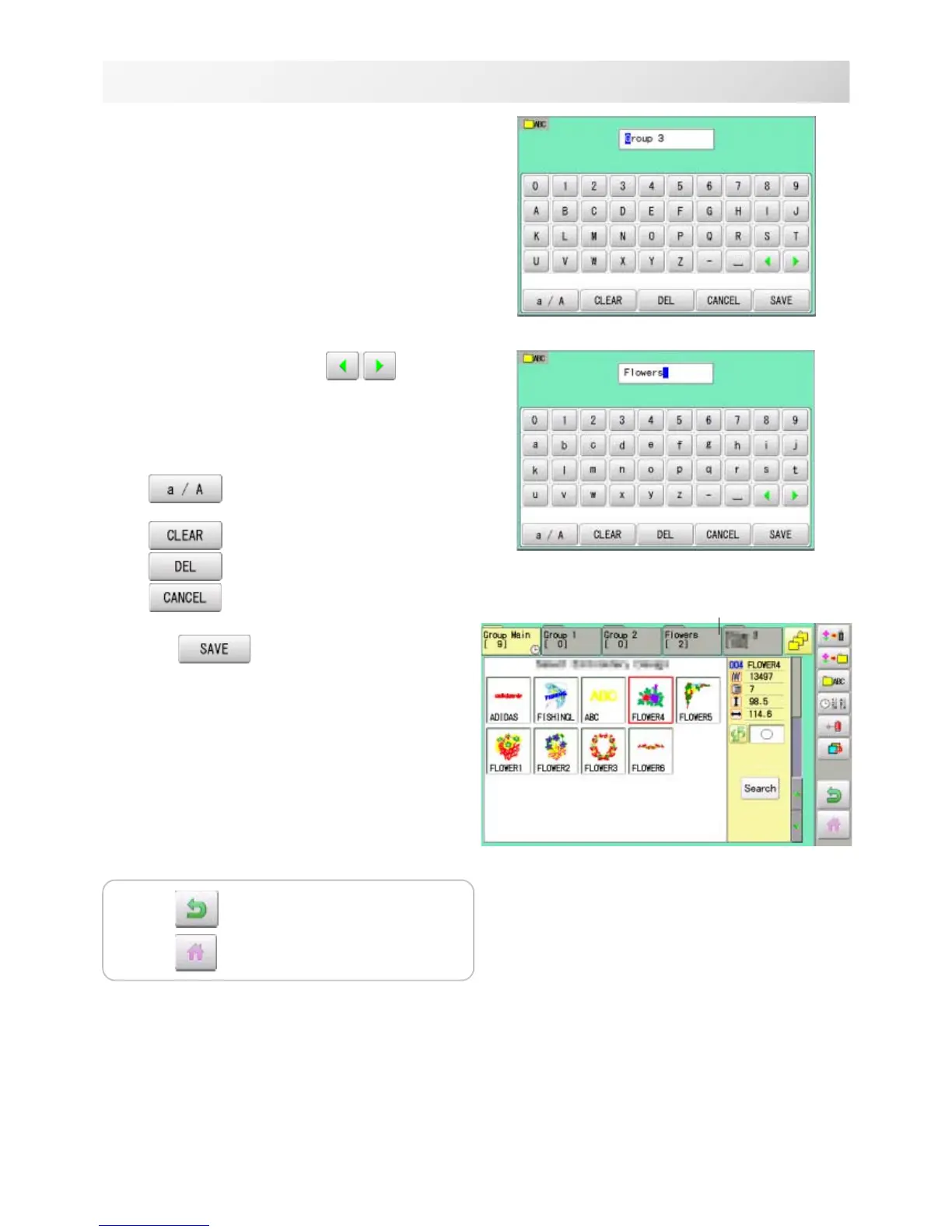
5. Select desired folder.
6. Choose the column with .
Then select each digit in the existing name.
Select word.
The maximum number of characters in a design
name is 12 letters or numbers.
Uppercase and lowercase letter are
switched.
All the letters are deleted.
Selected letter or number is deleted.
Renaming is cancelled.
7. Press .
The folder name will be changed.
Renamed folder
Press to return to Menu mode.
Press to return to Drive mode.



 To Next Page