-D2 -70
11-4
PATTERNS IN MEMORY
11_4 NB01
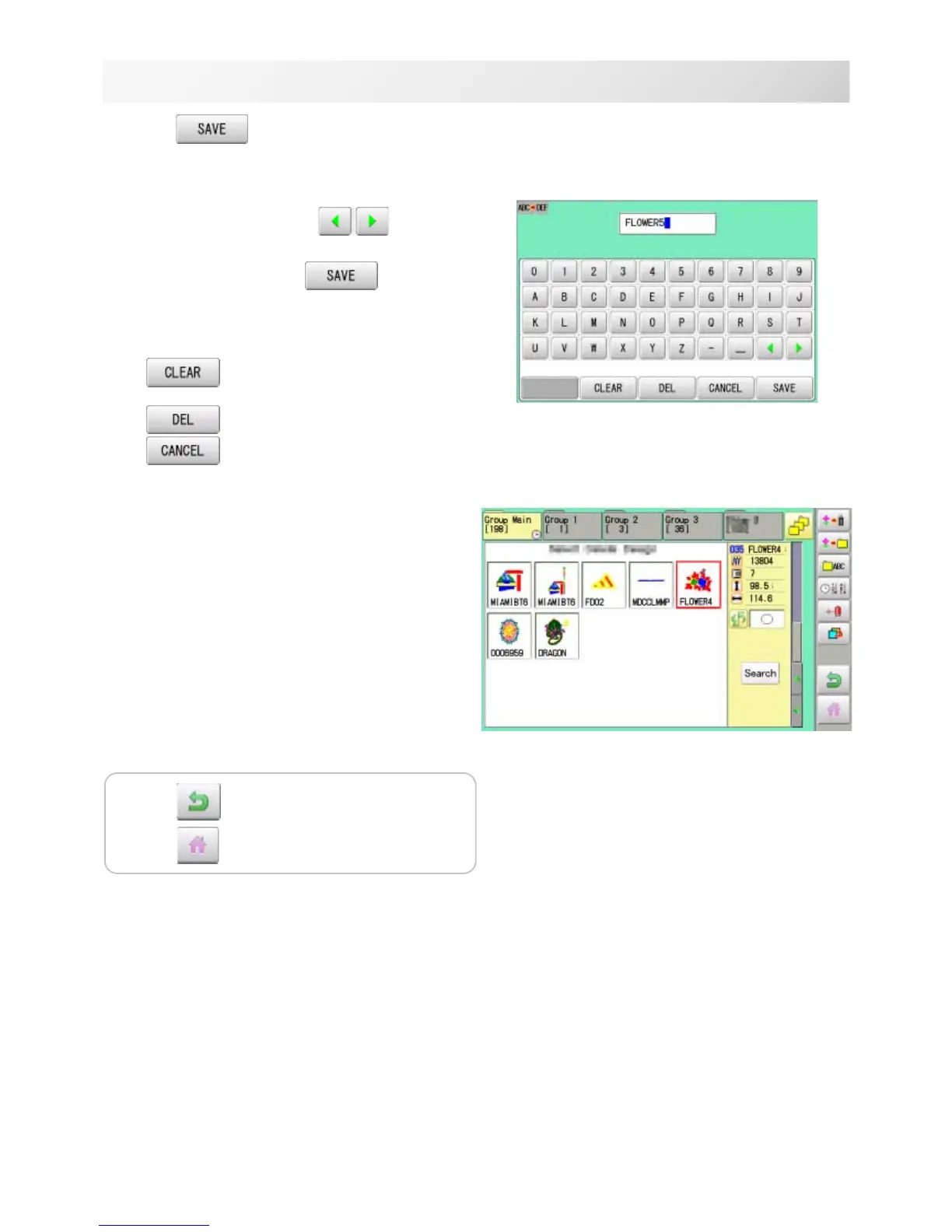
7. Press if the pattern name is not to
be changed.
The pattern data will be written.
Choose the column with .
Then select each digit in the existing name.
Select word and press .
The pattern data will be written.
The maximum number of characters in a design
name is eight letters or numbers.
All the letters and/or numbers are
deleted.
Selected letter or number is deleted.
Changingname is cancelled.
The display returns to the view of Step 5.
Press to return to Menu mode.
Press to return to Drive mode.



 To Next Page