-SJ -60
16-4
LETTER
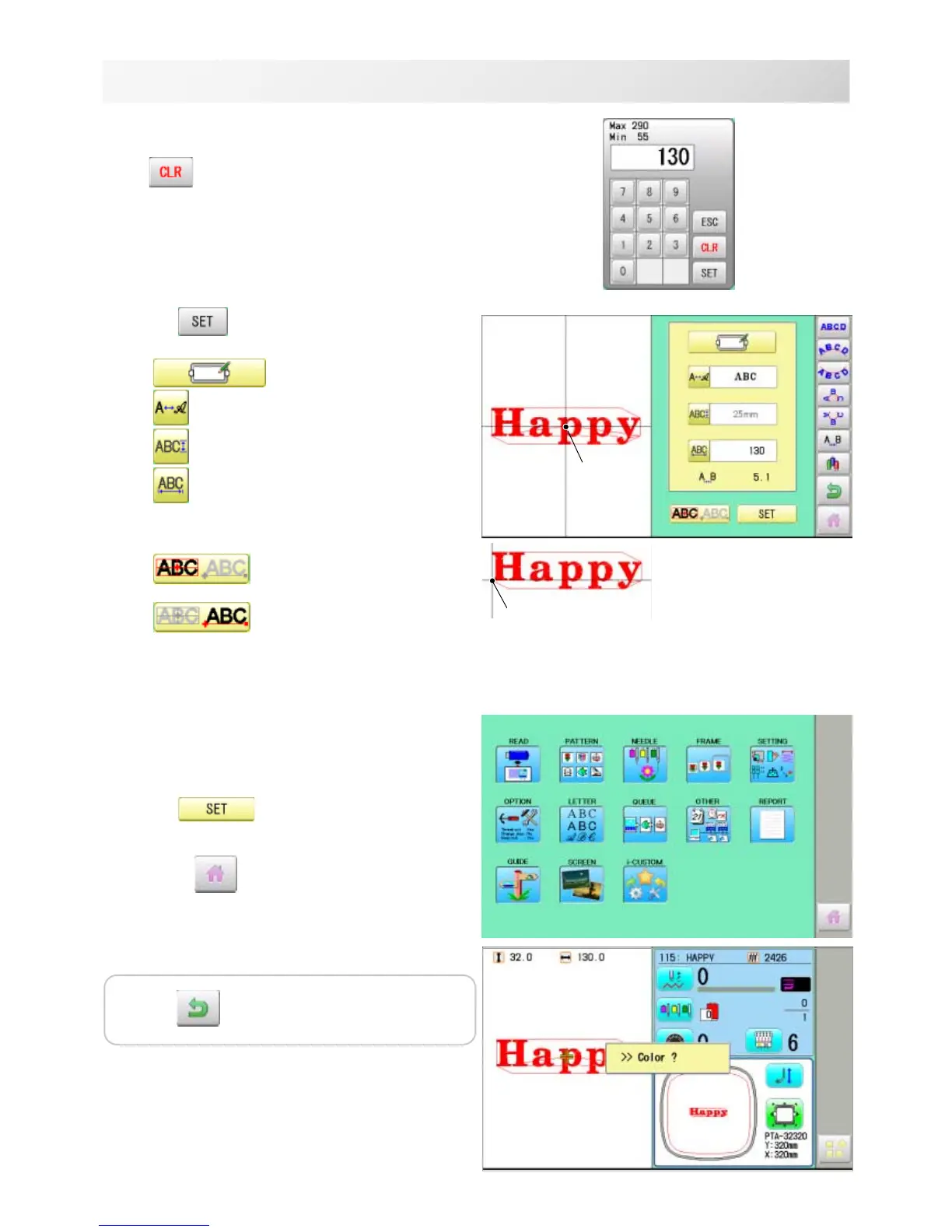
9. Select the number.
Setting is canceled.
10.Press .
Return to the Letter selection.
Return to the Font Selection.
Return to the Letter Height selection.
Return to the Line Length.
You can change start point of monogramming
data.
: Start point is the center of
monogramming data.
: Start point is the center of
monogramming data.
Start point is the center of baseline or capline for
"arch" and "circle" layout.
Create
You can create embroidery data from the letter
settings.
11.Press .
The new pattern data will be created. Then you
will return to menu mode.
Press and go to Running Screen.
You can see letter created as embroidery data.
The first 8 letters will be shown as the name of
the pattern which you have made by letter
selection.
Start point
Start point
18_3 NB01
Press to return to Menu mode.



 To Next Page