-SA -27
5-C
PREPARATION OF PATTERN DATA
5_C O512
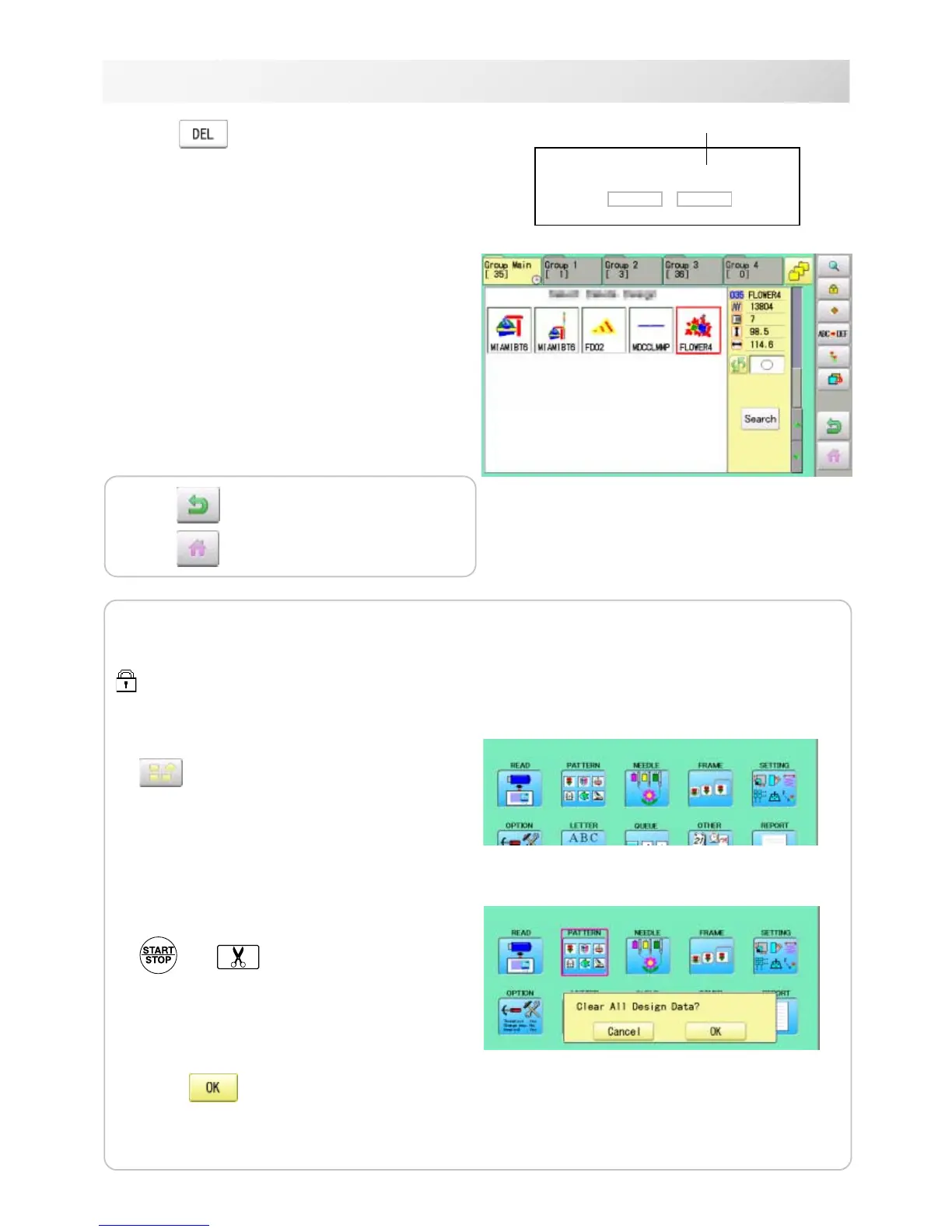
5. Press .
6. Push "OK" to delete.
The item will be deleted.
To delete other patterns, repeat steps 3 to 6.
Press “Cancel” to cancel the delete.
The display will return to step 2.
Delete pattern? < 2>
Cancel OK
Showing number of delete design(s)
Press to return to Menu mode.
Press
to return to Drive mode.
Erasing all patterns from memory
This is to erase alldesign data from the machine memory.
Patterndatacanbeerasedifthelockisset.
1. When the machine is stopped, press
.
2. Select "PATTERN" while pressing the
and
3. Press .
The item will be deleted.



 To Next Page