-D2 -66
9-7
SEWING
9_7 M201
Change
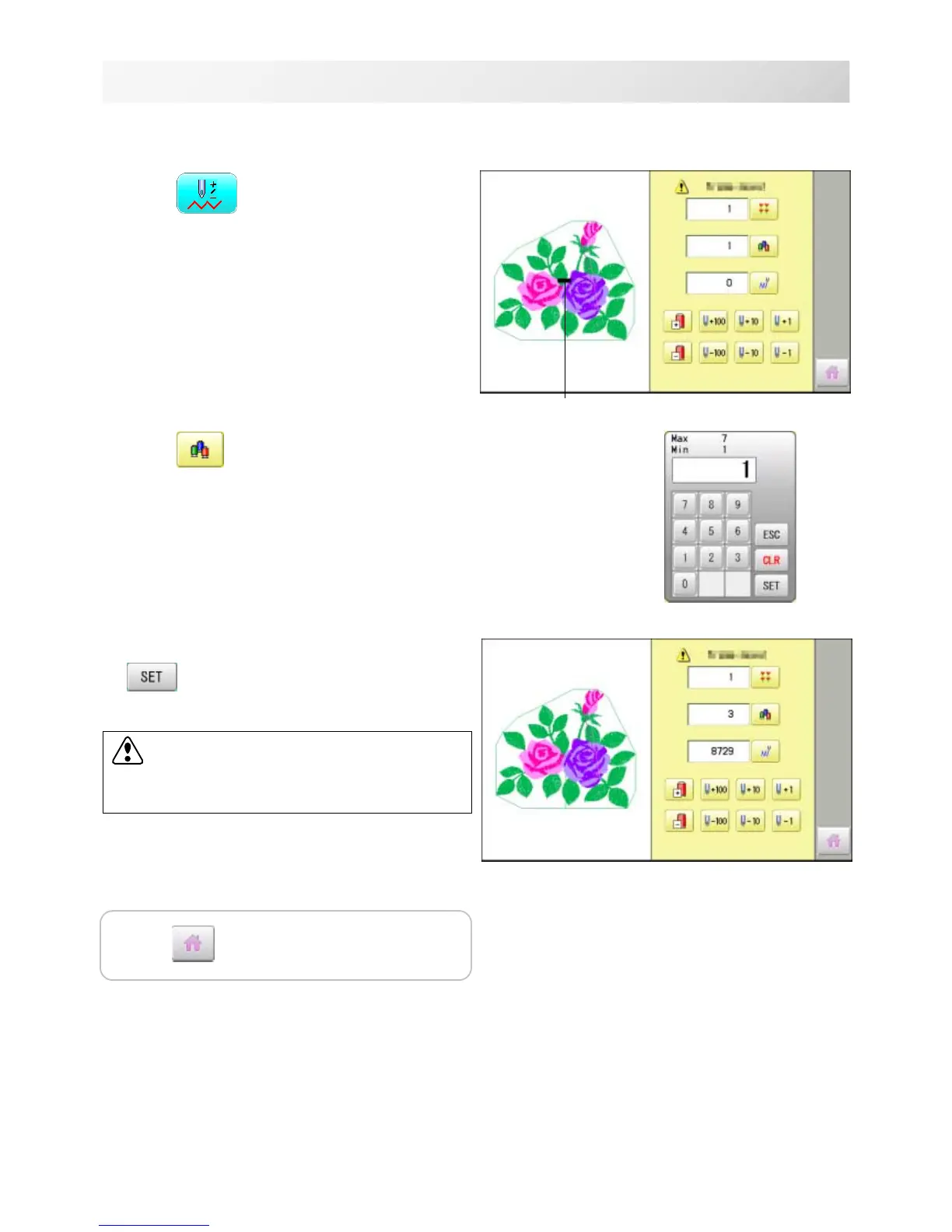
1. Press ”Frame forward”.
2. Press
.
3. Input the color change number and press
.
The frame moves to the selected color position.
Pointer shows you the current position of the frame.
CAUTION: To prevent accidents.
The frame moves quickly.
Keep hands away from the frame.
Press to return to Drive mode.



 To Next Page