-D2 -103
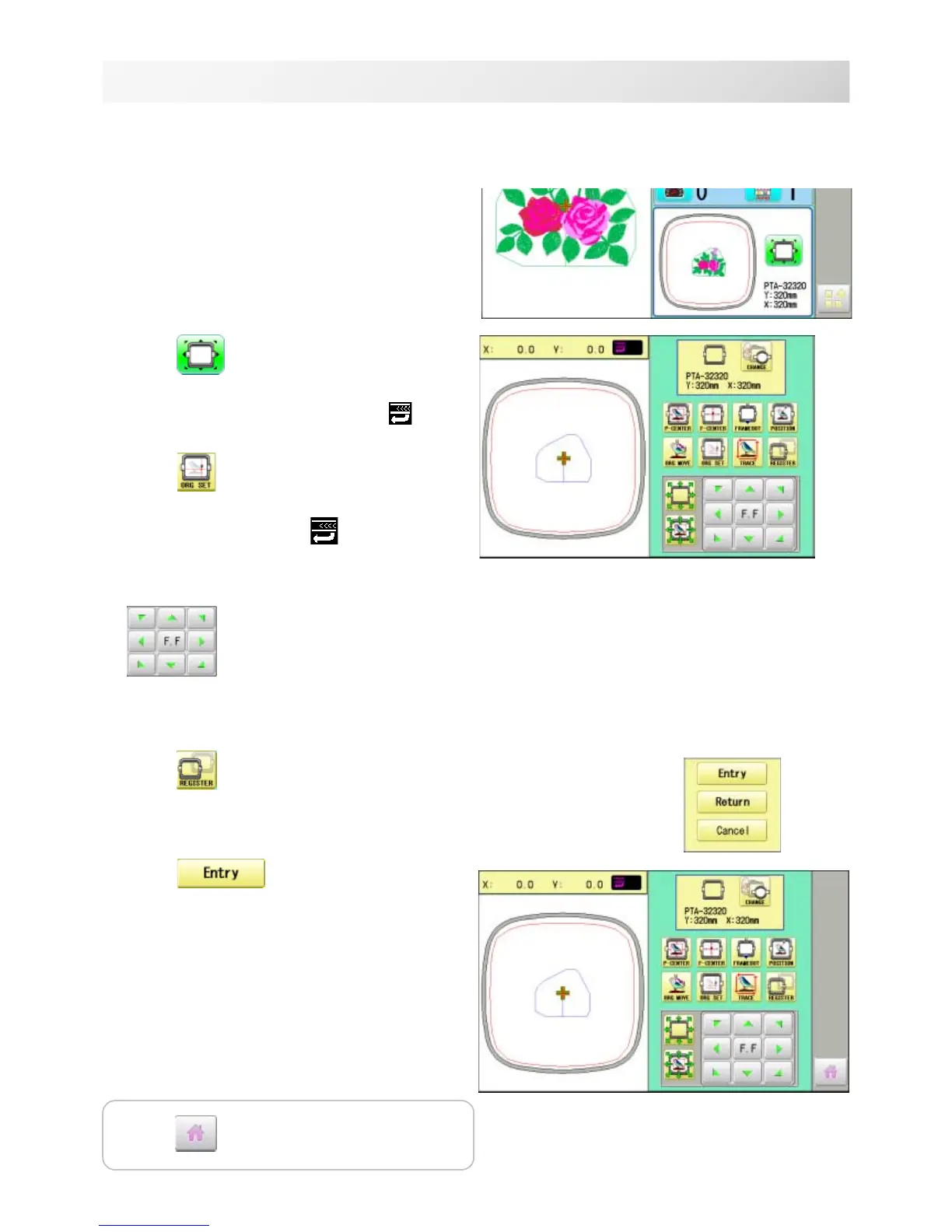
1. Press .
2. Confirm that there is indication of (Top)
in the display and go on to procedure no. 3.
Press
"Top", if there is not a
indication.
Upper right indication of will be shown.
3. Move the frame to the original point with the
.
If the frame is located at the origin point,
proceed to Step 4.
4. Press
.
5. Press
.
The origin point is registered.
9-E
REGISTER
17_2 NB01
Entry
This registers the original point of the selected pattern.
Press to return to Drive mode.



 To Next Page