-D2 -75
11-8
PATTERNS IN MEMORY
11_8 NB01
Importing folder
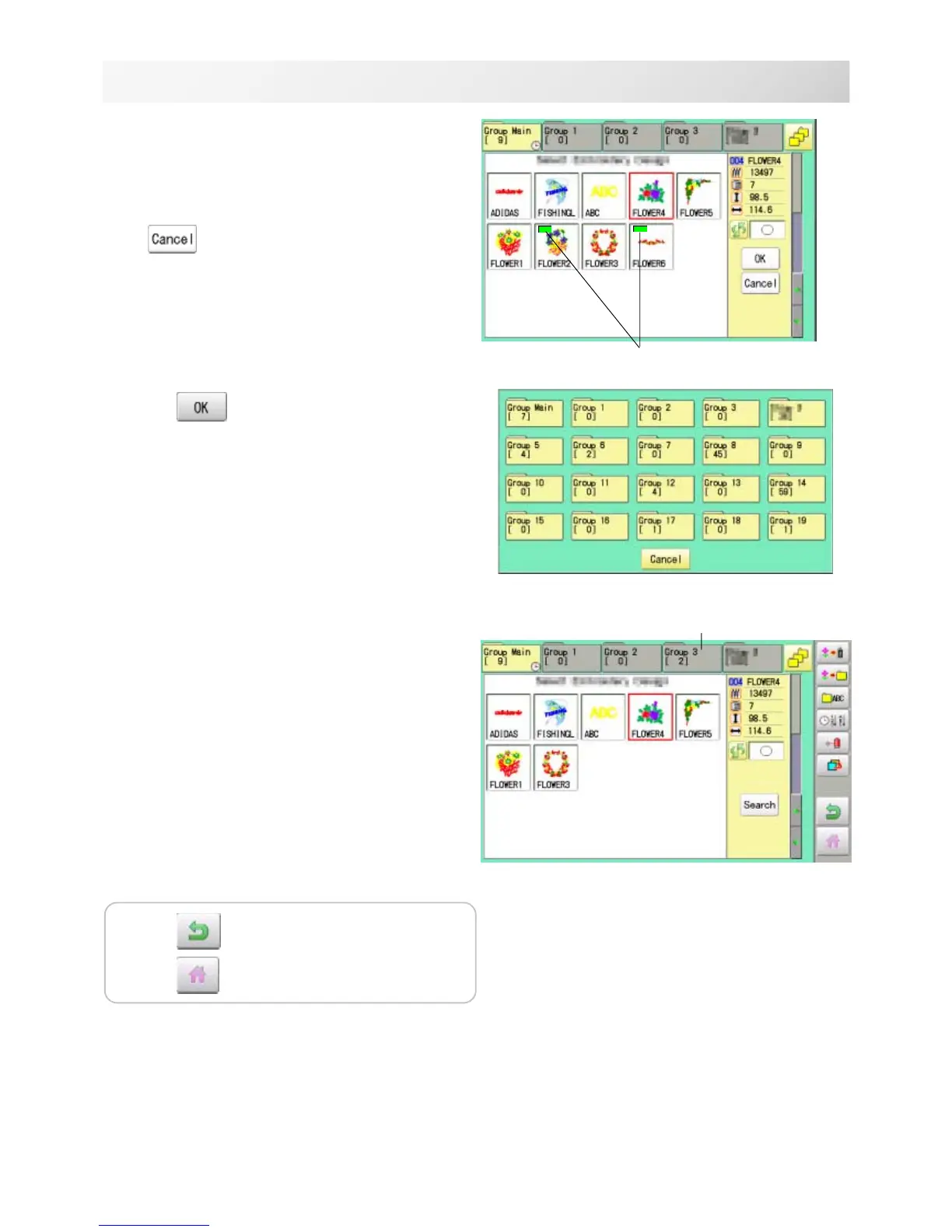
4. Select desired pattern.
Mark will appear left of the pattern.
Make will be cleared by press it again.
Multiple pattern data can be selected.
: Cancel pattern data moving
5. Press .
6. Select the importing folder.
The pattern data will be transferred.
Mark
Press to return to Menu mode.
Press to return to Drive mode.



 To Next Page