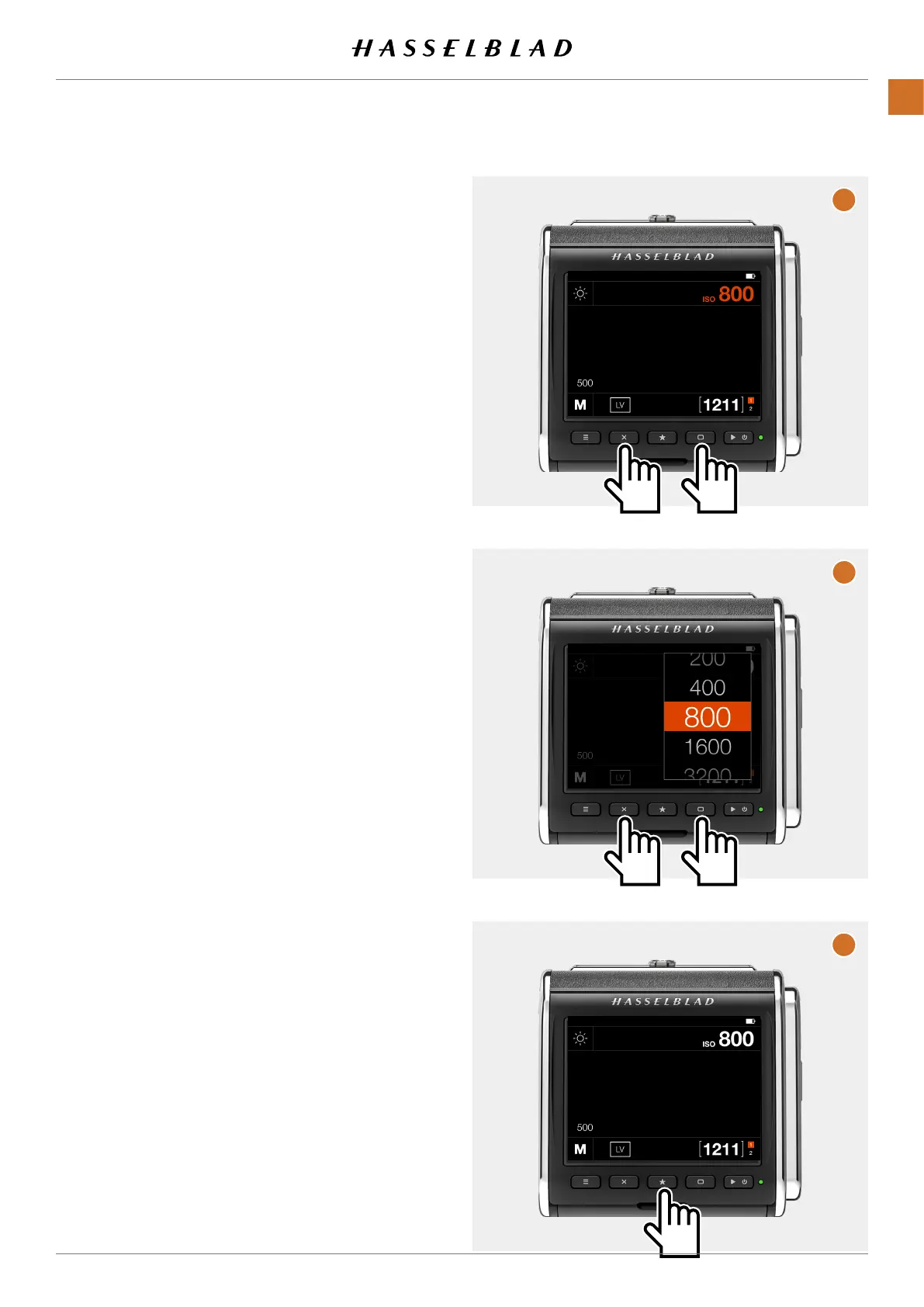
Set ISO by using buttons:
PresseithertherectangleorcrossbuttonuntiltheISOvalueis
highlightedinorangecolor(A).
PresstheStarbuttontobringupthelist(B).
PresstheRectanglebuttontoselectahigherISOvalueand
theCrossbuttontoselectalowervalue(C).
FinallypresstheStarbuttontostoretheselectednewvalue
(D).
A
B
C
CFV II 50C USER GUIDE www.hasselblad.com
41
USINGTHECFV
CONTENTS



 To Next Page
 Loading...










