CROP & ORIENTATION SETTINGS
MAINMENU>CAMERASETTINGS>CROP&ORIENTATION
1 Pressthecameraicononthetouchdisplay.
2 Thecamerasettingsmenuappears.
3 PresstheCrop&orientationsettingsmenu.
SwiperightorpresstheMenubuttontogetbacktothemain
menu.
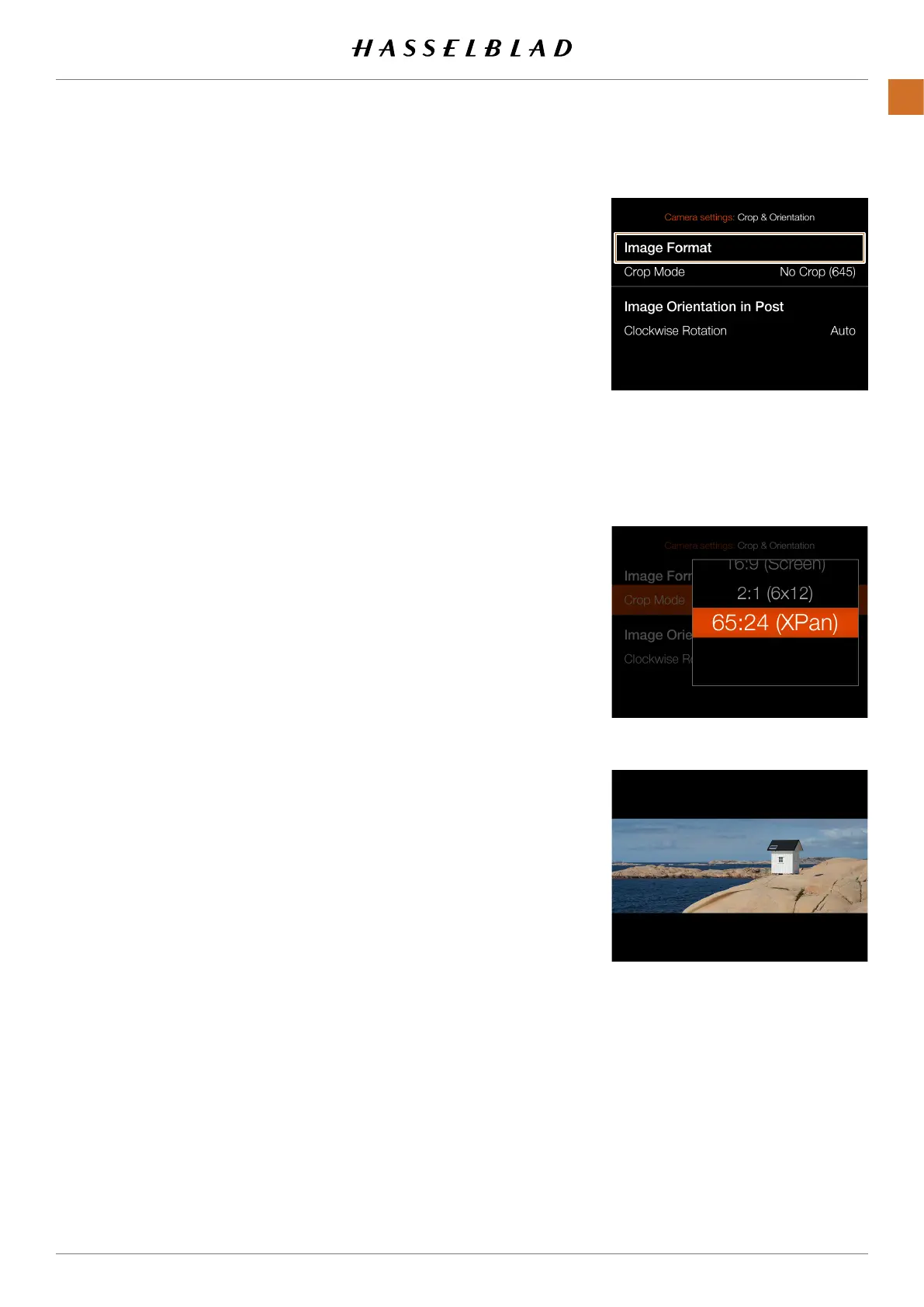
Crop Mask settings:
Crop Mode
AddsacropmasktoliveviewandtheRAWle.When
importedtoPhocus,thecropmaskcanbemodiedor
removed.
Crop Mode settings:
● NoCrop(645)
● 1:1(6x6)
● 7:6(6x7)
● 5:4(4x5)
● 11:8,5(Letter)
● 297:210(A4)
● 3:2(6x9)
● 3:2Crop(24x36).SeeNotesbelow.
● 16:9(Screen)
● 2:1(6x12)
● 65:24(XPan)
Notes!
● JPGlesarenotcropped.
● CropmodesaredisabledinUSBtetheredmode.
● CropmodesarenotsupportedinPhocusMobile2.
Continuedonthenextpage.
Crop&orientationsettingsmenu
XPancrop
Cropsetting
CFV II 50C USER GUIDE www.hasselblad.com
71
SETTINGS
CONTENTS



 To Next Page
 Loading...










