Imageformatsettingsmenu
Orientationsettings
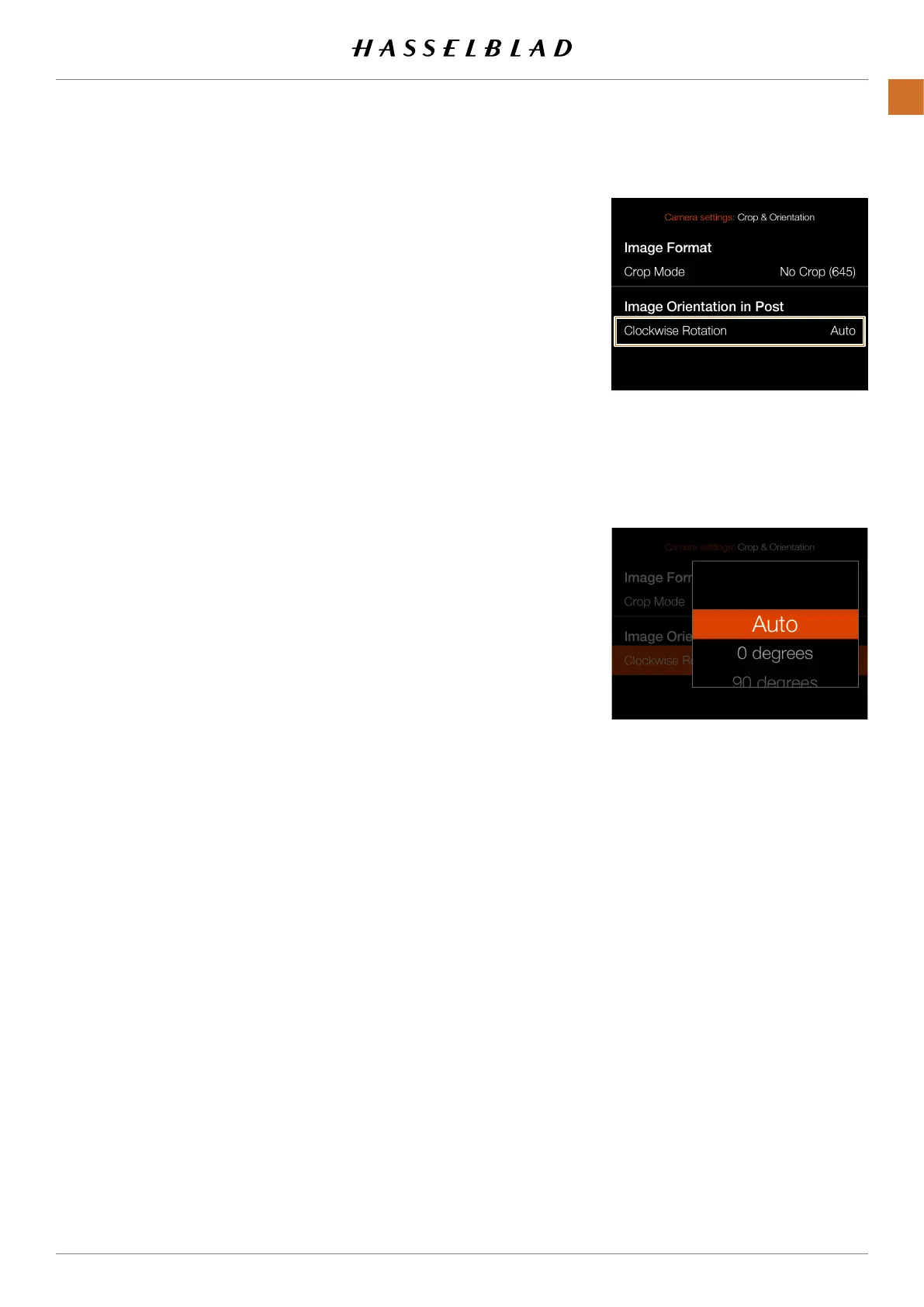
CROP & ORIENTATION SETTINGS
Image Orientation in Post settings:
Clockwise Rotation
Setstheviewingorientationofcaptureswhentheyappear
inPhocus.Toavoidunintentionalorientationchanges
whenthecameraispointingstraightupordown,the
orientationsettingcanbelocked.
Select between:
● Auto.
● Lockat0degrees.
● Lockat90degrees.
● Lockat180degrees.
● Lockat270degrees
CFV II 50C USER GUIDE www.hasselblad.com
72
SETTINGS
CONTENTS



 To Next Page
 Loading...










