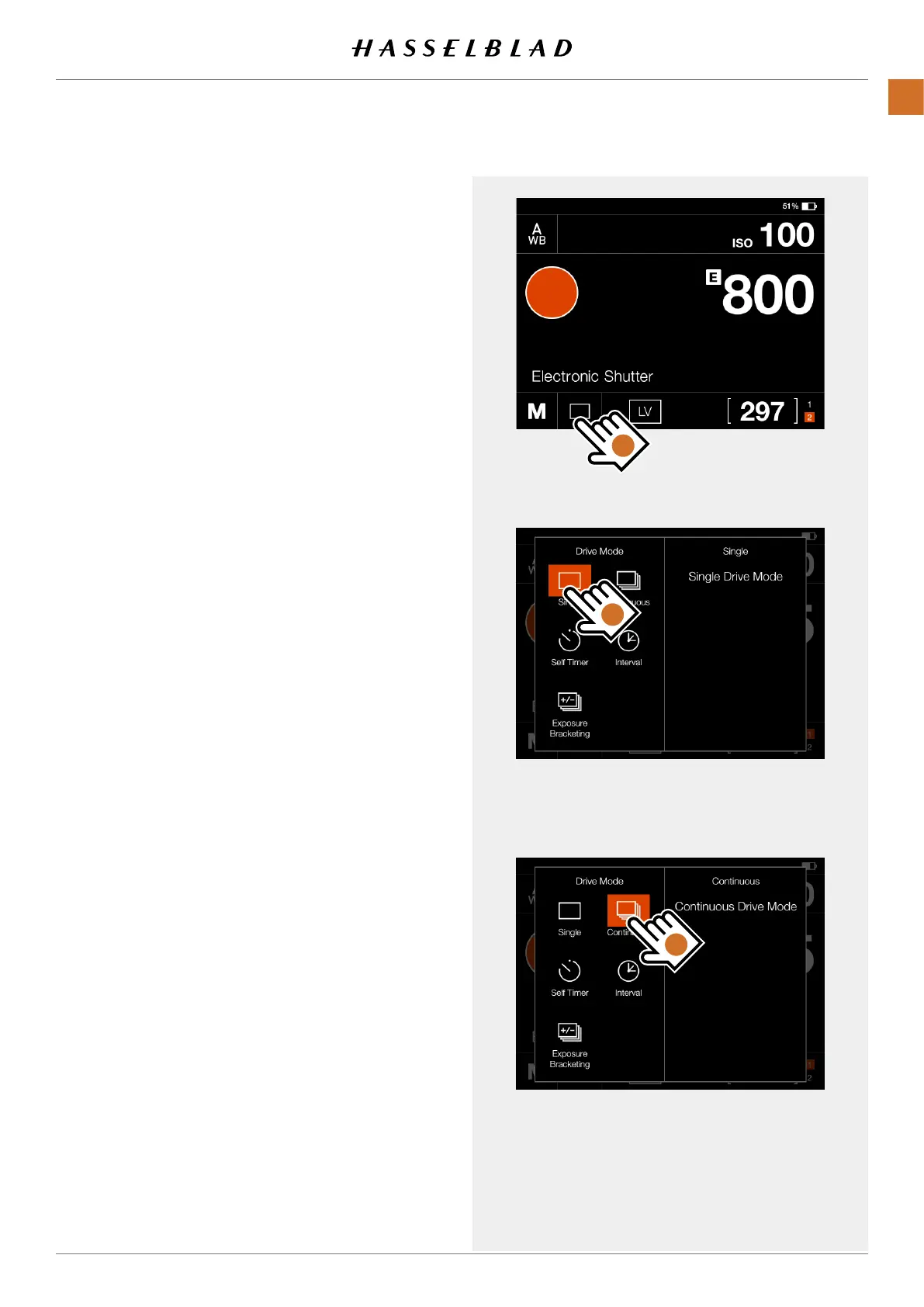
Drive mode settings on the control screen
Bytappingthedrivemodeicon(A)onthecontrolscreen,you
canselectbetweenthefollowingdrivemodes:
● Single
Thecamerawillonlymakeoneexposureregardless
howlongtheshutterreleasebuttonispressed.
TaptheSingleiconagain(B)toclosethedialogue
make it active.
● Continuous
ThecamerawillmakeexposuresaslongastheShutter
releasebuttonispressed.
TaptheContinuousicon(C)againtoclosethedialogue
make it active.
Continuedonthenextpage.
A
B
C
CFV II 50C USER GUIDE www.hasselblad.com
60
USINGTHECFV
CONTENTS



 To Next Page
 Loading...










