5.4 LIVE VIEW OVERLAYS
Whenliveviewisactive,youcanselectdifferentoverlaysby
clickingtheRectanglebutton .
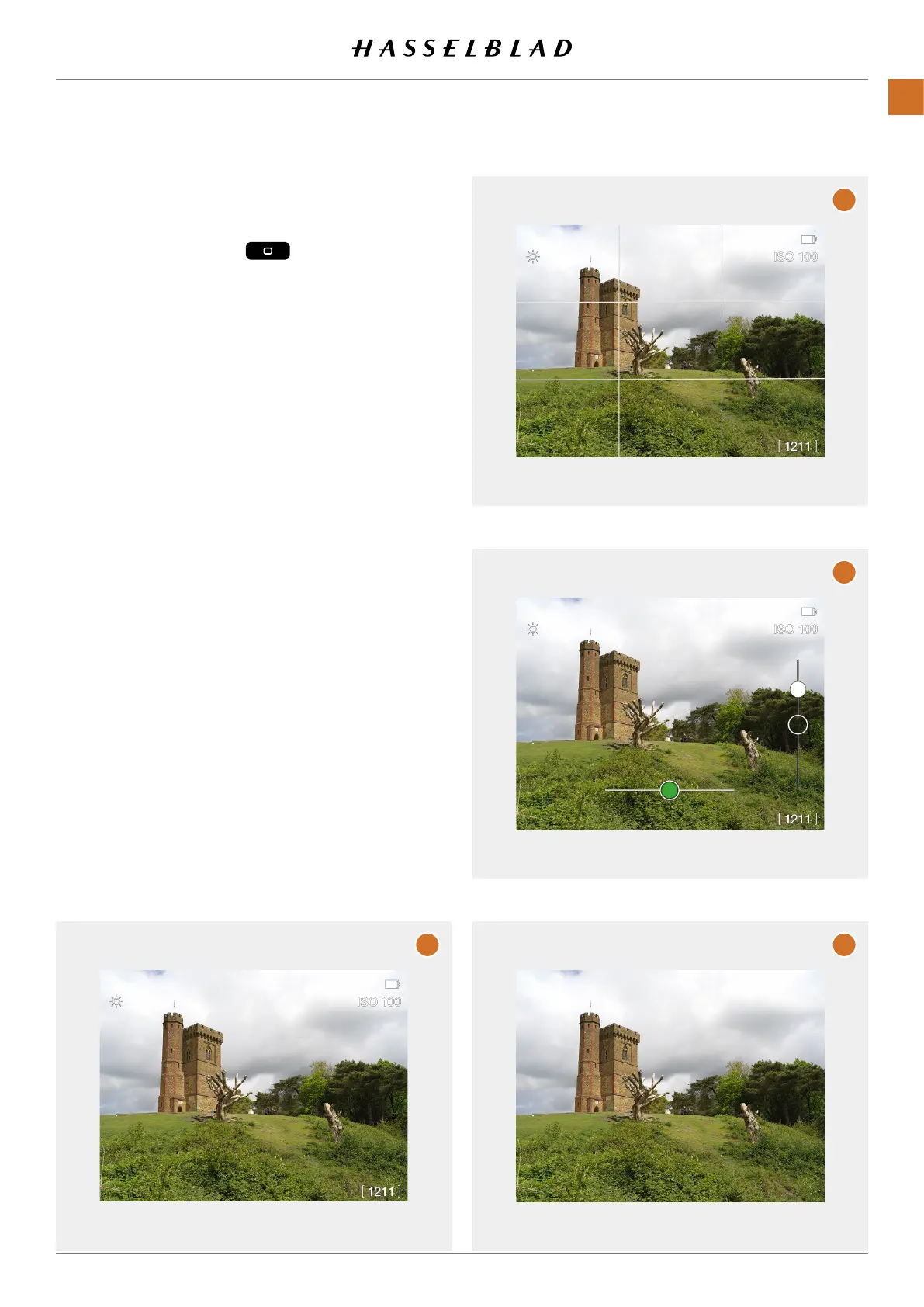
Thefollowingoverlaysareavailable:
1 Standard (A)
Containstatusiconsforbatterylevel,ISOvalue,
remainingcaptures,cardstatusandWi-Fistatus.
2 Grid (B)
Sameasstandardbutwithanadded1/3grid.
3 Spirit level (C)
Same as standard but with an added spirit level. See
page89.
4 No Overlay (D)
Cleanviewwithnoicons.
TheselectedoverlaywillbesavedandusedthenexttimeLive
View is activated.
A
B
C
D
CFV II 50C USER GUIDE www.hasselblad.com
47
USINGTHECFV
CONTENTS



 To Next Page
 Loading...










