11
Introduction
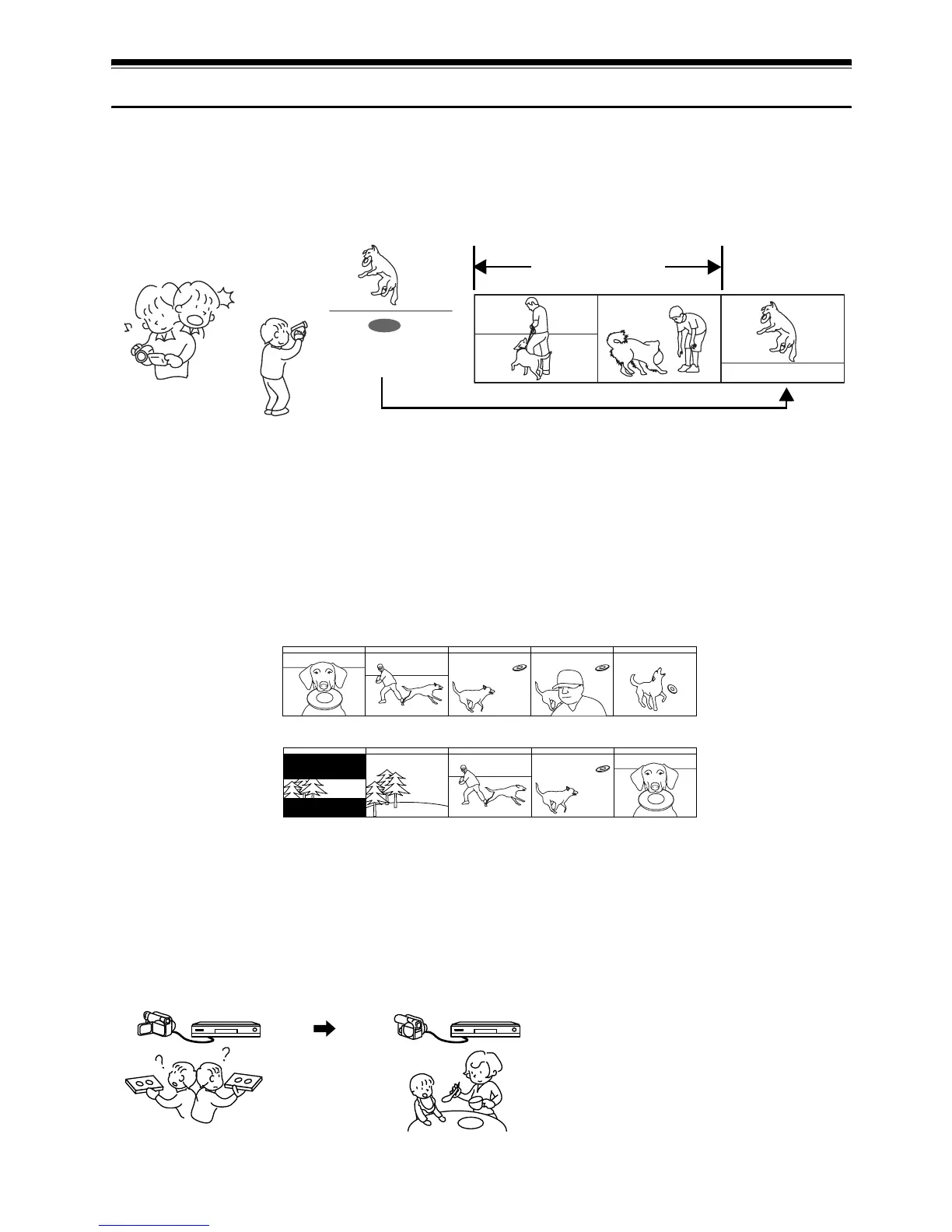
●You can start recording immediately after stopping playback (p. 45, 54)
Unlike tape devices, you do not need to search for the recording start position or locate the
beginning of blank portion.
You can stop playback and immediately start recording: New recording will not overwrite any
previously recorded data.
●You can immediately play back desired recorded scenes (p. 94)
You do not need to rewind, unlike recorders using tape.
You can select any scene you want and immediately play it back (using Disc Navigation function).
●Use Disc Navigation to create your original movie (p. 113)
You can delete unnecessary scenes, move any scenes, etc., and create your original movie work (Play
List).
●You can easily edit scenes, which is quite difficult with tape (p. 74)
Using this DVD video camera/recorder, you can collect scenes of your child, for example, on play
list of Disc Navigation function and create an original movie: Then simply play back the play list and
dub it on VCR or DVD recorder.
If you stop playback midway and start recording, overwrite will not occur.
Recorded scenes
Before editing
After editing
Up to now, you had to
repeatedly press buttons
With a DVD, you can simply play it back on this
DVD video camera/recorder: Press the record
button on VCR or DVD recorder.













 To Next Page