110
Programme
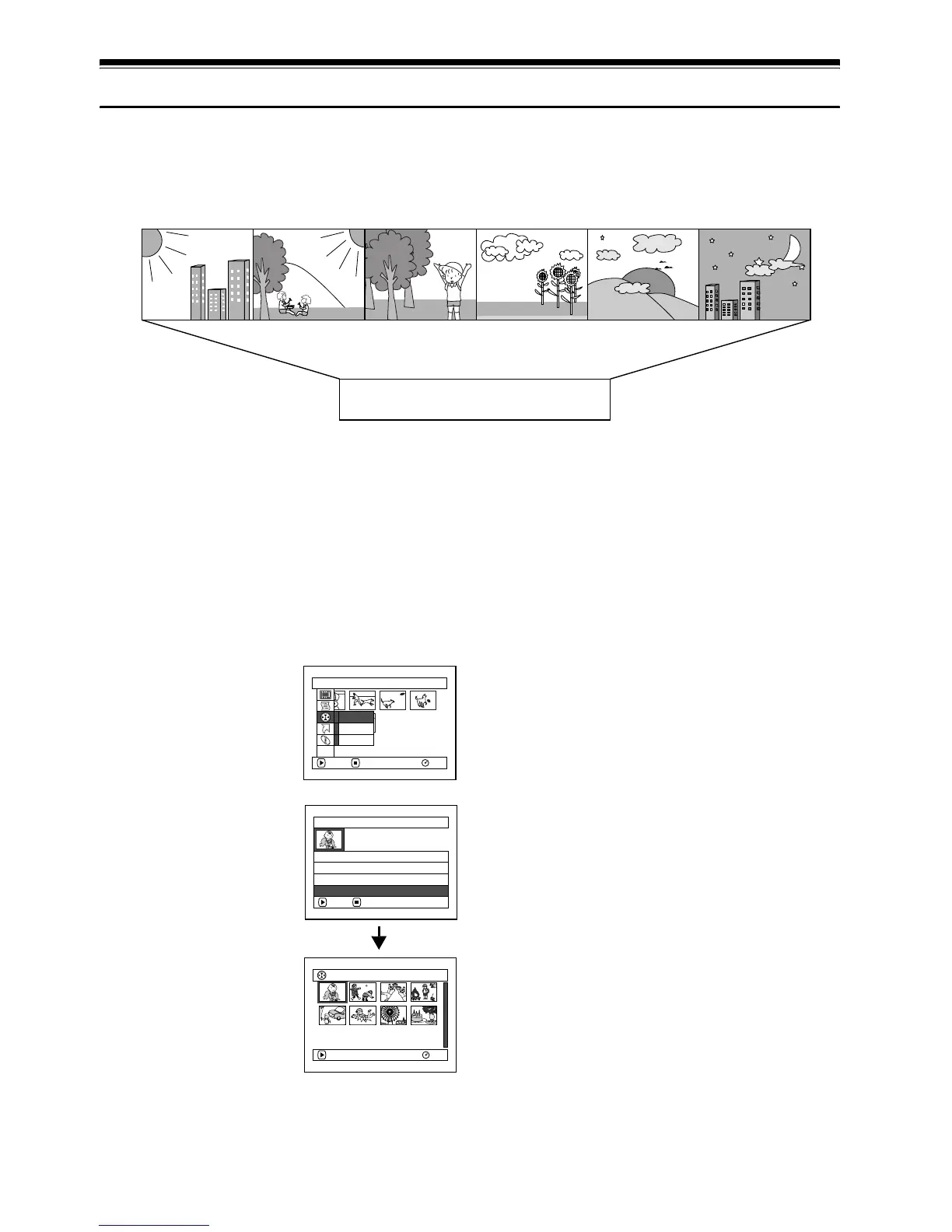
WHAT IS “PROGRAMME”?
Programme refers to an assembly of scenes recorded on the same date regardless of whether they are
movie or still.
12
SWITCHING TO THUMBNAIL DISPLAY OF SPECIFIC DATE (SWITCH)
Since the scenes recorded on this DVD video camera/recorder are collected as “programmes” for
each recording date, selecting a programme will allow you to display only the scenes on a specific
date.
1 Press the DISC NAVIGATION button.
2 Press the MENU button.
3 Use the f/e/d/
c/A buttons to
choose “Switch” on the
“Program” menu
screen, and then press
the A button.
4 Select the programme
to be displayed, and
then press the A
button.
The Disc Navigation
screen of the selected
programme will
appear.
Note:
• Pressing the C button on the “Switch Program”
screen will restore the Disc Navigation screen.
• If a DVD-RAM or DVD-R disc recorded on another
device is loaded in this DVD video camera/recorder,
the programme may not be a collection of recordings
on the same date.
9:00 10:20 11:45
13:30
17:20 20:00
Movie Movie Still Still Movie Still
Recorded on September 10
Programme No. 1
Scene No. 1 Scene No. 2 Scene No. 3 Scene No. 4 Scene No. 5 Scene No. 6
Program
RAM
ENTER RETURN
Sw i t c h
Play
Ti tle
ETC
Swi tch Progra
m
A l l Pr ogr a
m
s
ENTER RETURN
01 30/ 8 / 2006
02 10/ 9 / 2006
03 30/ 9/ 2006
001/ 008
RAM
PLAY
03 30/ 9 / 2006













 To Next Page