87
123
LCD/EVF Setup
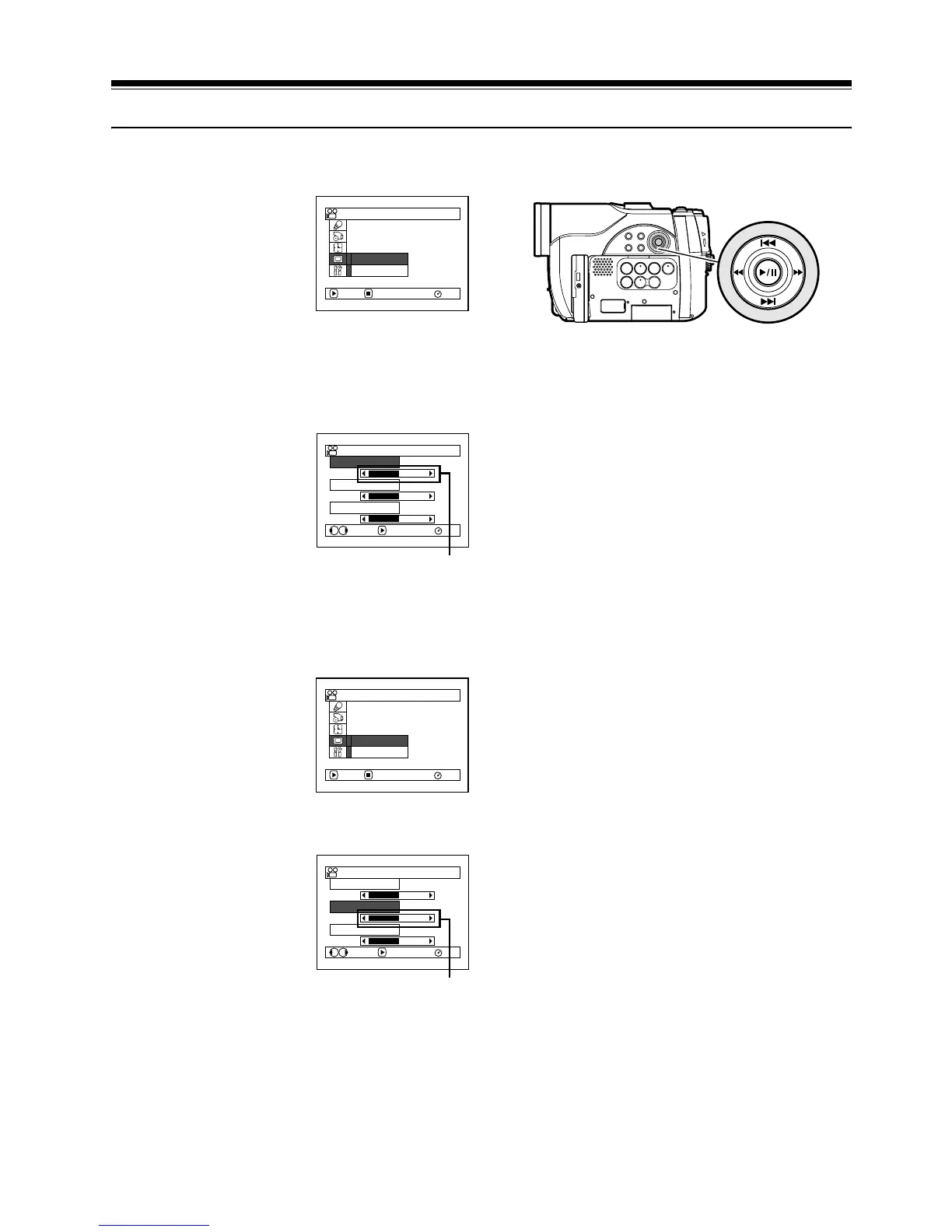
SETTING BRIGHTNESS OF LCD SCREEN (LCD BRIGHTNESS)
1 Press the MENU
button, use the f/
e/d/c/A
buttons to choose
“Adjust” on the “LCD/
EVF Setup” menu
screen, and then choose
“LCD Brightness”.
The brightness adjustment bar will appear on
the screen.
2 Use the d/c buttons
for adjustment.
Press d :
The screen becomes
dimmer.
Press c :
The screen becomes
brighter.
3 Press the MENU button to end the setting.
Note:
The brightness setting will be stored in memory even
after the DVD video camera/recorder is turned off.
SETTING BRIGHTNESS OF VIEWFINDER (EVF BRIGHTNESS)
1 Press the MENU
button, use the f/
e/d/c/A
buttons to choose
“Adjust” on the “LCD/
EVF Setup” menu
screen, and then choose
“EVF Brightness”.
2 Use the d/c buttons
for adjustment.
Press d :
The screen becomes
dimmer.
Press c :
The screen becomes
brighter.
3 Press the MENU button to end the
adjustment.
Note:
The brightness setting is stored in memory even after
the DVD video camera/recorder is turned off.
RAM
Ad j us t
EVF D i s p l a y
ENTER RETURN
LCD/EVF Se t up
LCD Br ight ness
EVF Br ightness
Co l o r L ev e l
RAM
ENTERADJUST
LCD/ EVF Ad j u s t
Brightness
adjustment bar
Use f / e / d / c to select,
and then press A to designate.
RAM
Ad j us t
EVF D i s p l a y
ENTER RETURN
LCD/EVF Se t up
LCD Br ight ness
EVF Br ightness
Co l o r L ev e l
RAM
ENTERADJUST
LCD/ EVF Ad j u s t
Brightness
adjustment bar













 To Next Page