75
Advanced Techniques
This section explains about various settings to further extend the usefulness of this DVD
video camera/recorder.
Checking Flow of Normal Menu
The following two on-screen menu modes are available with this DVD video camera/recorder:
• Quick Menu: To display only the fundamental menu items for first timers (p. 59)
• Normal Menu: To display all menu items for experts
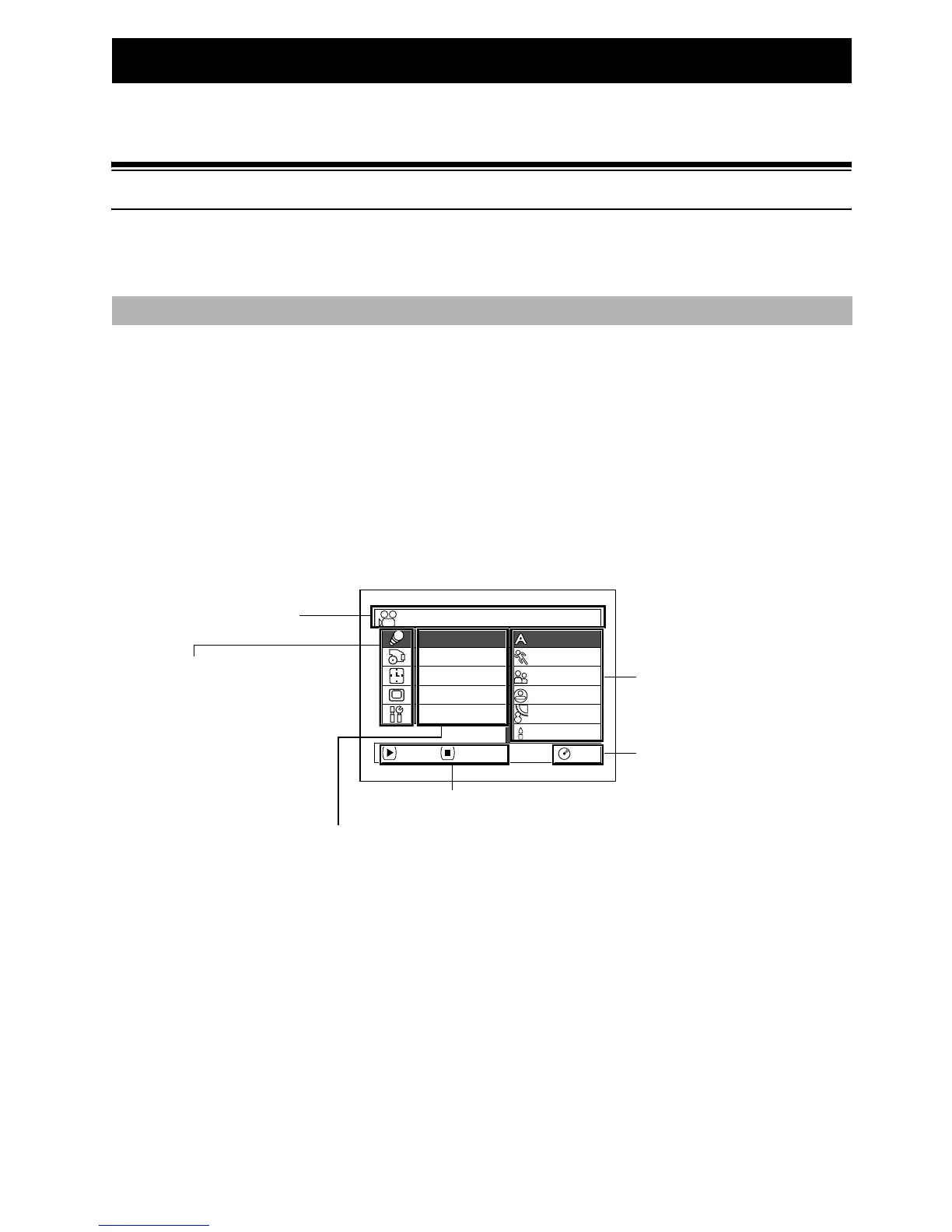
Press the MENU button while the camera image is being displayed on the LCD monitor: The Normal
Menu will appear.
Use the f/e/d/c buttons to select a menu item, and then press the A button to choose
the option.
See page 60 for the setting method.
The screens used here to explain are displayed when DVD-RAM disc is used. Some items will not
appear when a DVD-R disc or card is used, or when no disc is inserted.
No menu appears during recording.
<Menu screen for setting>
Camera Functions
Spo r t s
Portrait
Spo t l i ght
Sand&Snow
Low L i ght
Auto
RAM
Progra
m
AE
W
hi te Bal.
Dig. Zoo
m
MIC.Fi l ter
EIS
ENTER RETURN
Camera Funct i ons Setup
Display of selected
setup item
Selection of setup items
S : Camera Functions Setup
T : Record Functions Setup
U :Date Setup
V : LCD/EVF Setup
W : Initial Setup
Functions settable
Display of disc or card
being used (p. 50)
Options settable
Guide display













 To Next Page