70
12
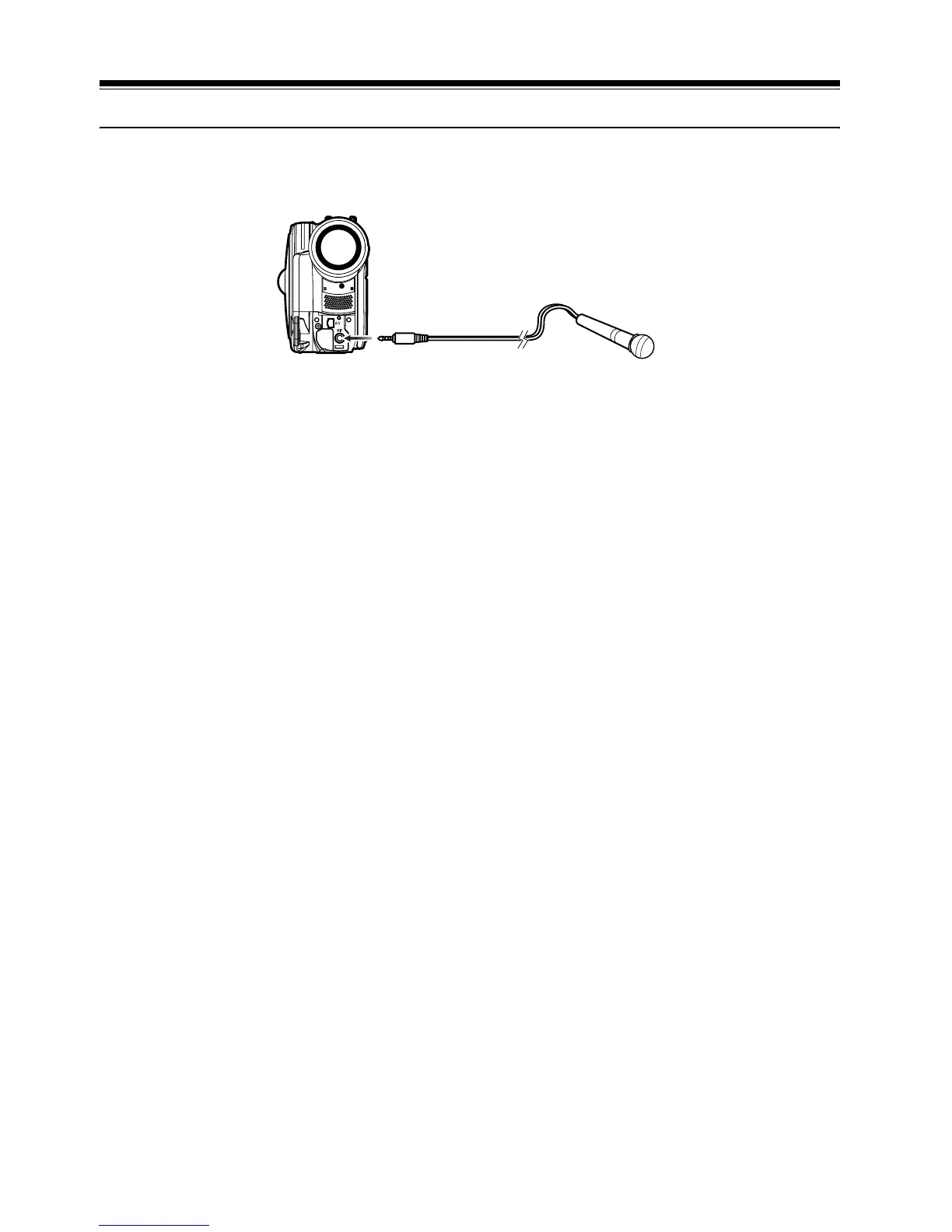
Using External Microphone
Connect external microphone (generally available) to the external microphone jack of this DVD
video camera/recorder. Clearer sound can be recorded. Turn on the switch on external microphone
and start recording. For details on external microphone, see “Major Specifications” on page 146.
Note:
• Depending on the shape of its plug, an external microphone cannot be plugged in, while the cable is left plugged
in the AV/S output terminal. Unplug the AV/S output cable to use the external microphone.
• This DVD video camera/recorder cannot use a plug-in power type microphone. (Power is not supplied from this
DVD video camera/recorder.)
To external
microphone jack













 To Next Page