48
123
On-Screen Information
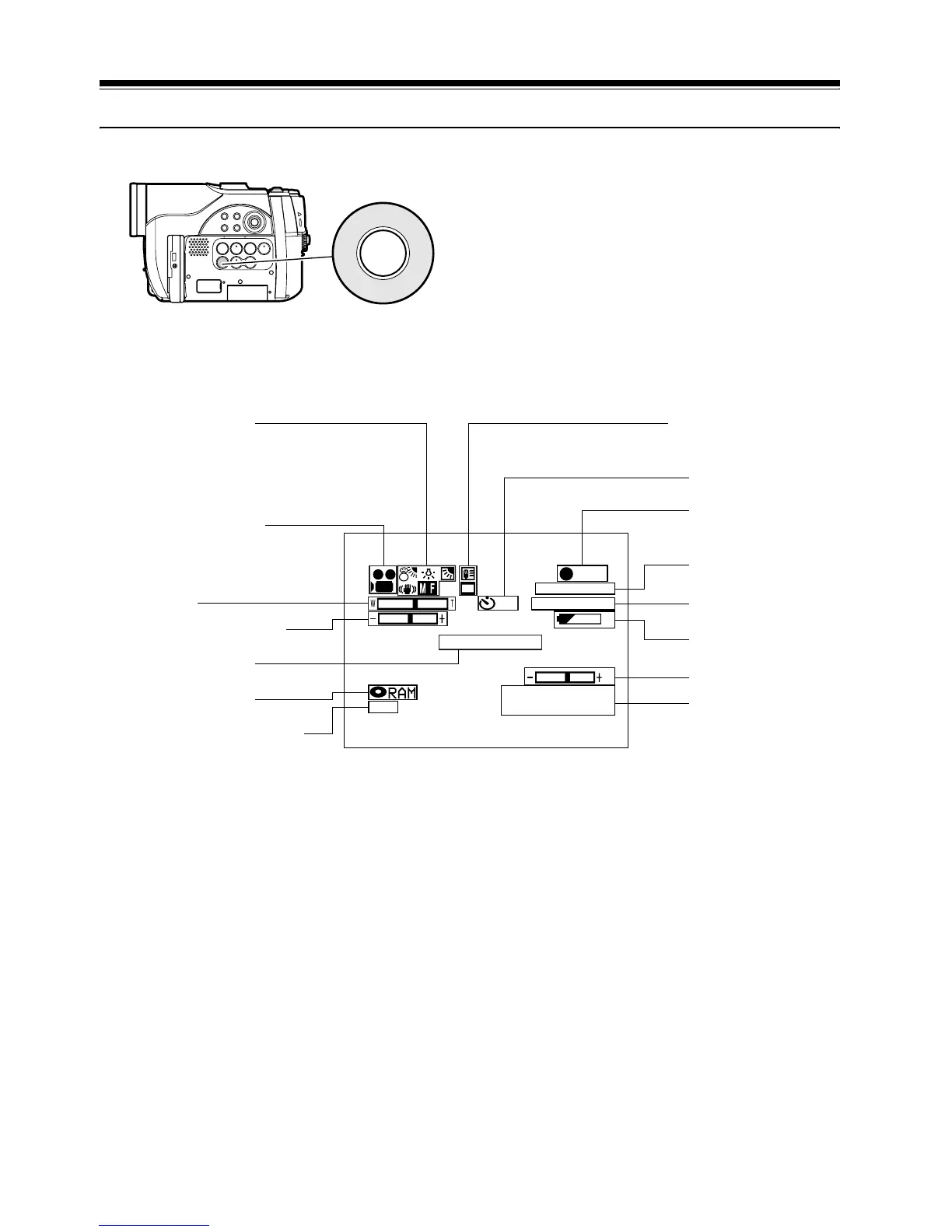
Various types of information will appear in the viewfinder or on the LCD screen during recording.
INFORMATION DISPLAY DURING RECORDING
See the next page for details.
DISPLAY
10
3 0 MIN
0:00:00
FINE
REC
DISC ACCESS
REM
8:00
30/ 9/2006
The above screen is an example for explanation:
It is different from the actual display.
e 2. Programme AE
j 3. White balance
n 4. EIS
o 5. Manual Focus
m 6. Backlight compensation
1. Recording mode
11. Zoom
12. Exposure correction
Warning message
13. Disc/Card type
14. Movie recording quality
p 7. Microphone filter
l 8. 16:9 mode
9. Self-timer
10. Recording status
Movie recording time
15 Remaining space
on disc/card
16 Remaining
battery level
17. Volume
Current date/time













 To Next Page