94
PLAYING BACK FROM DISC NAVIGATION SCREEN
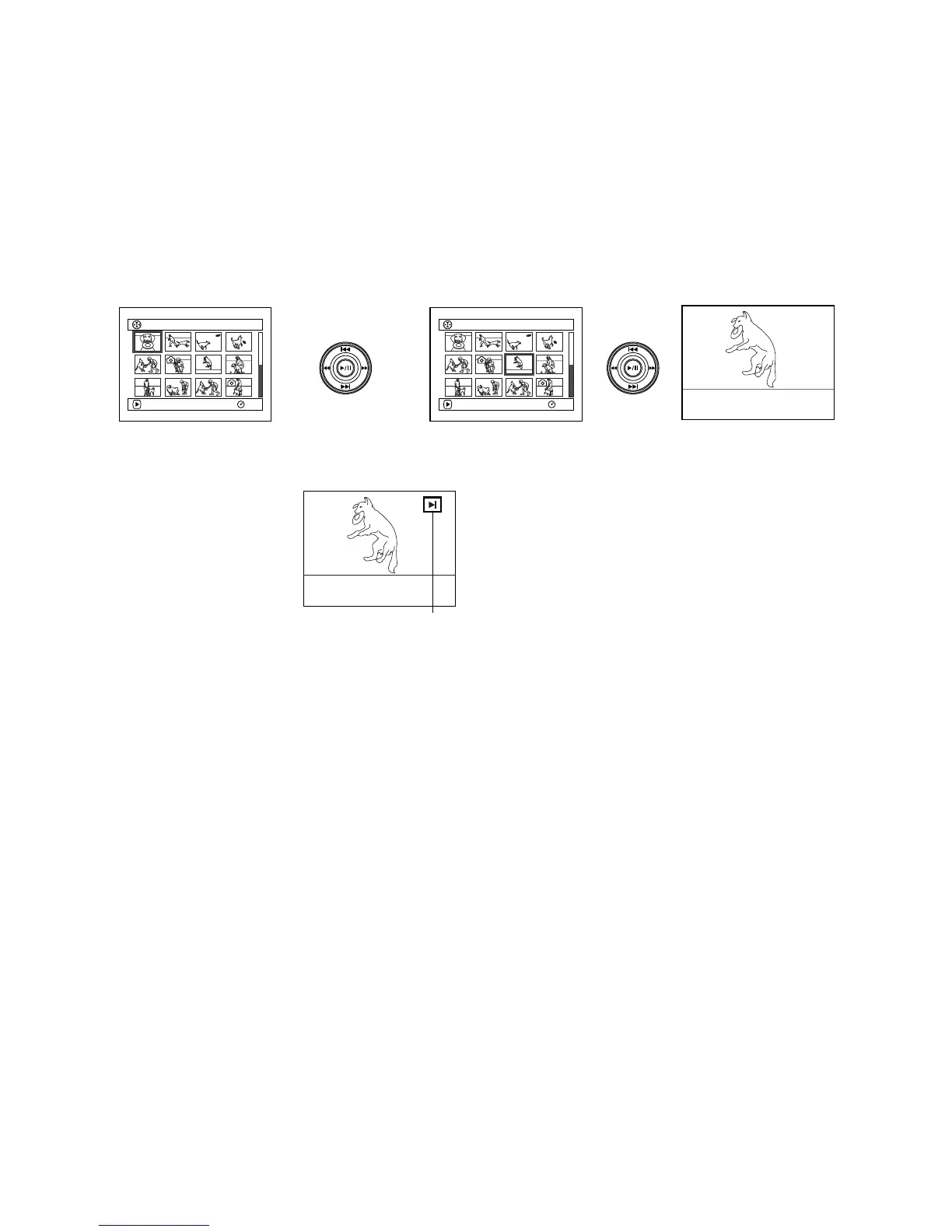
1 Press the DISC NAVIGATION button.
2 Use the f/e/d/c buttons to select
the desired scene.
The selected scene will be framed: This is
called a “cursor”.
3 Press the A button.
Playback will start from the selected scene.
Note:
Pressing the d or c button will move the cursor
to the preceding or following scene.
Pressing the f or e button will move to
preceding or following page.
●When playback ends:
The DVD video camera/
recorder will enter the
playback pause status at
the last image of last scene.
Pressing the C or DISC
NAVIGATION button will
restore the Disc
Navigation screen.
When the playback pause
status continues for as long as 5 minutes, the
Disc Navigation screen will automatically be
restored.
●Playing back photos
A photo on DVD-RAM disc will be displayed
for approx. 3 seconds. When playing back
photos on card, playback will stop after each
photo playback.
Note:
• Press the A button to temporarily stop playback.
Pressing A again will start from that point.
• If you press the A button after playback of the last
scene on disc finishes, playback will start again from
the beginning of disc.
• Pressing the C button will always restore the Disc
Navigation screen.
• When playing back photos on card, “Playback” will
appear. In the case of a photo with a large number of
pixels, it will take some time for the photo to appear.
001/ 014All Progra
m
s
PLAY
RAM
007/ 014All Progra
m
s
PLAY
RAM
Up
ADown
RightLeft
Playback pause













 To Next Page