EasyManua.ls Logo

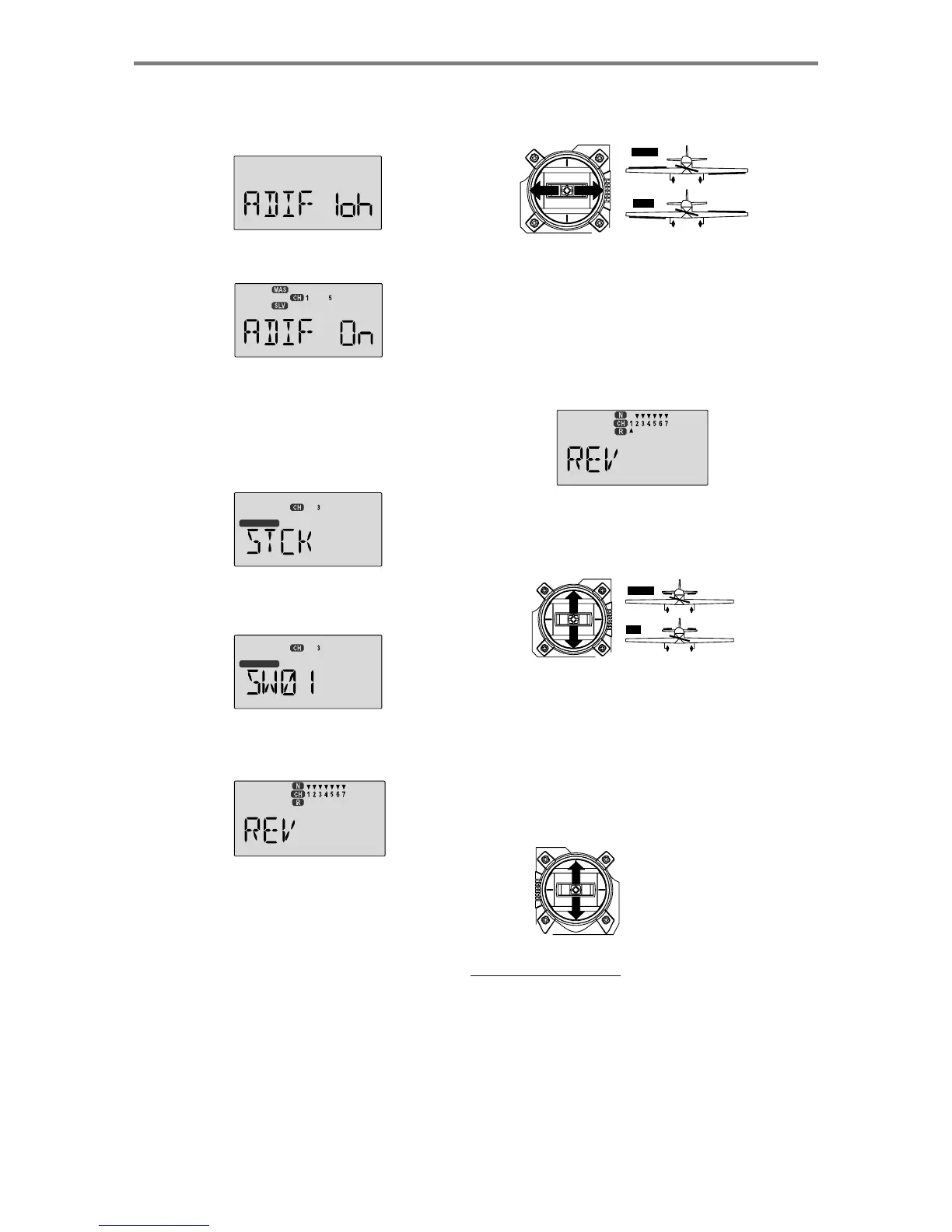
HITEC OPTIC 6 - Page 23

HITEC OPTIC 6
60 pages
Print Icon
To Next Page IconTo Next Page
To Previous Page IconTo Previous Page
Loading...
For more information - www.modelflight.com.au
Simple
Transmitter
Setup
-
Electric
A
irplane,
5
-Channel
Receiver
(
ACGL
Menu
)
5.
Press
both
Edit
keys
to
get
to
the
regular
programming
menu.
The
end-point
adjust
menu
(
EPA
)
should
appear.
Press
the
Down
arrow
to
get
to
the
aileron
differential
menu
(
ADIF
).
The
display
should
show
that
it
is
inhibited
(
INH
).
the
left
should
move
downward.
Check
that
the
right
aileron
moves
the
correct
way!
(More
planes
are
crashed
due
to
reversed
controls
than
for
any
other
reason.)
RIGHT
LEFT RIGHT
LEFT
6.
Turn
on
the
ADIF
function
by
pressing
the
Clear
button until
"On"
appears
in
the
display.
7.
Be
sure
that
you
connect
the
right
aileron
servo
to
receiver
CH1
and
the
left
aileron
servo
to
receiver
CH5
.
8.
You
may
wish
to
have
the
electric
motor
controlled
by
an
ON-OFF
switch
instead
of
the
throttle
stick
(good
for
racers
and
aircraft
that
only
use
full
throttle).
In
this
case,
go
to
the
STCK
INPUT
SELECT
menu
by
pressing
the
UP
or
DOWN
arrow
key.
Front
V
iew
12.
If
it
does
not,
activate
the
opposite
direction
for
the
CH1
aileron
servo
by
pressing
the
Active/Inhibit
(Clear)
key.
Each
press
switches
from
Reversed
to
Normal
and
from
Normal
to
Reversed.
In
the
display,
N
for
Normal
is
chosen
when
the
little
triangle
is
above
the
channel
number,
and
R
for
Reversed
is
chosen
when
the
little
triangle
is
below
the
channel
number.
Move
the
right-hand
stick
again
and
verify
the
right
aileron
moves
the
right
directions.
The
display
shows
Channel
1
reversed.
INPUT
SEL
13.
Next
we'll
set
the
direction
of
the
elevator
servo,
channel
2
.
When
you
move
the
right-hand
stick
towards
the
BOTTO
M
of
the
transmitter,
the
elevator
should
move
up
.
Check
t
o
make
sure
it
moves
the
proper
direction!
9.
You
can
select
Switch
SW-01
("ELEV
RUDD
D/R" to
operate
the
electronic
speed
control
by
pressing
the
CLEAR
button.
DO
W
N
DOWN
UP
INPUT
SEL
10.
Now
we
will
check
that
each
servo
moves
the
proper
direction.
If
not,
we'll
use
the
Reversing
function.
Go
to
the
Reversing
menu
(
REV
)
by
hitting
the
Down
arrow.
U
P
14.
If
the
elevator
control
moves
the
wrong
direction,
move
over
to
Channel
2
by
pressing
the
Cursor
Right
key.
Now
the
'2'
should
be
flashing
in
the
display.
Activate
the
opposite
direction
for
the
elevator
servo
by
pressing
the
Active/
Inhibit
(Clear)
key.
Move
the
right-hand
stick
up-and-down
again
and
verify
the
elevator
moves
the
right
direction.
15.
Now
we'll
set
the
direction
of
the
electronic
speed
control. If
you're
using
the
left-hand
stick
for
throttle
control,
when
you
move
the
stick
towards
the
TOP
of
the
transmitter,
the
motor
should
spin.
It
should
stop
at
low
throttle
stick.
11.
We'll
start
by
setting
the
right
aileron
servo
direction. This
is
channel
1,
and
the
1
should
be
flashing
for
this
command
.
When
you
move
the
right-hand
stick
to
the
right,
the
ailero
n
on
the
right
wing
should
move
upwards,
and
the
aileron
on
H
I
G
H
L
O
W
HIGH
Throttle
LOW
Throttle
Sim
p
le
Transmitter
Setu
p
-
Electric
A
ir
p
lane,
5
-
Channel
Receiver
(
ACGL
Menu
)
-
Pa
g
e
2
3

Table of Contents

Other manuals for HITEC OPTIC 6

Related product manuals