Portable
PLUS
Computer
Troubleshooting
8-41
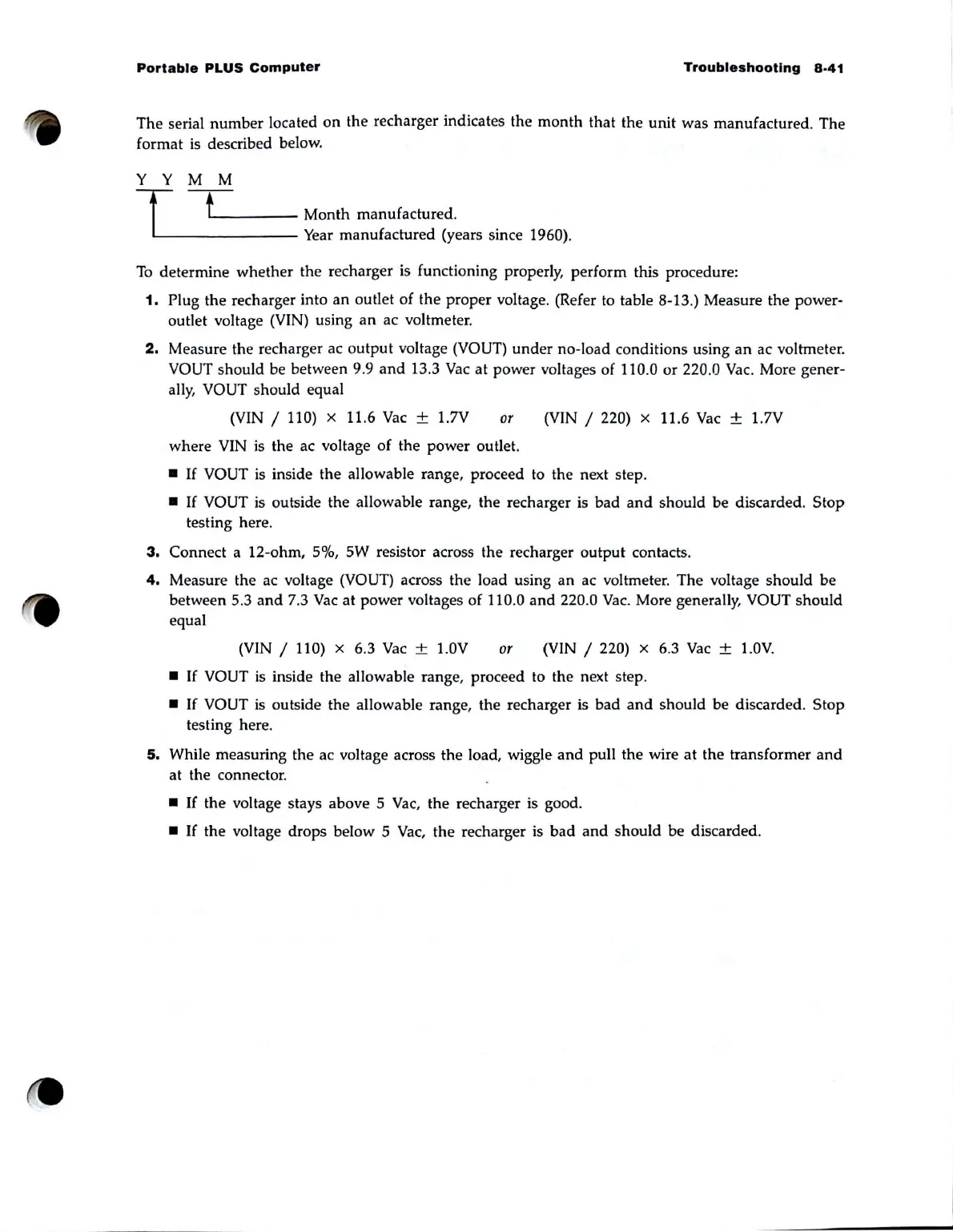
The serial number located
on
the recharger indicates the
month
that the unit was manufactured. The
format
is
described below.
Y Y M M
T f
L
_____
Month manufactured.
-
Year
manufactured (years since 1960).
To
determine whether the recharger
is
functioning properly, perform this procedure:
1.
Plug the recharger into an outlet of the proper voltage. (Refer to table 8-13.) Measure the power-
outlet voltage (VIN) using
an
ac voltmeter.
2.
Measure the recharger ac output voltage (VOUT)
under
no-load conditions using
an
ac voltmeter.
VOUT should be between 9.9
and
13.3
Vac
at
power voltages of 110.0 or 220.0
Vac.
More gener-
ally, VOUT should equal
(VIN / 110) x
11
.6
Vac
± 1.7V or (VIN / 220) x 11.6
Vac
± 1.7V
where VIN
is
the ac voltage
of
the power outlet.
•
If
VOUT
is
inside the allowable range, proceed to the next step.
•
If
VOUT
is
outside the allowable range, the recharger
is
bad
and
should be discarded. Stop
testing here.
3.
Connect a 12-ohm, 5%, 5W resistor across the recharger output contacts.
4.
Measure the ac voltage (VOUT) across the load using an ac voltmeter. The voltage should be
between 5.3
and
7.3
Vac
at power voltages of 110.0
and
220.0
Vac
. More generally, VOUT should
equal
(V
IN / 110) x 6.3
Vac
± 1.0V or (VIN / 220) x 6.3
Vac
± l .
OV.
•
If
VOUT
is
inside the allowable range, proceed to the next step.
•
If
VOUT is outside the allowable range, the recharger
is
bad
and
should be discarded. Stop
testing here.
5.
While measuring the ac voltage across the load, wiggle
and
pull the wire
at
the transformer
and
at the connector.
•
If
the voltage stays above 5
Vac,
the recharger is good.
•
If
the voltage drops below 5
Vac,
the recharger is
bad
and
should be discarded.



 To Next Page