Portable
PLUS
Computer
Removal
and
Replacement
6-3
3.
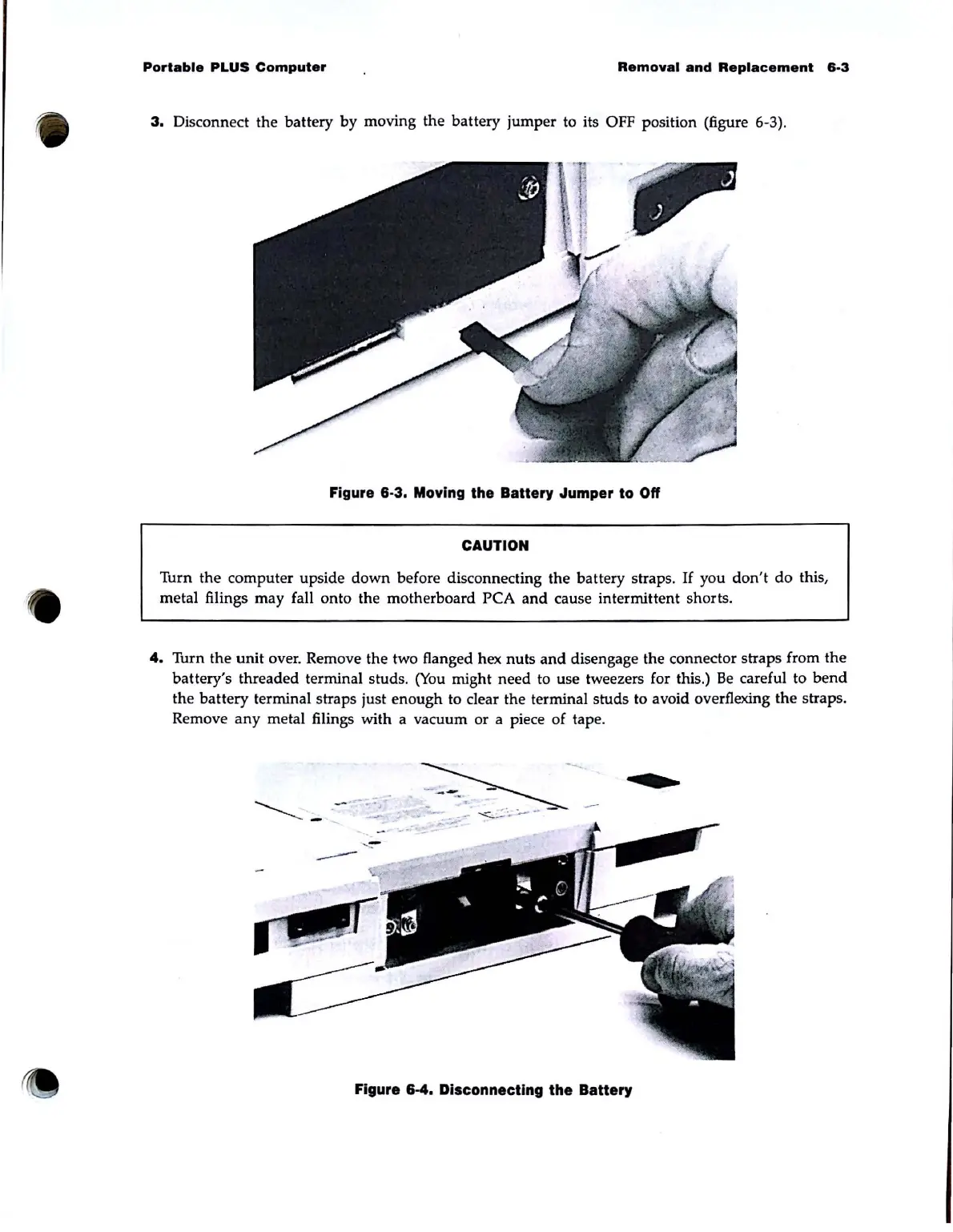
Disconnect the battery by moving the battery jumper to its OFF position (figure 6-3).
Figure 6-3. Moving the Battery Jumper to Off
CAUTION
Turn the computer upside
down
before disconnecting the battery straps.
If
you
don't
do
this,
metal filings may fall onto the motherboard PCA
and
cause intermittent shorts.
4.
Turn the
unit
over. Remove the two flanged hex nuts
and
disengage the connector straps from the
battery's threaded terminal studs.
(You
might need to use tweezers for this.)
Be
careful to
bend
the battery terminal straps just enough to clear the terminal studs to avoid overflexing the straps.
Remove
any
metal filings with a vacuum or a piece of tape.
Q
------
.
Figure 6-4. Disconnecting the Battery



 To Next Page