Portable
PLUS
Computer
Removal
and
Replacement
6.13
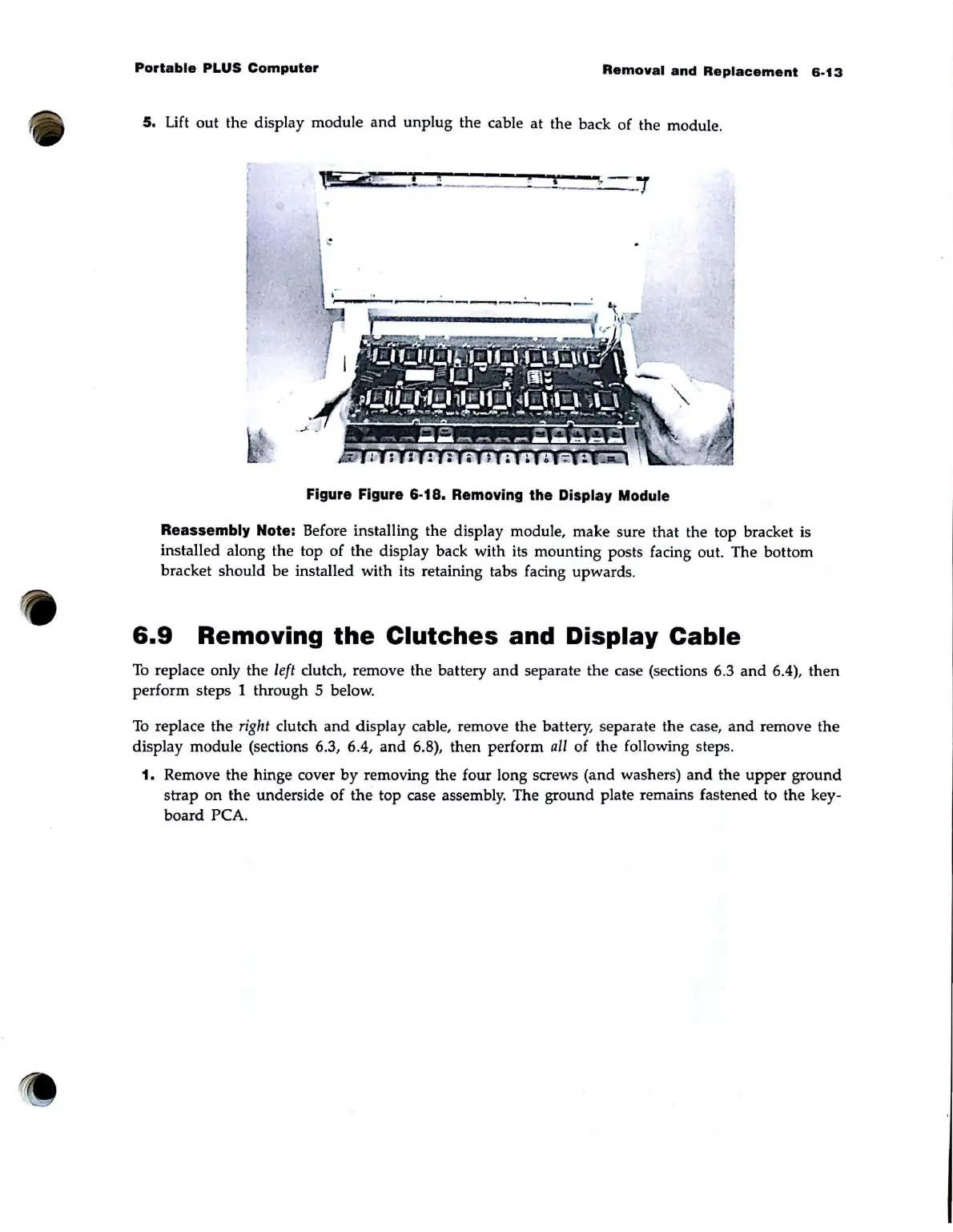
5.
Lift
out
the display module
and
unplug the cable at the back of the module.
'
~-"';"""'p--
_____
-=--
_ _ .
Figure Figure 6·18. Removing the Display Module
Reassembly
Note: Before installing the display module, make sure that the top bracket is
installed along the top of
the
display back with its mounting posts facing out. The bottom
bracket should be installed with its retaining tabs facing upwards.
6.9
Removing
the
Clutches
and Display
Cable
To
replace only the left clutch, remove the battery
and
separate the case (sections 6.3
and
6.4),
then
perform steps 1 through 5 below.
To
replace the
right
clutch
and
display cable, remove the battery, separate the case,
and
remove
the
display module (sections 6.3, 6.4,
and
6.8), then perform
all
of the following steps.
1.
Remove
the
hinge cover
by
removing the four long screws (and washers)
and
the upper
ground
strap
on
the underside
of
the
top case assembly. The ground plate remains fastened to the key·
board
peA.



 To Next Page