Portable
PLUS
Computer
Removal
and
Replacement
6.11
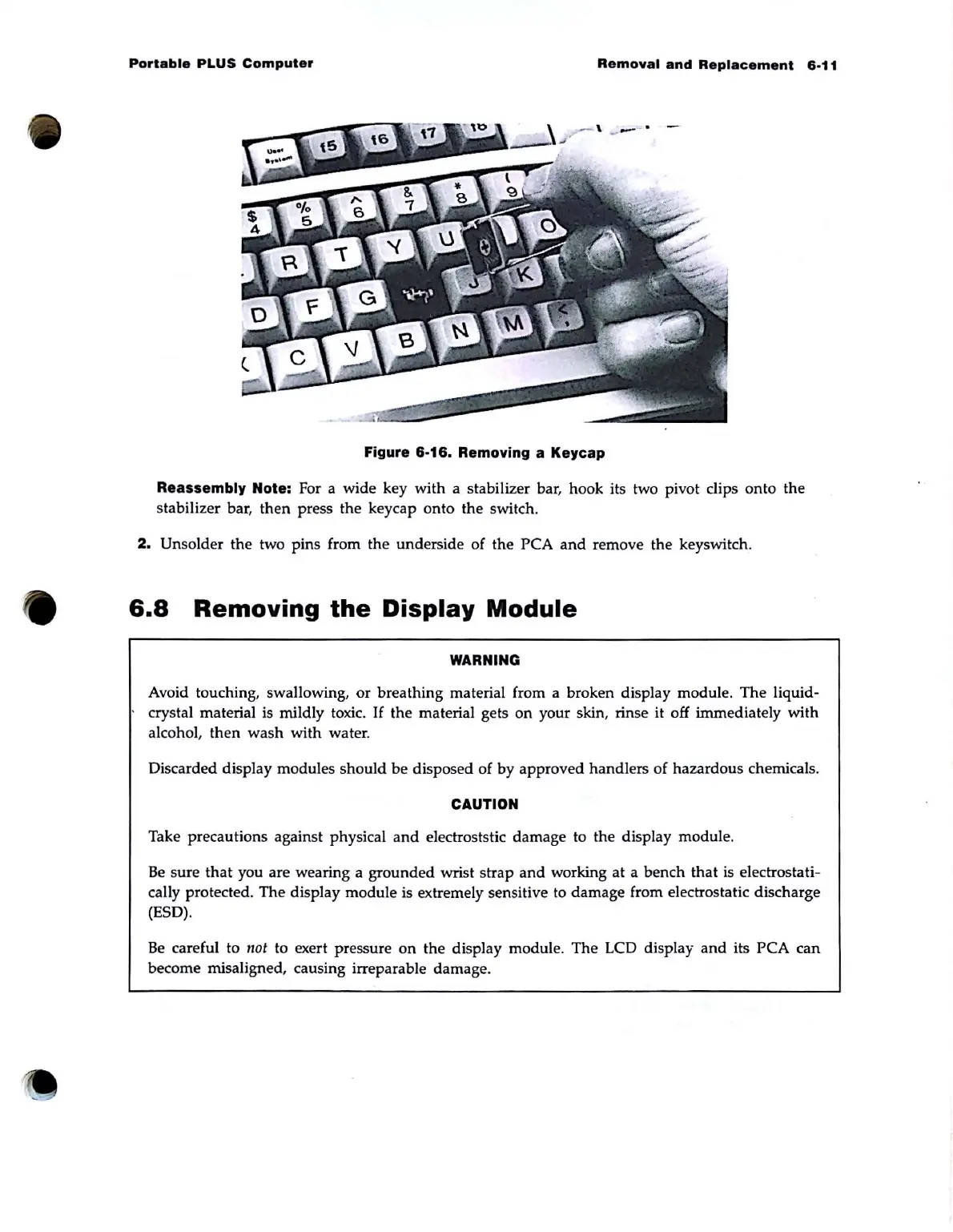
Figure 6·16. Removing a Keycap
Reassembly Note:
For a wide key with a stabilizer bar, hook its two pivot clips onto the
stabilizer bar,
then
press the keycap onto the switch.
2.
Unsolder
the
two pins from the underside of the PCA
and
remove the keyswitch.
6.8
Removing
the
Display
Module
WARNING
Avoid touching, swallowing,
or
breathing material from a broken display module.
The
liquid-
crystal material is mildly toxic.
If
the
material gets on your skin, rinse it off immediately with
alcohol,
then
wash
with water.
Discarded display modules
should
be
disposed of by approved handlers of hazardous chemicals.
CAUTION
Take precautions against physical
and
electroststic damage to the display module.
Be
sure
that
you are wearing a
grounded
wrist strap
and
working
at
a bench
that
is electrostati-
cally protected. The display module is extremely sensitive
to
damage from electrostatic discharge
(E5D).
Be
careful to
not
to exert pressure
on
the display module. The LCD display
and
its PCA
can
become misaligned, causing irreparable damage.



 To Next Page