6·6
Removal and Replacement Portable PLUS Computer
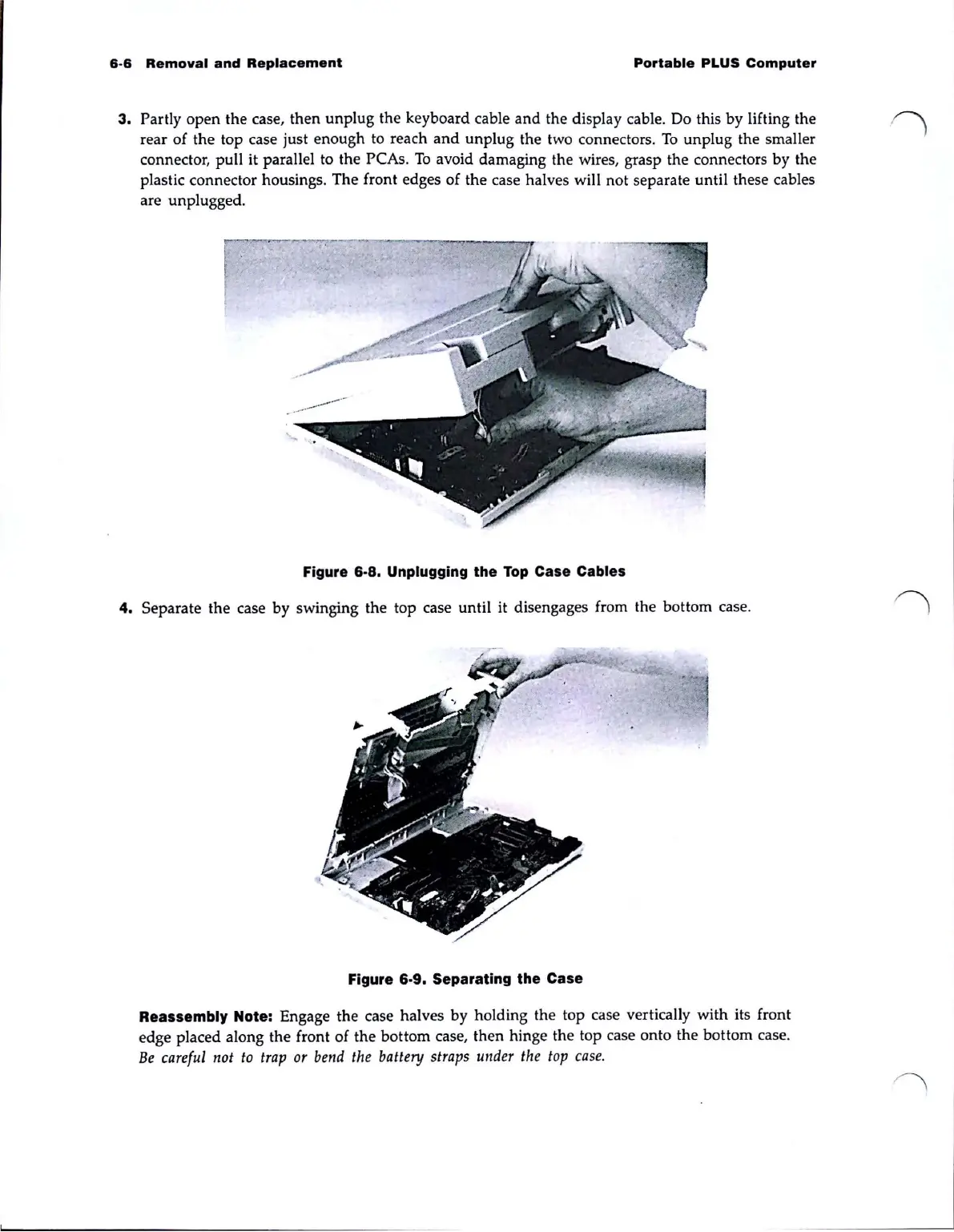
3. Partly open the case, then
unplug
the keyboard cable and the display cable. Do this by lifting the
rear of the top case just enough to reach
and
unplug the two connectors.
To
unplug the smaller
connector, pull it parallel to the
peAs.
To
avoid damaging the wire
s,
grasp the connectors
by
the
plastic connector housings. The front edges of the case halves will not separate until these cables
are unplugged.
Figure
6·8.
Unplugging the
Top
Case Cables
4.
Separate the case by swinging the top case until it disengages from the bottom case.
Figure
6·9.
Separating the Case
Reassembly Note: Engage the case halves by holding the top case vertically with its front
edge placed along the front of the bottom case, then hinge the top case onto the bottom case.
Be
careful
not
to
trap
or
bend
the
battery
straps
under
the
top
case
.



 To Next Page