8·40
Troubleshooting
Portable
PLUS
Computer
CAUTION
Be
sure to turn off the + 25V power supply
before
you disconnect the recharger
or
battery
from
the computer. If this isn't done, components
may
be
damag~d.
20.
Turn off
and
disconnect the power supply. Carefully
wrap
the wires
around
the module. Tape or
cover the ends of the wires so that they
don't
touch each other or the PCA.
21.
Disconnect power from the computer.
22.
Remove the diagnostic module.
8.5
Testing
the
Recharger
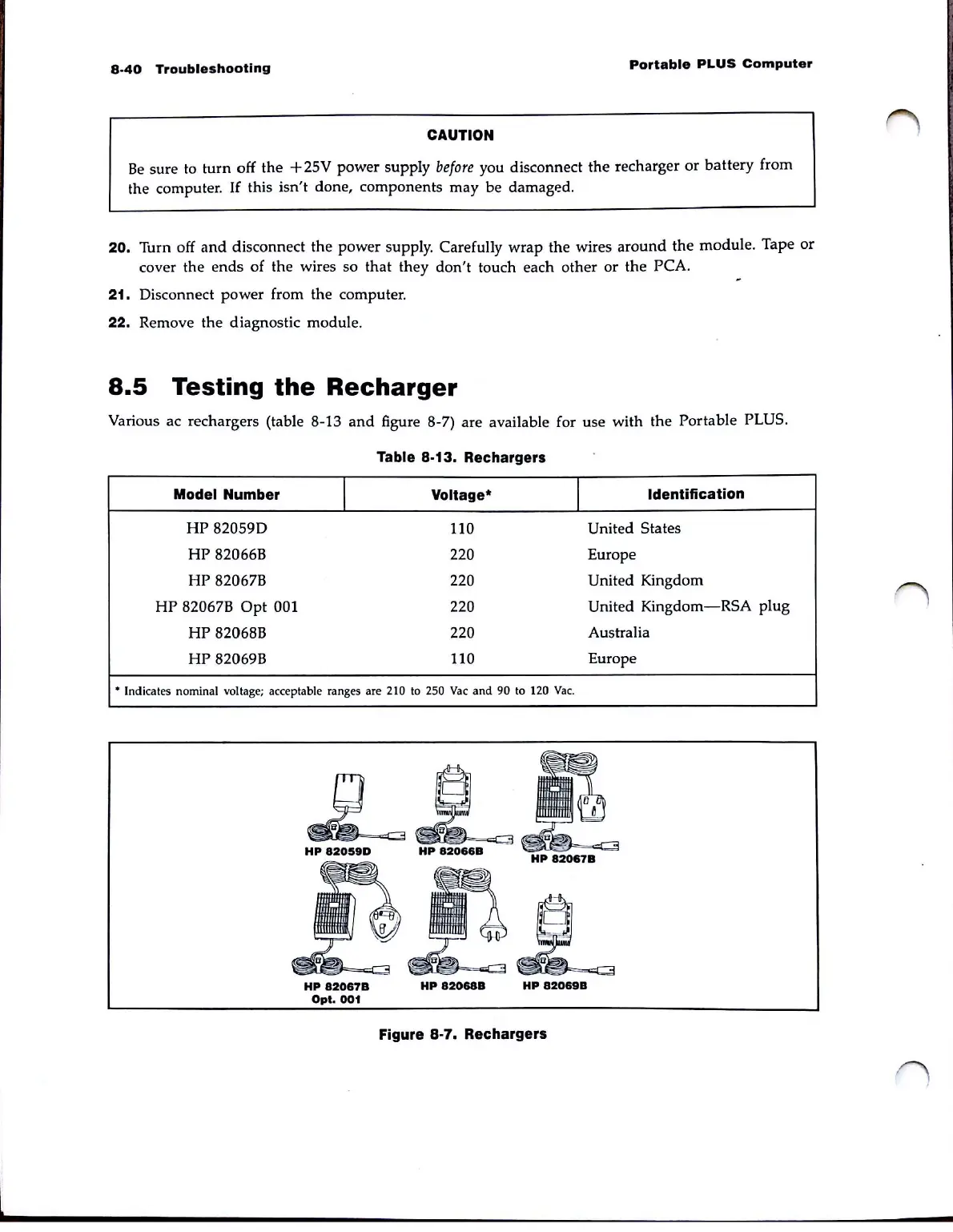
Various ac rechargers (table 8·13
and
figure 8-7) are available for use with the Portable PLUS.
Table
8·13.
Rechargers
Model Number
I
Voltage·
I
Identification
HP
82059D
110
United States
HP
82066B 220 Europe
HP
82067B 220 United Kingdom
HP
82067B
Opt
001
220
United
Kingdom-RSA
plug
HP
82068B 220
Australia
HP
82069B
110
Europe
• Indicates nominal voltage; acceptable ranges are 210 to 250
Vac
and
90 to 120
Vac.
L L
HP
82059D
HP
82066B
{i~D
=
<=C
;3
HP
82067B
HP
82067B
Opt.
001
HP
82068B
HP
82069B
Figure
8·7.
Rechargers



 To Next Page