6-4
Removal
and
Replacement
Portable
PLUS
Computer
6.3
Removing
the
Battery
Note:
The
battery sllould
be
removed
from
tile
unit
only
if
the
battery
requires
service
or
re
place-
mellt. For non-battery-related service, only
disconllect
the battery according to section 6.2
above.
WARNING
The
battery
contains
an
acid electrolyte
that
is
sealed in; therefore, avoid damaging
the
battery
case.
Handle
a
damag
ed battery witll
care
because
the
acid
can
caus
e
burn
s.
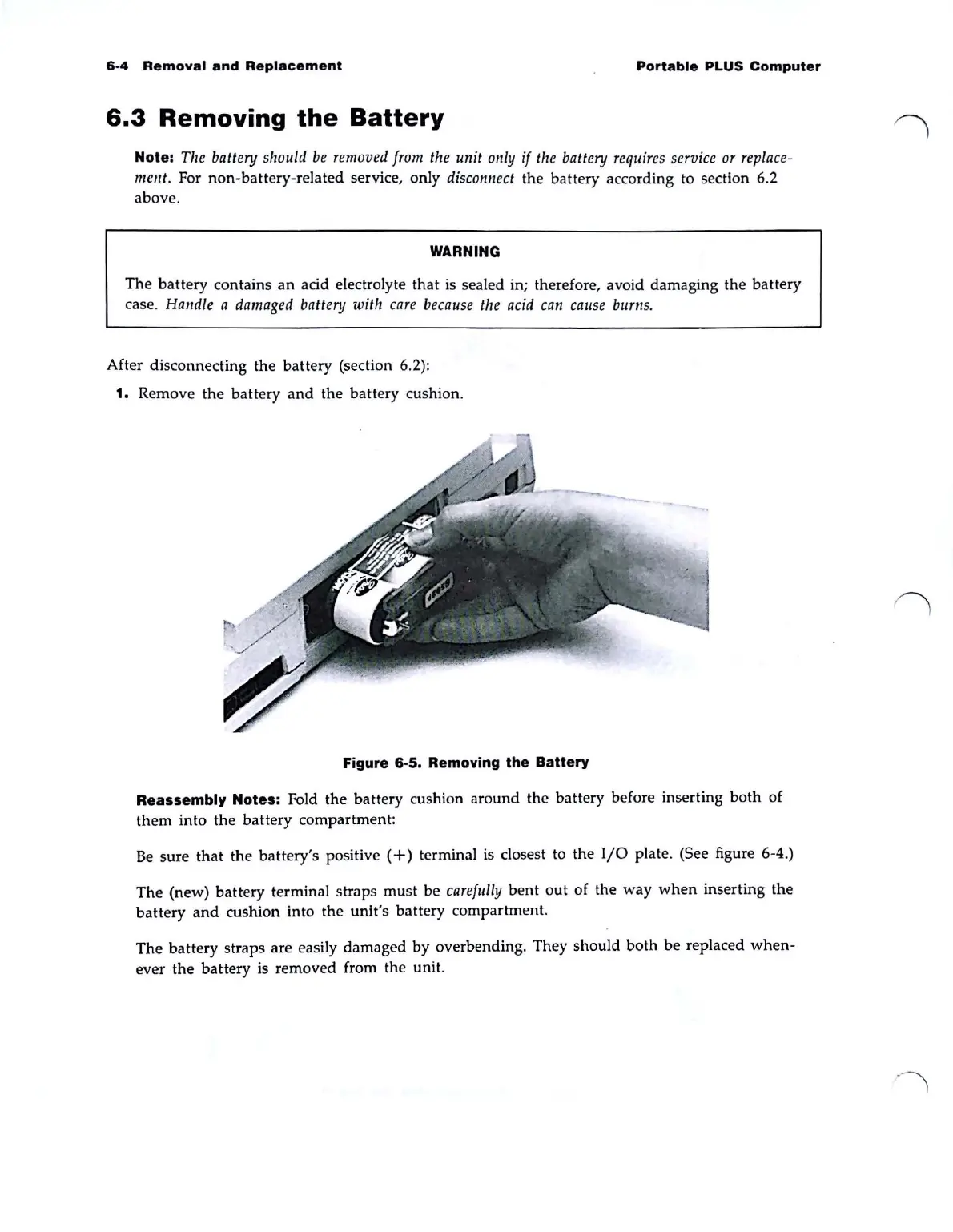
After disconnecting the battery (section 6.2):
1.
Remove
the
battery
and
the battery cushion.
Figure 6-5. Removing the Battery
Reassembly Notes: Fold
the
battery cushion
around
the battery before inserting
both
of
them
into
the
battery compartment:
Be
sure
that
the
battery's positive
(+)
terminal
is
closest to the
I/O
plate. (See figure 6-4.)
The
(new) battery terminal straps
must
be
carefully
bent
out
of
the way
when
inserting
the
battery
and
cushion into the unit's battery compartment.
The
battery
straps are easily damaged by overbending. They
should
both
be replaced
when-
ever
the
battery is removed from the unit.



 To Next Page