6·8
Removal
and
Replacement
Portable
PLUS
Computer
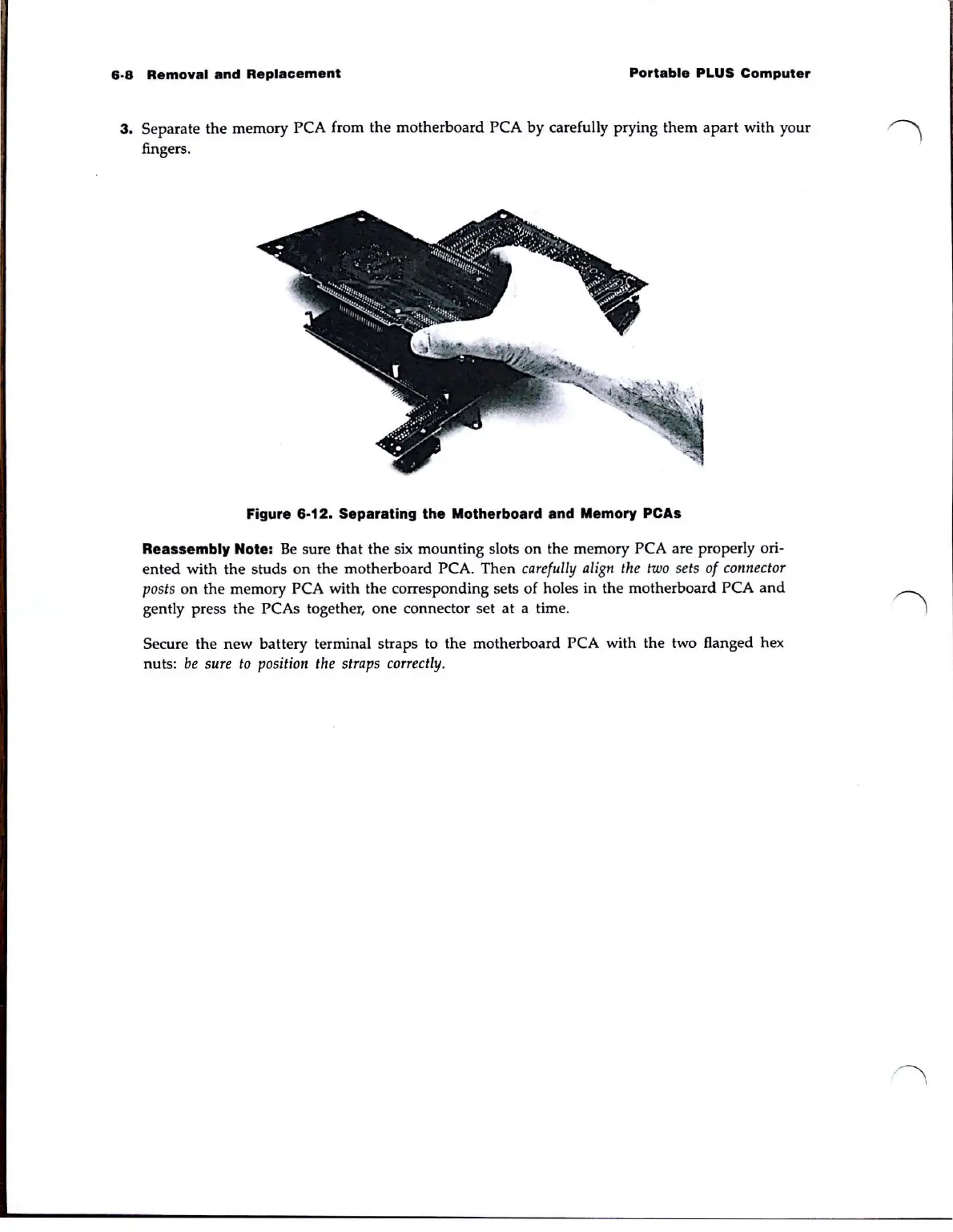
3. Separate the memory PCA from the motherboard PCA
by
carefully prying
them
apart
with your
fingers.
Figure 6·12. Separating the Motherboard and Memory peAs
Reassembl, Note:
Be
sure that the six mounting slots
on
the memory PCA are properly ori·
ented
with the studs
on
the motherboard PCA.
Then
carefully
ali
gn
the
two
sets
of
conn
e
ctor
posts
on
the memory PCA with the corresponding sets of holes in the motherboard PCA
and
gently press the PCAs together, one connector set at a time.
Secure
the
new
battery terminal straps to
the
motherboard PCA with the two flanged hex
nuts:
be
sure
to
position
the
straps
correctly.



 To Next Page