Portable
PLUS
Computer
Troubleshooting
8-7
PORTABLE
PLUS
tests:
f1:
System
test
Shift
f 1 :
RS-232
test
f2:
CPU
test
Shift
f2:
Beeper
test
f3:
ROM
test
Shif
t
f3:
Timer
test
f4:
RAM
test
Shift
f4:
Software
/ Memory
Drawer
test
f5:
LCD
test
Shift
f5:
Modem
test
f6:
Keyboard
test
Shift
f6:
Scope
routines
f7:
HP-IL
test
Shift
f7:
Continuous
loop
f8:
Shift
f8:
Ex
it
Use
Shift
key
and
f1-f8
to
select
test.
Use
Shift
f8
to
exit.
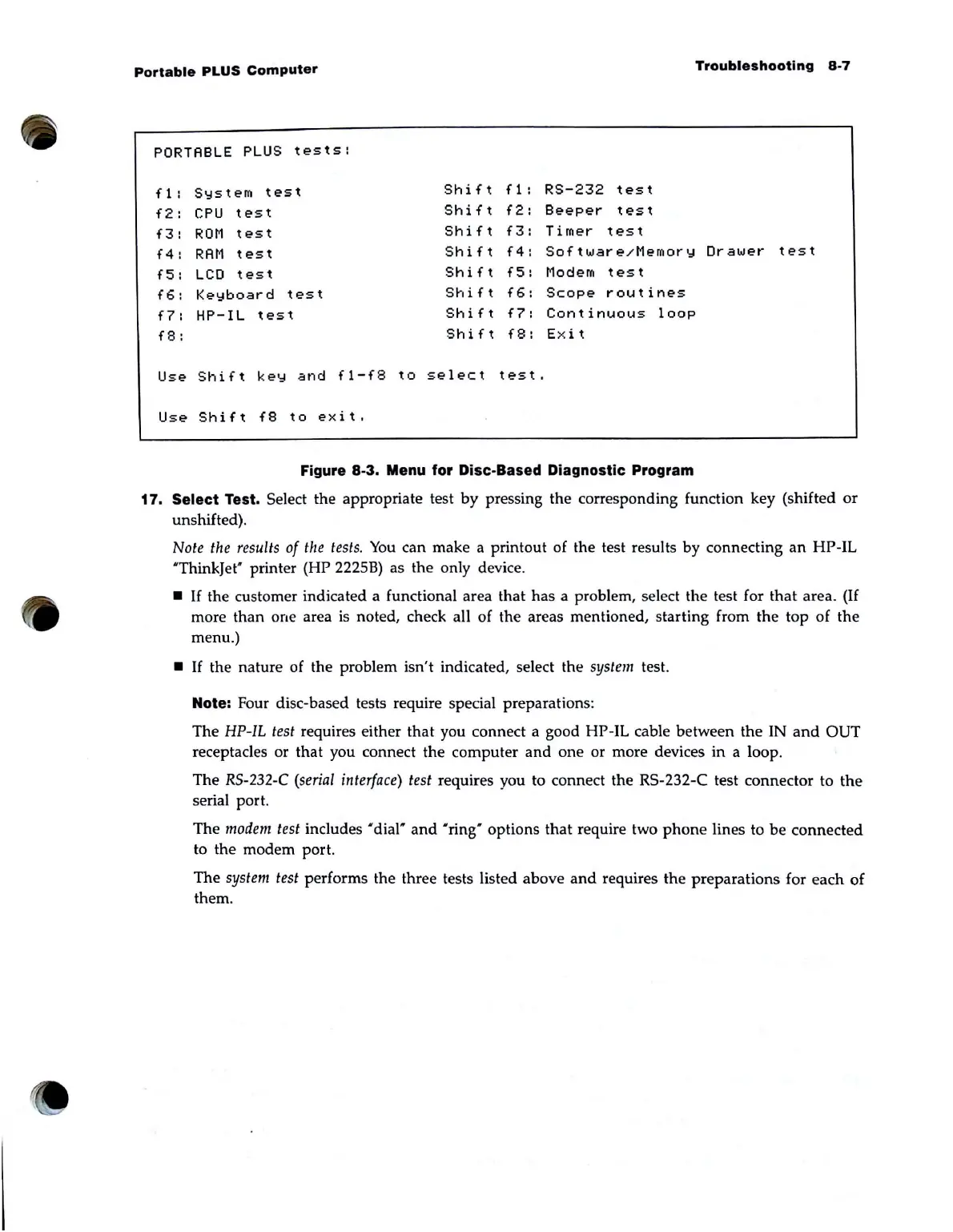
Figure 8-3. Menu for Disc-Based Diagnostic Program
17.
Select Test. Select the appropriate test
by
pressing the corresponding function key (shifted
or
unshifted).
Note
the
results
of
the
tests.
You
can make a printout of the test results by connecting
an
HP-IL
'ThinkJet" printer (HP 2225B) as the only device .
•
If
the customer indicated a functional area that has a problem, select the test for
that
area.
(If
more than one area
is
noted, check all of the areas mentioned, starting from the top of the
menu.)
•
If
the nature of the problem isn't indicated, select the system test.
Note: Four disc-based tests require special preparations:
The
HP-IL
test requires either
that
you connect a good HP-IL cable between the IN
and
OUT
receptacles or that you connect the computer
and
one
or more devices
in
a loop.
The
RS-232-C
(serial
interface)
test requires you to connect the RS-232-C test connector to
the
serial port.
The
modem
test includes "dial"
and
"ring" options that require two
phone
lines to
be
connected
to the modem port.
The
system test performs the three tests listed above
and
requires the preparations for each
of
them.



 To Next Page