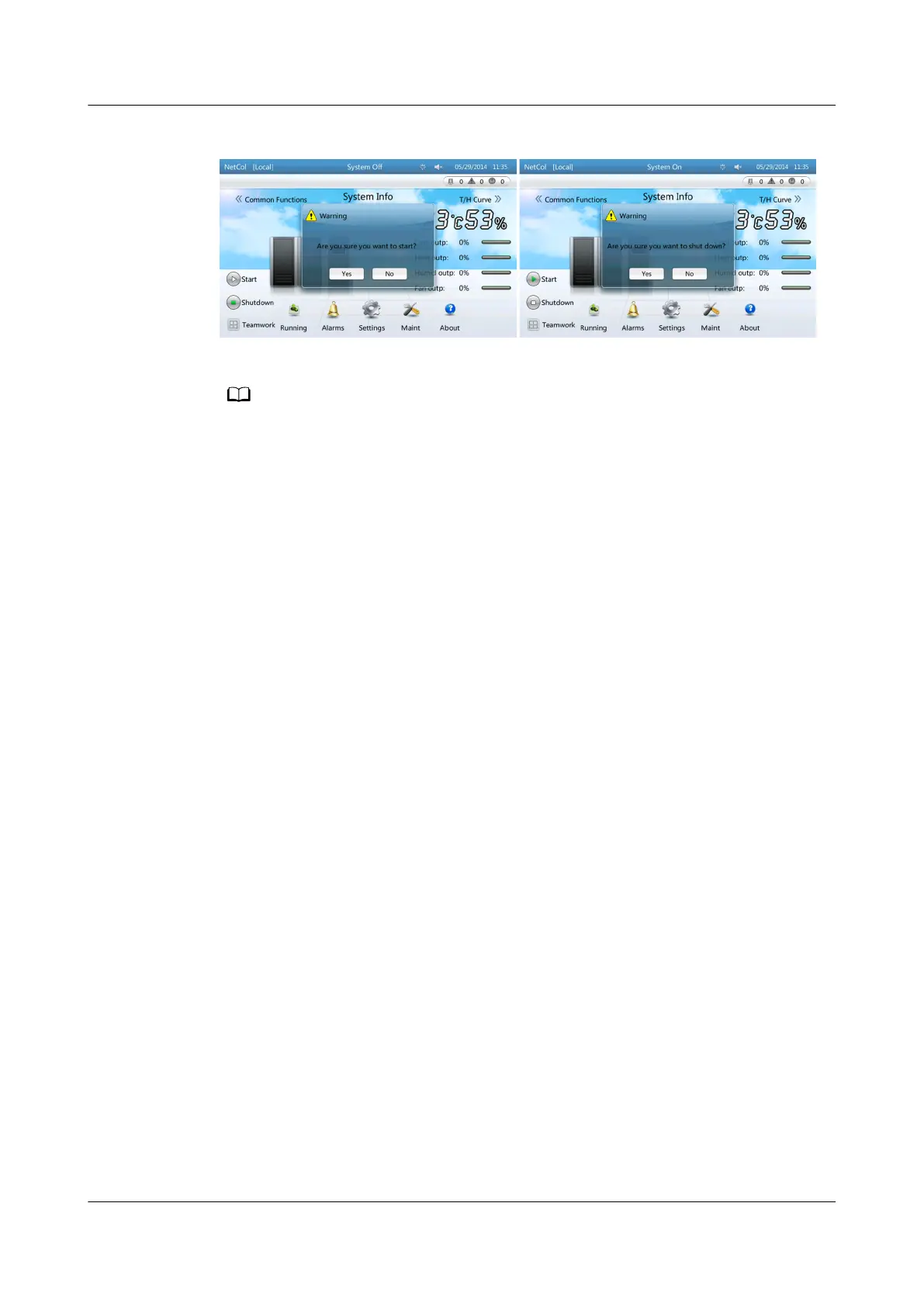
Figure 4-7 Start and shutdown
● If a power failure occurs and the smart cooling product is powered on again, the smart
cooling product automatically restores to the original state (start or shutdown) before
the power failure.
● The hardware port for controlling the status of the remote dry contact or
On/O
status on remote is reserved on the ACC. The status of the remote dry contact and
On/O status on remote is on by default.
● The operations that start the smart cooling product successfully by the LCD button or by
element management system (EMS) is eective only when the remote dry contact or
On/O status on remote is on the status of on.
● In start mode, the Start button is green (unavailable) and the Shutdown button is gray
(available).
● In shutdown mode, the Shutdown button is green (unavailable) and the Start button is
gray (available).
----End
4.5.2.3 Setting Temperature and Humidity Values
Context
To set T/H control type, Temp control mode, cold aisle sensors 1, 2, and 3, and
hot aisle sensors 1, 2, and 3, log in as the Admin or Engineer user. To set other
parameters, log in as the Admin, Engineer, or Operator user.
Procedure
Step 1 On the home screen, choose Settings > System Settings > T/H Sensor. Figure
4-8 is displayed.
NetCol5000-A(025, 035) In-row Air Cooled Smart
Cooling Product
User Manual (600 mm Width) 4 ACC Introduction
Issue 17 (2020-10-22) Copyright © Huawei Technologies Co., Ltd. 92







 To Next Page