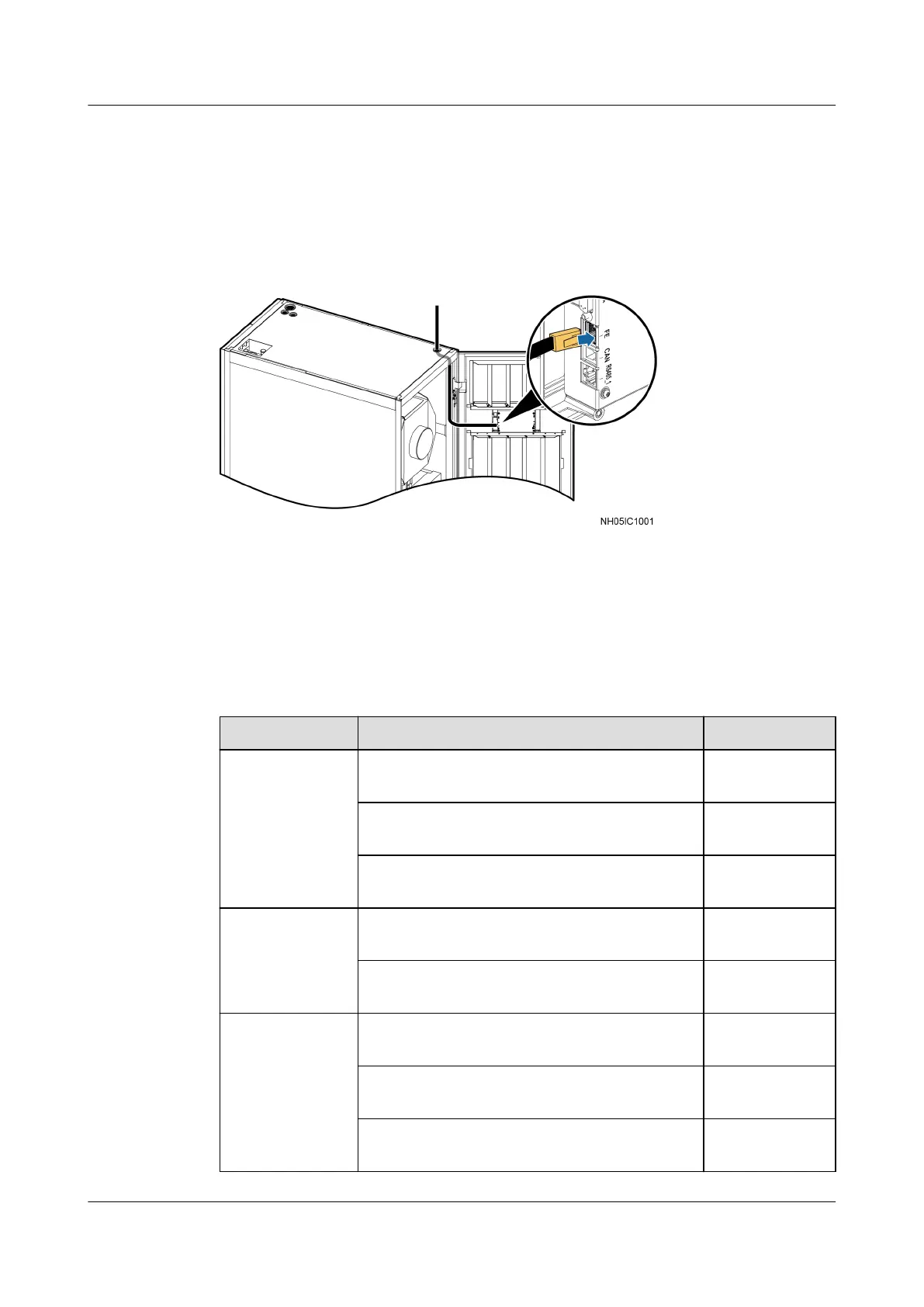
3.11.7 Connecting Monitoring Cable from FE Port
When remote upgrade is needed, connect one end of the monitoring cable
(standard network cable, prepared by yourself) to the FE port in the display panel,
as shown in Figure 3-53. Connect the other end to the monitoring device.
Figure 3-53 Connecting monitoring cable
3.12 Connections Verication
Table 3-18, Table 3-19, and Table 3-20 list the items for connections verication.
Table 3-18 Check items on the indoor unit
Check Item
Expected Result Actual Result
Cabinet The cabinet is installed properly, without
any tilts.
□Passed.
□Failed.
The cabinet is secured to the base by using
bolts.
□Passed.
□Failed.
The foreign matter inside the cabinet such
as cable ties and stubs is cleaned up.
□Passed.
□Failed.
Electric heater The electric heater is secured. □Passed.
□Failed.
The electric heater probe is secured. □Passed.
□Failed.
EC fan The fan is secured. □Passed.
□Failed.
The fan has no foreign matter inside. □Passed.
□Failed.
The fan blades rotate properly. □Passed.
□Failed.
NetCol5000-A(025, 035) In-row Air Cooled Smart
Cooling Product
User Manual (600 mm Width) 3 Installation Guide
Issue 17 (2020-10-22) Copyright © Huawei Technologies Co., Ltd. 82







 To Next Page