6.3 Alarm Reference
If the Clear icon is displayed on the Details screen, the alarm can be manually
cleared by tapping the Clear button after the fault is
rectied. The alarm
clearance type (automatic or manual) varies with smart cooling products. Alarms
can be cleared are a025, a058, a061, a062, a064, a076, a079, a095.
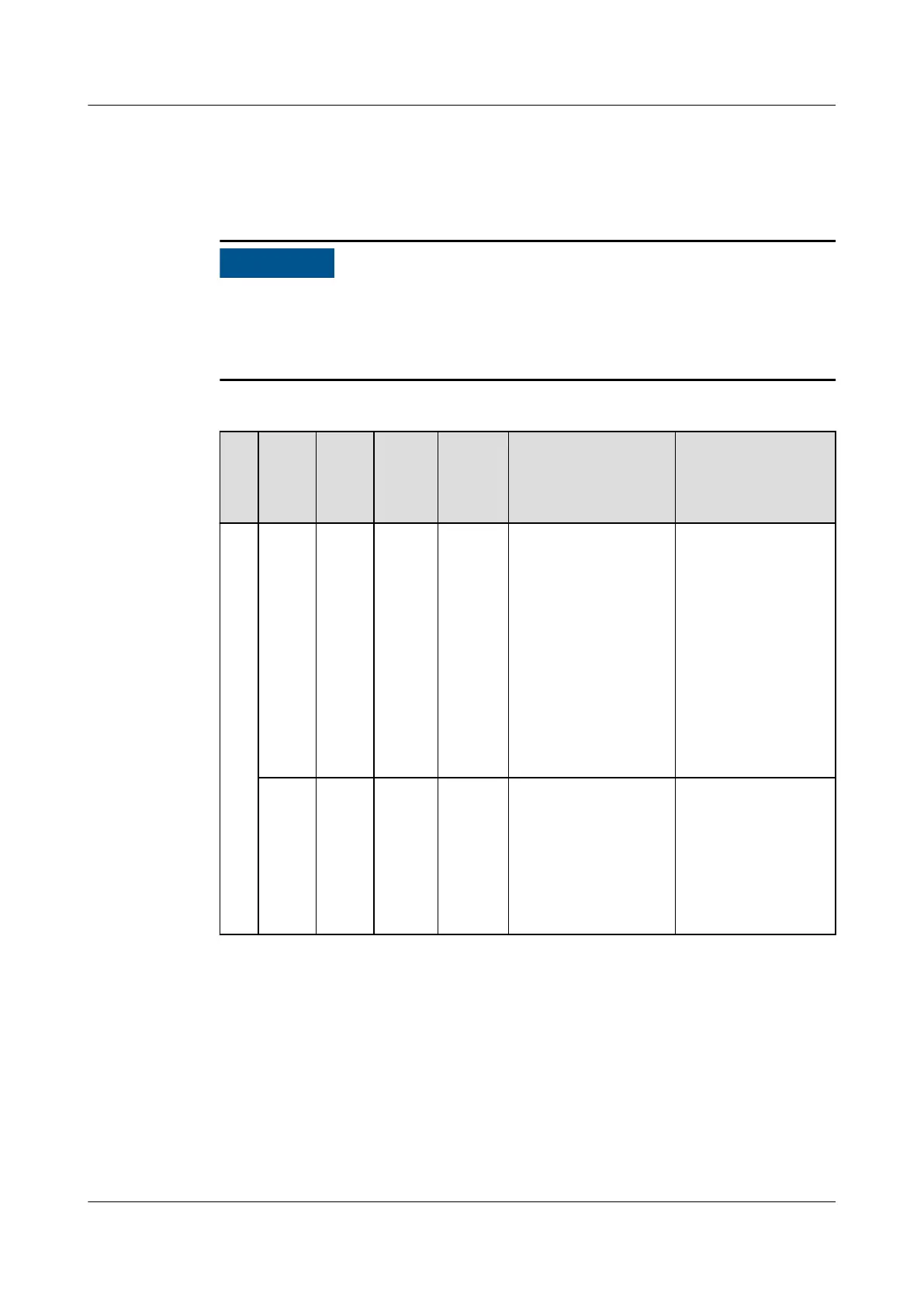
Table 6-6 Alarm description
Al
ar
m
ID
Alar
m
Alar
m
Seve
rity
Defau
lt
Value
Impac
t
Possible Cause Solution
a0
01
Retur
n-air
1
temp
invali
d
Retur
n-air
2
temp
invali
d
Majo
r
N/A The
alarm
is
genera
ted.
1. The cables to the
temp sensor are
loose or
damaged.
2. The temp sensor
is faulty.
1. Check the
cables to the
temp sensor.
2. Maintain or
replace the
temp sensor.
Retur
n-air
3
temp
invali
d
Majo
r
N/A The
alarm
is
genera
ted.
1. Dirt or water
exists around the
T/H sensor,
which leads to a
detection fault.
2. The T/H sensor
is faulty.
1. Remove dirt or
water from the
T/H sensor.
2. Maintain or
replace the T/H
sensor.
NetCol5000-A(025, 035) In-row Air Cooled Smart
Cooling Product
User Manual (600 mm Width) 6 System Operation and Maintenance
Issue 17 (2020-10-22) Copyright © Huawei Technologies Co., Ltd. 160







 To Next Page