● To calibrate a sensor, log in as the Admin or Engineer user.
Procedure
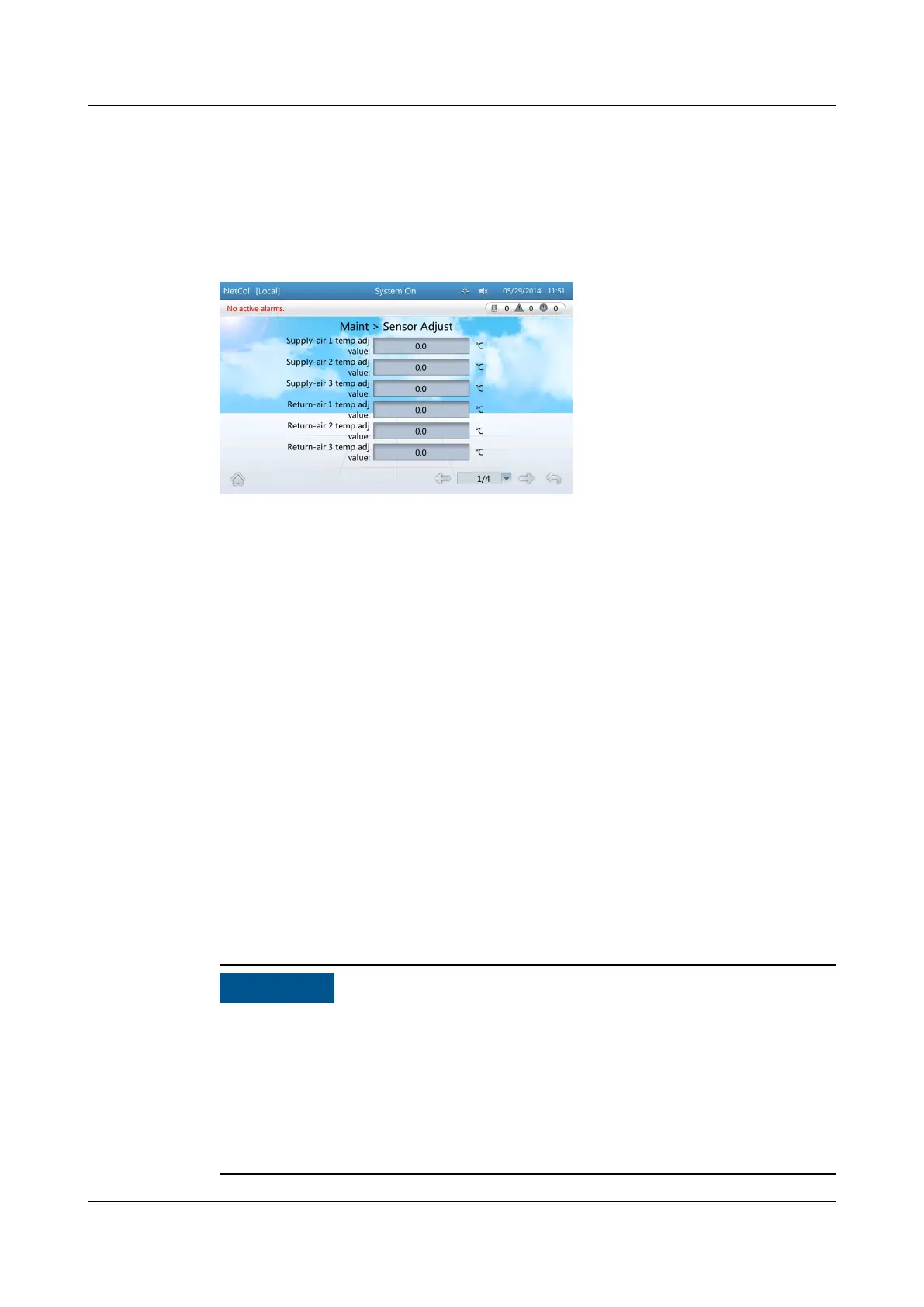
Step 1 On the home screen, choose Maint > Sensor Adjust. Figure 4-35 is displayed.
Figure 4-35 Sensor adjust screen
Step 2 Fill the calibration value based on the measured error.
----End
4.6.2.6 Calibrating the Screen
Context
● You can calibrate for touching point deviation on the touchscreen.
● You can calibrate the screen by tapping the screen on the Screen Calib page
or by DIP switch.
– Tapping the screen on the screen calib page: The program of the display
board works normally; the deviation between the touching point and the
responding point is small; the Maint > Screen Calib page can be entered
over the screen.
– Calibrating the screen by DIP switch: The display board works normally;
the deviation between the touching point and the responding point is
unfavorably big; or the screen does not respond when being tapped.
● To calibrate the touchscreen, log in as the Admin or Engineer user.
● You can calibrate the screen by DIP switch only when the system enters Quick
Settings page after the rst power-on or when the system is on the home
screen.
● Touch the LCD screen
rmly if you are using your ngertips. It is recommended
that you use the pen tip for accurate selection and quick response.
● After the DIP switch is calibrated,
ip toggle switch 1 to ON, and others to the
opposite position.
NetCol5000-A(025, 035) In-row Air Cooled Smart
Cooling Product
User Manual (600 mm Width) 4 ACC Introduction
Issue 17 (2020-10-22) Copyright © Huawei Technologies Co., Ltd. 120







 To Next Page