8018653 1.1 Installing BSC hardware • 2-7
Unpacking a
configuration #1 shipment
Perform the following steps to unpack the BSC equipment racks.
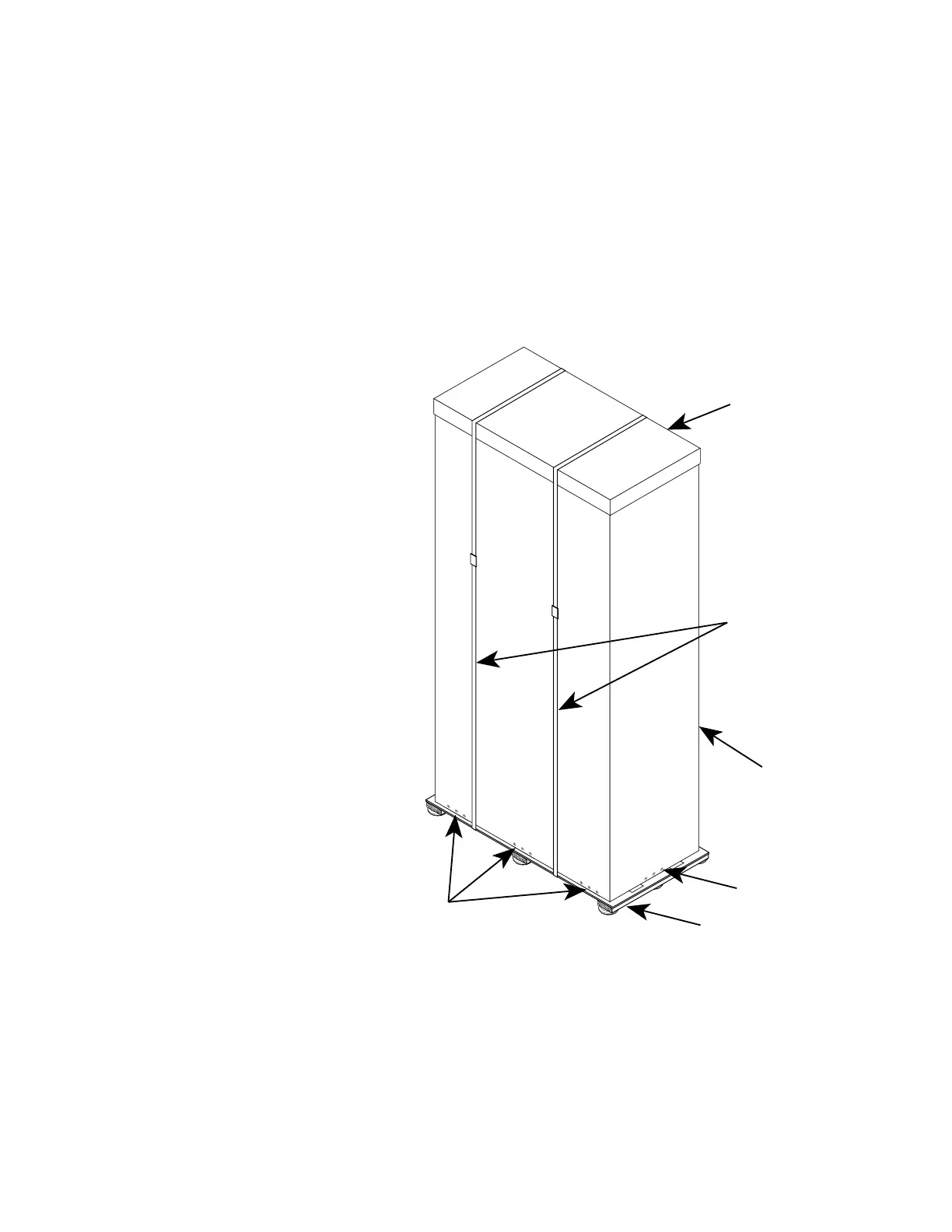
1. Using a pair of diagonal cutters, cut and remove the restraint
bands from the pallet (see figure 2-2).
2. Using a cross-tip screwdriver, remove the screws attaching the
sleeve to the pallet (see figure 2-2 for locations).
3. Lift and remove the cap from the sleeve (see figure 2-2).
4. Remove the sleeve from the pallet.
RESTRAINT
BANDS
SLEEVE
SCREWS
SLEEVE
SCREWS
SLEEVE
CAP
PALLET
Figure 2-2. Restraint band, cap, and sleeve removal


 To Next Page
 Loading...